 NEWS
NEWS
Apple Could Buy Hollywood Studio in 2017?
 12/22/2016
 3659
3659
Apple is slowly but surely entering the movie and TV industry. The company is currently in production of its own Planet of the Apps TV show and had a small but notable presence at the Sundance Film Festival earlier this year. Now, notable internet entrepreneur and Mega founder Kim Dotcom is predicting that Apple will purchase a Hollywood Studio in 2017.
It’s not entirely clear where Dotcom is getting his information from at this point. He made the claim in a tweet and ended it with the hashtag “#InsiderIntel,” but didn’t include any further details.
Known for his hacking and espionage skills, it’s possible that Dotcom’s information is coming from inside a major studio, perhaps in a style similar to the massive Sony leak from last year. That’s purely speculation, though.
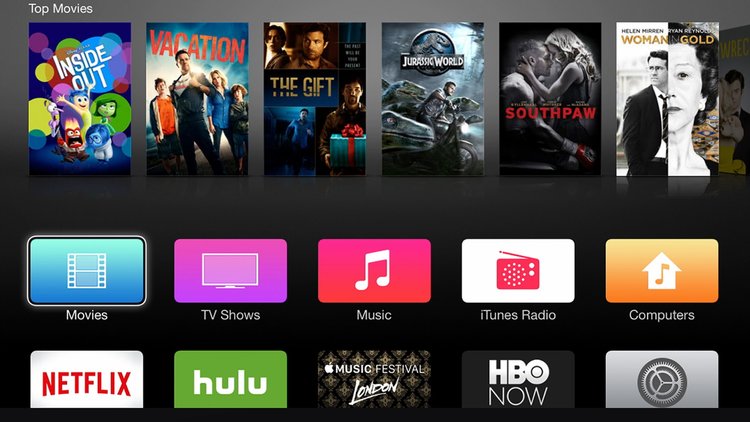
Apple’s interest in the film industry has been a hot button issue in recent months. Earlier this year, it was reported that Apple had a “strong but secretive” presence at the Sundance Film Festival. The company apparently spent its time at the festival meeting with “triple A-list” talent to discuss building a lineup of original TV shows. A more recent report claimed that Apple has a “quixotic and reserved” attitude about its original content plans as it has been hesitant to go all-in.
On the other hand, Apple has been working more closely with Hollywood studios to bring movies to iTunes, even while they’re still in theaters. It’s these negotiations, paired with talks with content creators like at Sundance, that lend the most credibility to Dotcom’s claim that Apple will buy a major studio in 2017.
Source: 9to5mac










