 NEWS
NEWS
Smart Lock and Watches are Changing the Way We Unlock Everything
 06/12/2018
 3046
3046
Schools aren't the only places where digitizing IDs might replace the cards we carry around in our wallets. Johnson noted that Assa Abloy is working with governments on the idea of digital driver's licenses and even passports.
"We're actually working with certain states to create a digital version of the drivers license that resides in an app on the phone," said Johnson. "We're working with countries for ePassports; We have an electronic passport system rolled out with the country of Tanzania."
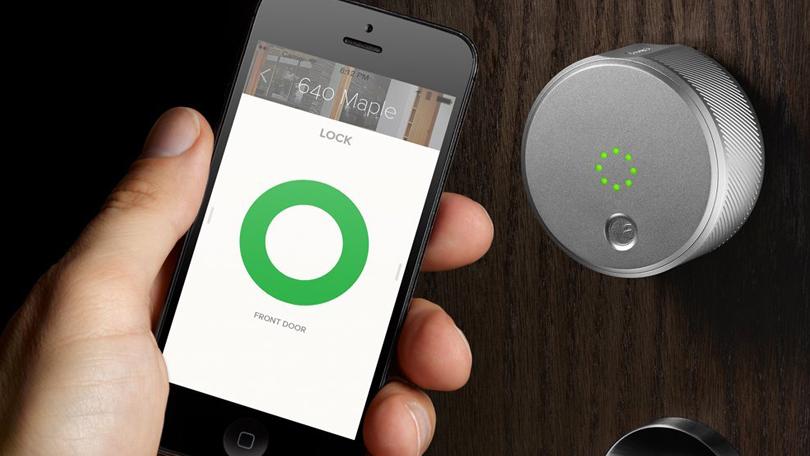
Australia and HID Global are working on a digital license project, and American states including Illinois, Louisiana, Iowa and Massachusetts have expressed interest in the idea of a digital ID.
That brings a lot of other use cases to mind. Could we someday scan through airport security? Digital boarding passes are already out in full force, but the idea of a digital driver's license or passport doesn't seem too far-fetched. Could we get rid of the DMV altogether? We've seen digital license plate testing in California already this year. Maybe someday we won't need to renew our driver's licenses at all.
Dearing says the idea of mobile or digital IDs could offer better security in a physical sense.
"If a person's smartphone is stolen, in many cases the thief would still need to get past the smartphones lock to access the device, plus potentially additional authentication requests to gain access to the application that stores the digital identity. Physical credentials like passports and drivers licenses are not able to offer this level of security if stolen."
Source: cnet










