 NEWS
NEWS
Apple Store in The Westchester Mall set to Close May 6th for Renovations
 04/03/2018
 3100
3100
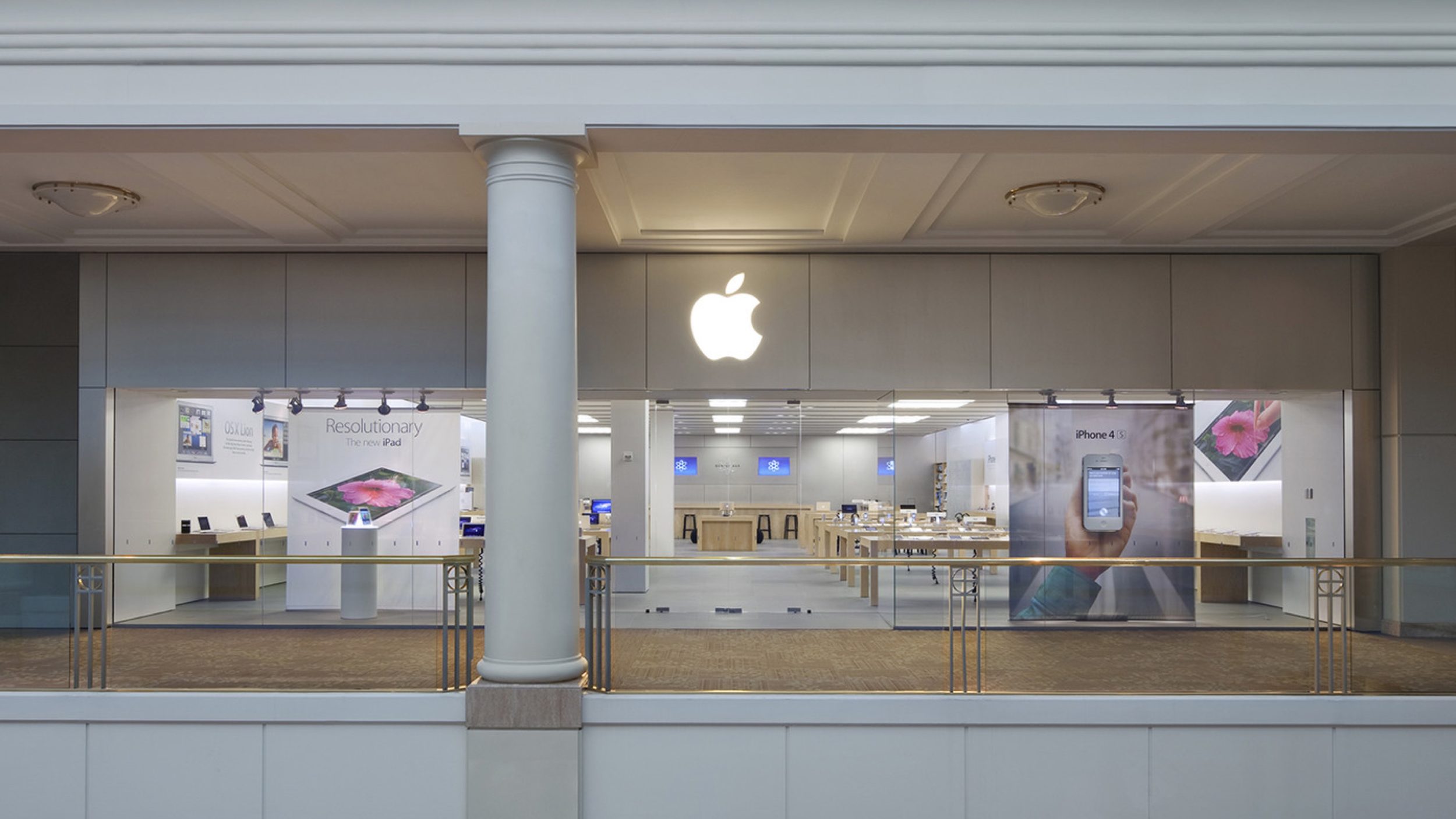
As part of Apple’s ongoing efforts to update their smaller or aging retail locations around the world, the company’s White Plains, NY store will be closed starting May 6th for a significant renovation.
Apple The Westchester originally opened in September 2002, making it one of the oldest of the over 500 retail stores Apple operates worldwide. In routine fashion, a message has been posted on the location’s website reading “We’re making the Apple store you love even lovelier.” While the store remains open as of today, employees were still not aware of the exact closure day as late as this morning when asked. Apple’s website was updated late this afternoon confirming the date.
Apple’s last major overhaul at their White Plains location was in 2005, when the company tested an all-new expanded store layout that doubled the location’s size and set the course for future store designs. The original space next door is now home to Bose.
Discounting The Westchester, seven other Apple store locations globally are either currently closed or scheduled to close for renovations. The longest ongoing project is at Apple Fifth Avenue in New York City, where a temporary store has been set up since January 20, 2017. The newly-rebuilt glass cube is not set to reopen until later this year.
Apple Shibuya in Tokyo closed on November 25, 2017, and will remain under renovation when the nearby Apple Shinjuku opens this coming Saturday. The five remaining stores are located in shopping centers across the United States. Apple Green Hills closed on February 11, Apple Alderwood Mall on February 28, and Apple Southlake on March 4th. The closure dates of Apple Natick Collection and Apple Southpark were announced together, scheduled for April 22nd.
Most recently, Apple Bluewater in the U.K. reopened on March 24th after an over 7-month renovation that nearly doubled the store’s size.
Source: 9to5mac










