
NEWS

JDI Looking to Raise $517 Million to Supply Apple with LCD Panels

04/02/2018

2217

To ensure it has sufficient funds to supply LCD panels to Apple for its new iPhones, Japan Display is planning to raise $517 million through asset sales and third-party share allocations.
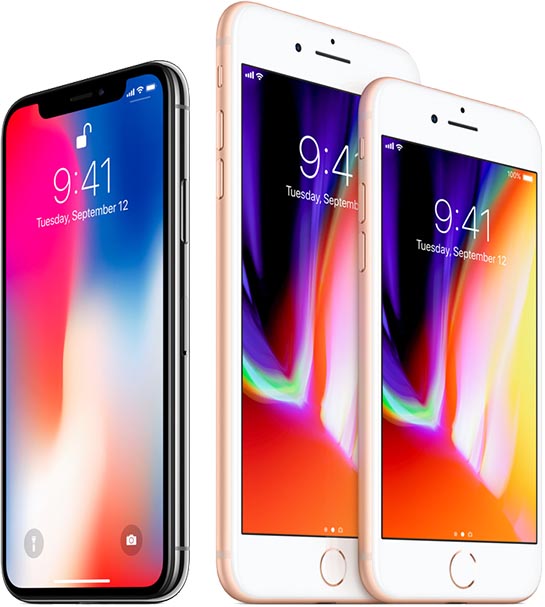

JDI Looking to Raise $517 Million to Supply Apple with LCD Panels


Japan Display has long been supplying Apple with LCD panels for use in iPhones. However, the company has been struggling for years to make a profit.


Making matters worse for Japan Display is the fact that Apple is now looking to switch to OLED panels for it iPhones lineup. The company currently does not have the resources or the equipment to manufacture OLED panels on a scale. For this, JDI was exploring options for capital partnerships that would allow it to gain the necessary funds required for investment here.


Thankfully for JDI, the iPhone X did not prove to be as big of a hit as many were expecting. Due to this, Apple has decided to stick to LCD panels on at least one of the three new iPhones it plans on launching this year. Now to supply LCD panels to Apple, JDI is in need of some working capital for securing some inventory. This move will help the company meet its short-term goals but its unlikely to make an impact in the long term.


Source: iPhonehacks

Windows
Mac OS
iOS
Linux
3uTools
Win 64-bit For this device
V9.0 2025-11-11
Download
Win 32-bit For this device
V9.0 2025-11-11
Download
3uTools
Intel Chip How to Identify Chip Type
V9.0 2025-12-02
Download
Apple Silicon
V9.0 2025-12-02
Download
How to Identify Chip Type
1.  Click the Apple icon in the top-left corner of the screen and select About This Mac.
2.  Check the Processor or Chip field to determine if it is "Intel" or "Apple".
Please use the 3uTools PC client to install the iOS client:
1、 Install either the Windows or Mac version of 3uTools on your computer
2、 Open the PC client and connect your device to the computer via USB cable
3、 After the connection is successful, wait for the computer to automatically install the mobile app for the device, or locate “Install Mobile App” on the computer and manually click to install.
3uTools
deb file
V3.01 2025-11-20
Download
rpm file
V3.01 2025-11-20
Download
Windows
Windows
iOS
iOS
Android
Android
TV
TV
3uAirPlayer
Win 64-bit For this device
V6.0.2 2025-11-19
Download
Win 32-bit For this device
V6.0.2 2025-11-19
Download
iOS Device Mirroring (No App Required)
1、 Install 3uAirPlayer on the Windows PC
2、 Open Control Center and select Screen Mirroring
3、 From the list, choose your PC to start mirroring
4、 Or connect your iOS device to the PC via USB to begin mirroring
Scan to get "3uAirPlayer" App
3uAirPlayer TV V1.0.18
2025-11-28
TV System Requirements: Android 7.0 or later
Download the TV installation package, copy it to a USB drive, insert it into your TV or set-top box, then select the file from the home screen to install.




