
NEWS

Some Customers Have Started Receiving Their 2018 iPad Deliveries

03/30/2018

2349

If you ordered a new 2018 iPad, you may want to check your shipment status, as we’ve received word via email that some deliveries are scheduled to arrive tomorrow, March 30th.


Upon ordering, scheduled delivery was listed at the beginning of April, but at least some deliveries will arrive before the end of the month. In store pickup is still not an eligible option, be we are optimistic that this will change within the next few days.


The model that we ordered was a baseline model — a Wi-Fi-only 32GB space gray 2018 iPad. When using Apple’s online order status tool, we’re still seeing an April 2-3 delivery date, but a recent email that we received states that the new iPad will be arriving on Friday, March 30th.
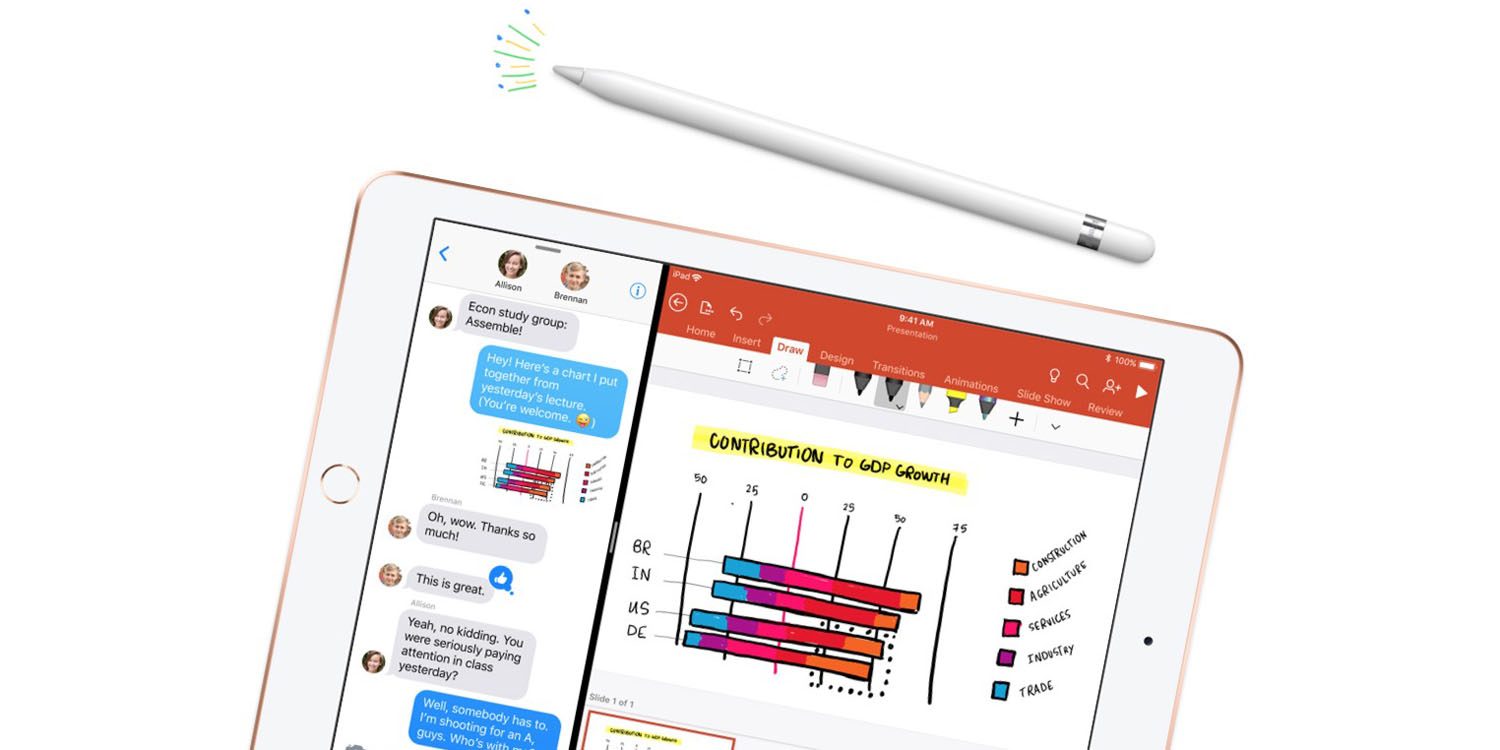

Some Customers Have Started Receiving Their 2018 iPad Deliveries


The new $329 iPad, announced at Apple’s education-focused event on Tuesday in Chicago features support for the Apple Pencil, a first for a non-Pro iPad model. Along with Apple Pencil support, the 6th-generation iPad includes a faster A10 processor.


Launching alongside the updated hardware was a major update to the iWork suite, which includes Pages, Numbers, and Keynote. For the first time the iWork apps gain Apple Pencil support, allowing users to draw and use Smart Annotations directly within a document.


Did you order a 2018 iPad? If so, what’s your current delivery status?


Source: 9to5mac

Windows
Mac OS
iOS
Linux
3uTools
Win 64-bit For this device
V9.0 2025-11-11
Download
Win 32-bit For this device
V9.0 2025-11-11
Download
3uTools
Intel Chip How to Identify Chip Type
V9.0 2025-12-02
Download
Apple Silicon
V9.0 2025-12-02
Download
How to Identify Chip Type
1.  Click the Apple icon in the top-left corner of the screen and select About This Mac.
2.  Check the Processor or Chip field to determine if it is "Intel" or "Apple".
Please use the 3uTools PC client to install the iOS client:
1、 Install either the Windows or Mac version of 3uTools on your computer
2、 Open the PC client and connect your device to the computer via USB cable
3、 After the connection is successful, wait for the computer to automatically install the mobile app for the device, or locate “Install Mobile App” on the computer and manually click to install.
3uTools
deb file
V3.01 2025-11-20
Download
rpm file
V3.01 2025-11-20
Download
Windows
Windows
iOS
iOS
Android
Android
TV
TV
3uAirPlayer
Win 64-bit For this device
V6.0.2 2025-11-19
Download
Win 32-bit For this device
V6.0.2 2025-11-19
Download
iOS Device Mirroring (No App Required)
1、 Install 3uAirPlayer on the Windows PC
2、 Open Control Center and select Screen Mirroring
3、 From the list, choose your PC to start mirroring
4、 Or connect your iOS device to the PC via USB to begin mirroring
Scan to get "3uAirPlayer" App
3uAirPlayer TV V1.0.18
2025-11-28
TV System Requirements: Android 7.0 or later
Download the TV installation package, copy it to a USB drive, insert it into your TV or set-top box, then select the file from the home screen to install.




