 NEWS
NEWS
Apple Publishes New 'Families’ webpage with Parental Control Tips
 03/15/2018
 2716
2716
Apple is facing increased pressure from investors to do more to curb technology addiction and to give parents more control over how their kids use Apple products. Seemingly in response to those concerns, Apple today has launched a new “Families” page on its website, outlining what parents can do to protect their kids’ use of technology…
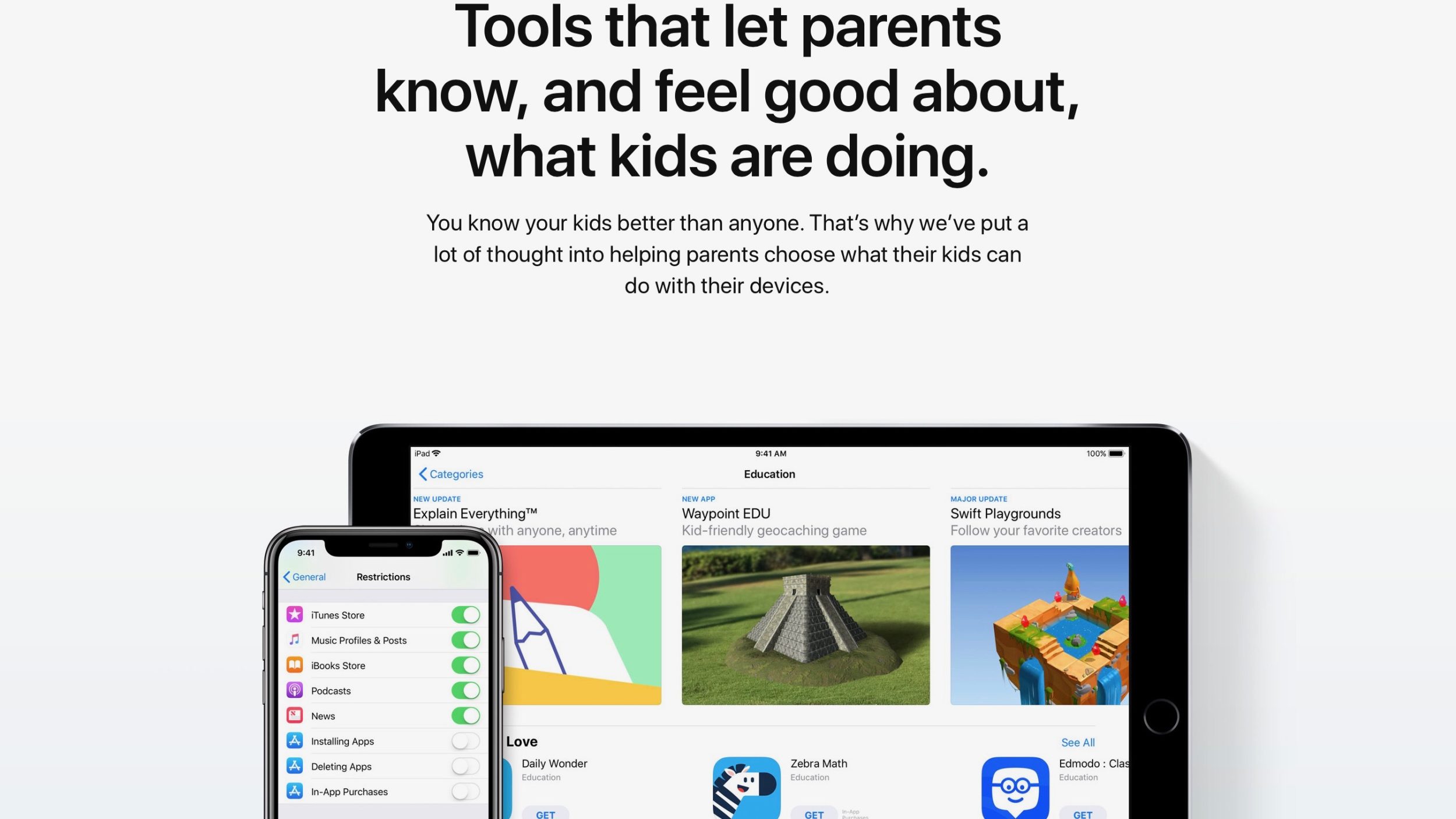
First noted by Axios, this new webpage doesn’t offer information about what new parental control features Apple might have planned for this year, but rather focuses on what its software is currently capable of.
For instance, on the webpage Apple touts features such as using Restrictions in Settings to block in-app purchases. The company also highlights parental controls for Safari, the ‘Kids’ section in the App Store, location tracking with Find My Friends, and more.
Apple explains on the Families page that its goal is to do what’s right for families:
You want to do what’s best for your family. So do we.
iPhone, iPad, Mac, Apple Watch, and Apple TV. They’re some of the most powerful tools ever made for learning, exploring, and staying in touch. Parents love them. Kids love them. And we’re continually designing new features to help make sure kids use them in the ways you want.
Earlier this year, a group of investors published an open letter entitled “Think Differently About Kids,” putting pressure on Apple to add better patently control features to iPhones and iPads. Shortly after that, Apple said that it is committed to protecting kids and that it has new parental control features on the way that are “even more robust” than what iOS currently offers.
Apple’s new Families webpage is essentially its efforts to better outline the parental control features that iOS already offers ahead of the new controls coming later this year.
Source: 9to5mac










