
NEWS

Apple Showcases Hollywood Students Using Macs for Filmmaking

01/26/2018

2354

In a new Apple Newsroom report, the company has shared how a group of ten students from Hollywood High School were able to create short films on tight budgets with Apple products. The students worked alongside creative professionals and Apple retail experts in a month-long film-making project. Apple also says that it worked with two other independent movie studios, We Make Movies and Mobile Film Classroom.
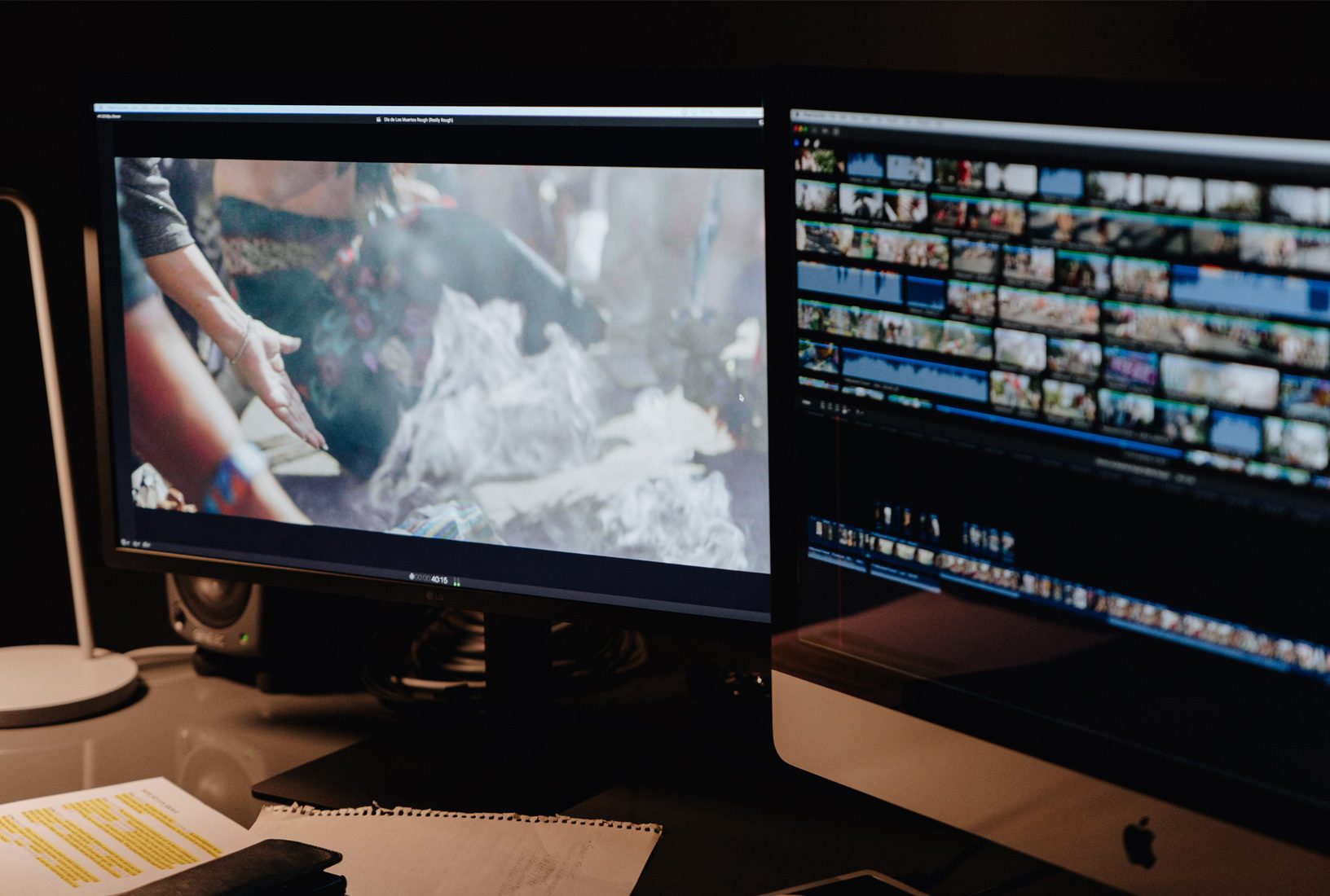
 

Apple Showcases Hollywood Students Using Macs for Filmmaking

During a two-week long post-production period, the students met with special guests and mentors from around the industry who gave them critical feedback on their work.


One of the students’ projects, The Dancer, was viewed by director Sean Baker. The film was shot entirely on an iPhone 5s. Baker, who edits his own films, praised the Apple Magic Keyboard while evaluating the student’s work.


An important story for an aspiring filmmaker came from director Aaron Kaufman, who says that story should be priority and that losing a shot should not be an excuse for compromising the story. This was especially important to one of the students as they had completely cut a scene from a film because they were missing a shot.


Source: 9to5mac

Windows
Mac OS
iOS
Linux
3uTools
Win 64-bit For this device
V9.01 2025-12-27
Download
Win 32-bit For this device
V9.01 2025-12-27
Download
3uTools
Intel Chip How to Identify Chip Type
V9.01 2025-12-31
Download
Apple Silicon
V9.01 2025-12-31
Download
How to Identify Chip Type
1.  Click the Apple icon in the top-left corner of the screen and select About This Mac.
2.  Check the Processor or Chip field to determine if it is "Intel" or "Apple".
Please use the 3uTools PC client to install the iOS client:
1、 Install either the Windows or Mac version of 3uTools on your computer
2、 Open the PC client and connect your device to the computer via USB cable
3、 After the connection is successful, wait for the computer to automatically install the mobile app for the device, or locate “Install Mobile App” on the computer and manually click to install.
3uTools
deb file
V3.01 2025-11-20
Download
rpm file
V3.01 2025-11-20
Download
Windows
Windows
iOS
iOS
Android
Android
TV
TV
3uAirPlayer
Win 64-bit For this device
V6.0.2 2025-11-19
Download
Win 32-bit For this device
V6.0.2 2025-11-19
Download
iOS Device Mirroring (No App Required)
1、 Install 3uAirPlayer on the Windows PC
2、 Open Control Center and select Screen Mirroring
3、 From the list, choose your PC to start mirroring
4、 Or connect your iOS device to the PC via USB to begin mirroring
Scan to get "3uAirPlayer" App
3uAirPlayer TV V1.0.18
2025-11-28
TV System Requirements: Android 7.0 or later
Download the TV installation package, copy it to a USB drive, insert it into your TV or set-top box, then select the file from the home screen to install.




