
NEWS

Apple Updates Clips With New Poster for Chinese New Year

01/26/2018

2759

After the last major Clips update, which included support for iPhone X and a handful of new filters, today Apple has pushed a new update for the app. Albeit not as exciting, the update includes a new poster for Chinese New Year and a few other minor changes.
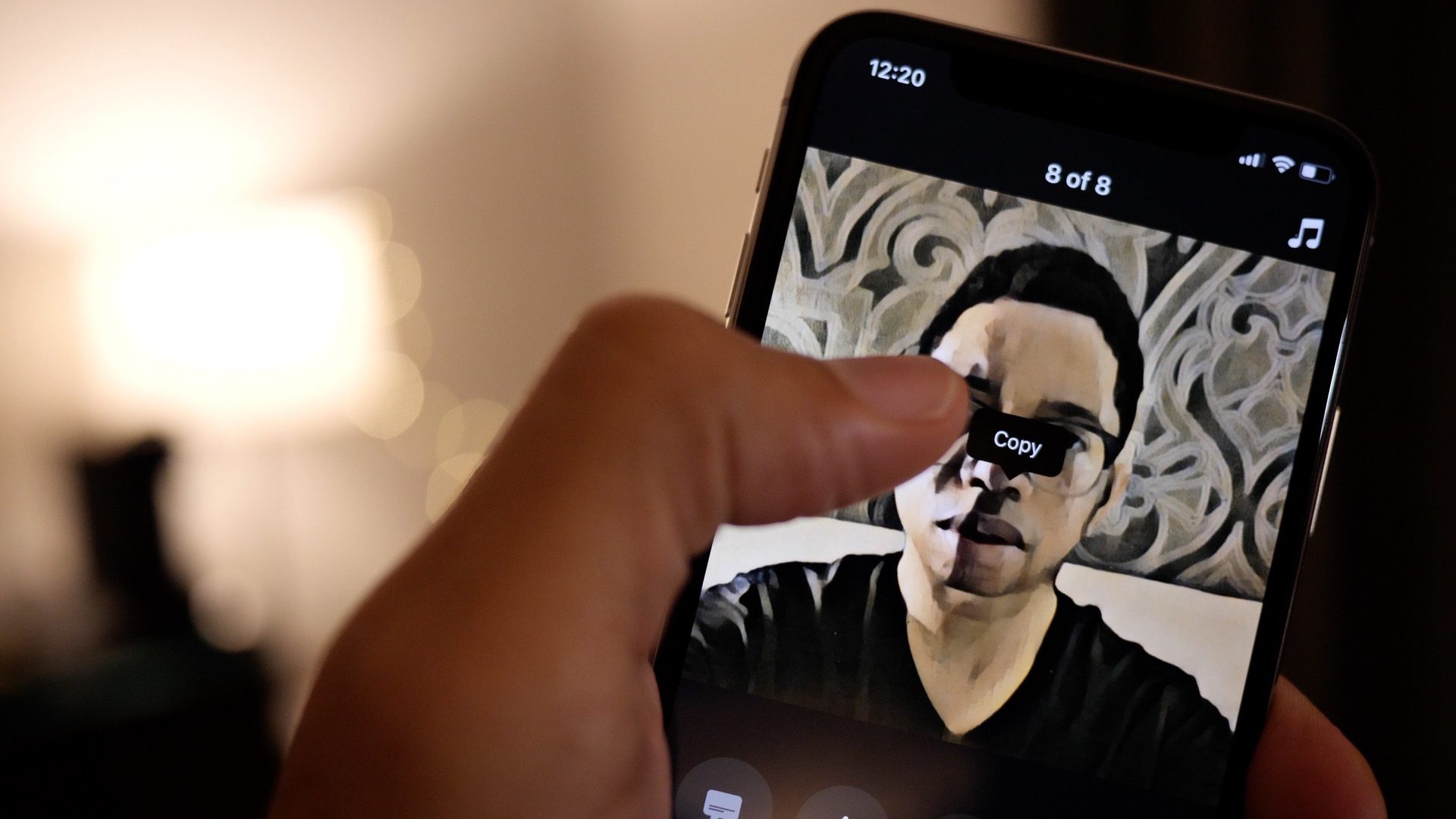

Apple Updates Clips With New Poster for Chinese New Year


The update also improves browsing and recording selfies on iPhone X, and fixes an issue with the Top Secret poster animation.


Clips allows you to create videos with a very simple and easy to use interface. You can also add some flair to your videos by making use of filters, text, music emoji, and stickers to your video. After you’re done, you can share the video to social media or to friends and family.


Clips is a free download on the App Store.


New Apple-designed label and poster for Chinese New Year

Improves stability when browsing and recording Selfie Scenes on iPhone X

Fixes an issue that caused the Top Secret poster to animate incorrectly during playback


Source: 9to5mac

Windows
Mac OS
iOS
Linux
3uTools
Win 64-bit For this device
V9.01 2025-12-27
Download
Win 32-bit For this device
V9.01 2025-12-27
Download
3uTools
Intel Chip How to Identify Chip Type
V9.01 2025-12-31
Download
Apple Silicon
V9.01 2025-12-31
Download
How to Identify Chip Type
1.  Click the Apple icon in the top-left corner of the screen and select About This Mac.
2.  Check the Processor or Chip field to determine if it is "Intel" or "Apple".
Please use the 3uTools PC client to install the iOS client:
1、 Install either the Windows or Mac version of 3uTools on your computer
2、 Open the PC client and connect your device to the computer via USB cable
3、 After the connection is successful, wait for the computer to automatically install the mobile app for the device, or locate “Install Mobile App” on the computer and manually click to install.
3uTools
deb file
V3.01 2025-11-20
Download
rpm file
V3.01 2025-11-20
Download
Windows
Windows
iOS
iOS
Android
Android
TV
TV
3uAirPlayer
Win 64-bit For this device
V6.0.2 2025-11-19
Download
Win 32-bit For this device
V6.0.2 2025-11-19
Download
iOS Device Mirroring (No App Required)
1、 Install 3uAirPlayer on the Windows PC
2、 Open Control Center and select Screen Mirroring
3、 From the list, choose your PC to start mirroring
4、 Or connect your iOS device to the PC via USB to begin mirroring
Scan to get "3uAirPlayer" App
3uAirPlayer TV V1.0.18
2025-11-28
TV System Requirements: Android 7.0 or later
Download the TV installation package, copy it to a USB drive, insert it into your TV or set-top box, then select the file from the home screen to install.




