 NEWS
NEWS
Apple Music Student Pricing Comes to Over 20 New Countries
 11/30/2016
 8495
8495
Apple today rolled out the student discount tier of Apple Music to over 20 new countries around the globe. As noted by The Financial Post, Apple Music’s student discount offering is now available in Canada, Italy, Japan, and 22 other countries. With today’s new additions, the tier is available in over 30 countries in total.
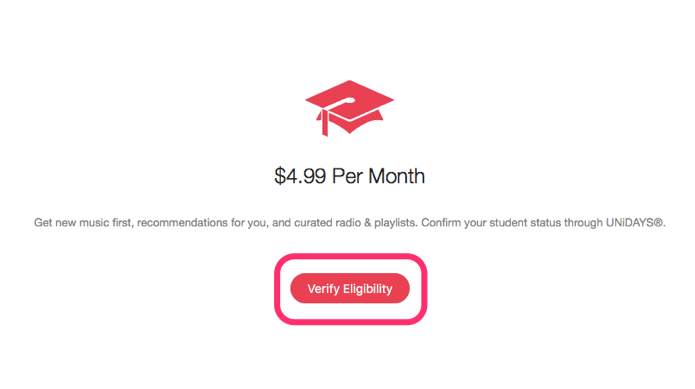
Apple Music’s student pricing has been available in the United States Germany, Ireland, New Zealand, the United Kingdom, Australia, and Denmark for a while now, but today’s countries are all new.
The student tier of Apple Music allows those enrolled in education to receive a discounted price for the streaming music service. For instance, in the United States the student tier runs just $4.99 per month.
The full list of new countries can be seen below:
Austria
Belgium
Brazil
Canada
China
Chile
Colombia
Finland
France
Hong Kong
India
Indonesia
Italy
Japan
Mexico
Netherlands
Norway
Switzerland
Singapore
South Africa
Spain
Sweden
Thailand
United Arab Emirates
Apple uses a third-party service called UNiDAYS to verify a student’s eligibility for the student tier. The service confirms that a student is enrolled in an accredited university before allowing them to pay the student pricing. Alternatively, students can use their school email address or campus WiFi to automatically be granted access to the student pricing tier.
While Apple Music was rumored to be receiving a price cut across the board a few weeks ago, that hasn’t come to fruition and was perceived with skepticism at the time. For now, it seems as if Apple Music’s pricing is set in stone, but at $4.99, the student tier of the service is hard to beat.










