
NEWS

Apple to Design Its Own Power Chips As Early As 2018

12/01/2017

2360

Apple is designing its own power-management chips for use in iPhones as early as 2018, triggering a more than 20 percent slide in shares of supplier Dialog Semiconductor.


If confirmed, the move would reduce Apple’s dependence on the Anglo-German chipmaker, which itself is heavily reliant on the smartphone industry and has been trying to diversify its customer base.


By 1526 GMT Dialog shares were still down a shade more than 19 percent at 30 euros.
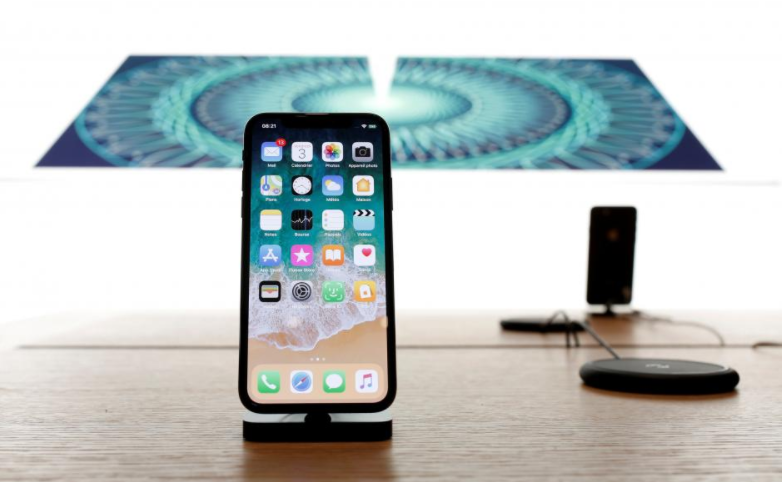

Apple to Design Its Own Power Chips As Early As 2018


Investors are particularly jittery after Apple said in April that it planned to replace graphics chip supplier Imagination Technologies, sending the London-listed stock down 70 percent in a single session. Imagination was subsequently sold off in two separate deals.


In the past dozen years U.S. tech giant Apple has dropped several smaller chip suppliers, ultimately forcing them to merge with bigger rivals.


Responding to the Nikkei report, which quoted unnamed sources, a Dialog spokesman said its business situation had not changed.


“The level of visibility into the design cycle of our leading customers remains unchanged and the business relationships are in line with the normal course of business,” the spokesman said.


Apple did not immediately respond to a request for comment.


Source: reuters

Windows
Mac OS
iOS
Linux
3uTools
Win 64-bit For this device
V9.01 2025-12-27
Download
Win 32-bit For this device
V9.01 2025-12-27
Download
3uTools
Intel Chip How to Identify Chip Type
V9.01 2025-12-31
Download
Apple Silicon
V9.01 2025-12-31
Download
How to Identify Chip Type
1.  Click the Apple icon in the top-left corner of the screen and select About This Mac.
2.  Check the Processor or Chip field to determine if it is "Intel" or "Apple".
Please use the 3uTools PC client to install the iOS client:
1、 Install either the Windows or Mac version of 3uTools on your computer
2、 Open the PC client and connect your device to the computer via USB cable
3、 After the connection is successful, wait for the computer to automatically install the mobile app for the device, or locate “Install Mobile App” on the computer and manually click to install.
3uTools
deb file
V3.01 2025-11-20
Download
rpm file
V3.01 2025-11-20
Download
Windows
Windows
iOS
iOS
Android
Android
TV
TV
3uAirPlayer
Win 64-bit For this device
V6.0.2 2025-11-19
Download
Win 32-bit For this device
V6.0.2 2025-11-19
Download
iOS Device Mirroring (No App Required)
1、 Install 3uAirPlayer on the Windows PC
2、 Open Control Center and select Screen Mirroring
3、 From the list, choose your PC to start mirroring
4、 Or connect your iOS device to the PC via USB to begin mirroring
Scan to get "3uAirPlayer" App
3uAirPlayer TV V1.0.18
2025-11-28
TV System Requirements: Android 7.0 or later
Download the TV installation package, copy it to a USB drive, insert it into your TV or set-top box, then select the file from the home screen to install.




