 NEWS
NEWS
Malware Hidden in Vid App is So Nasty, Victims Should Wipe their Macs
 10/23/2017
 3416
3416
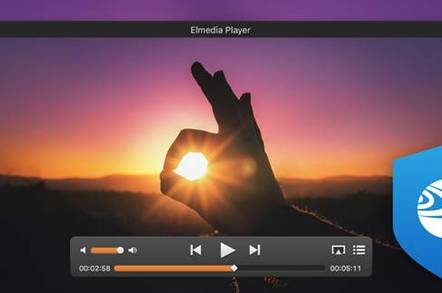
It's going to be an unpleasant weekend for some Mac users who are facing a complete system wipe and reinstall – after hackers stashed malware in legitimate applications.
Eltima Software, which makes the popular Elmedia Player and download manager Folx, today confessed the latest versions of those two apps came with an unwelcome extra – the rather horrid OSX.Proton malware.
The software nasty, which was injected into downloads of the applications, was spotted by security shop ESET, which alerted Elmedia. A subsequent investigation revealed miscreants had got into the developer's servers, implanted the malware into the download files, and then let the company infect its users as they fetched the software.
Proton is a remote-control trojan designed specifically for Mac systems. It opens a backdoor granting root-level command-line access to commandeer the computer, and can steal passwords, encryption and VPN keys, and crypto-currencies from infected systems. It can gain access to a victim's iCloud account, even if two-factor authentication is used, and went on sale in March with a $50,000 price tag.
The malware was clocked by ESET in new downloads of the applications on October 19, and removed by Eltima by 3.10pm PDT that day. If you were already using the software and simply updated it, you should be malware free, but just in case, do a scan for the following files:
/tmp/Updater.app/
/Library/LaunchAgents/com.Eltima.UpdaterAgent.plist
/Library/.rand/
/Library/.rand/updateragent.app/
If any of those exist, then you've got Proton on your computer. While the malware is recognized by antivirus packages, it's particularly persistent and difficult to remove. Eltima's advice is to nuke the entire site from orbit, it's the only way to be sure.
"A total system OS reinstall is the only guaranteed way to totally rid your system of this Malware," it warned. "This is a standard procedure for any system compromise with the affection of administrator account."
Source: the register










