 NEWS
NEWS
CarPlay support becoming a ‘must have’ for many iPhone users
 10/17/2017
 2867
2867
Since its release three years ago, CarPlay has been gradually expanding with more car manufacturers signing on to support the feature every year. Now, a new report from Strategy Analytics offers a bit more information on consumer interest in CarPlay…
The survey found that, in the United States, 23 percent of smartphone users view CarPlay as a “must have” for their next car purchase. 56 percent of respondents said that they are “interested” in the technology for their next car, while 21 percent said they aren’t interested.
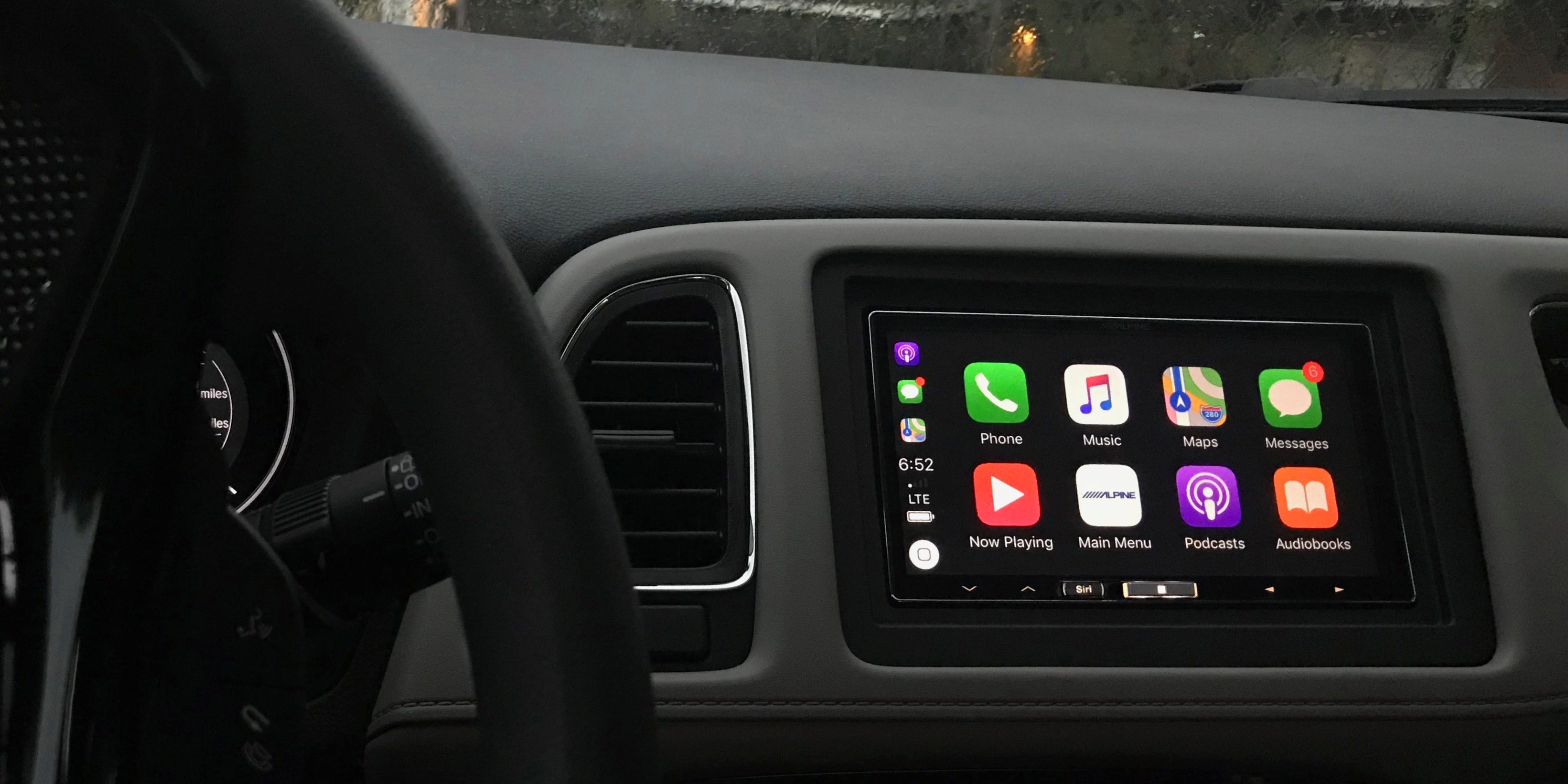
Somewhat surprisingly, interest is a bit tamer in the United States than it is elsewhere around the world. In Europe, 25 percent see CarPlay as a must have, while 36 percent of smartphone users in China say it’s a must have.
On a broader scale, “no fewer than 30 percent” of consumers said that they are willing to pay for an in-car smartphone mirroring feature as long as it’s at a reasonable price point.
While some have viewed CarPlay adoption as stagnant over the years, it’s gradually becoming more and more popular. There are a host of auto manufacturers that now offer the feature as a standard option in newer models, while a slew of aftermarket options exist for older vehicles. Some manufactures, such as Ford, have even gone as far as to rollout the feature to older models via software updates.
Personally, I was a huge CarPlay user with an aftermarket Pioneer head unit, but when I recently got a new-to-me 2014 Ford, I was forced to abandon the platform. Using Ford’s infotainment system over the last 6 months has definitely helped me realized how much better CarPlay is, and I definitely consider it a “must have” for my next car purchase.
Source: 9to5mac










