 NEWS
NEWS
Daniel Caesar as latest Up Next artist on Apple Music
 08/17/2017
 3908
3908
Continuing their showcase of new and upcoming artists, Apple Music has announced Daniel Caesar as this month’s Up Next artist. As with previous artists, Caesar’s showcase includes a documentary, an Up Next Session, and an interview with Beats 1’s Ebro Darden.
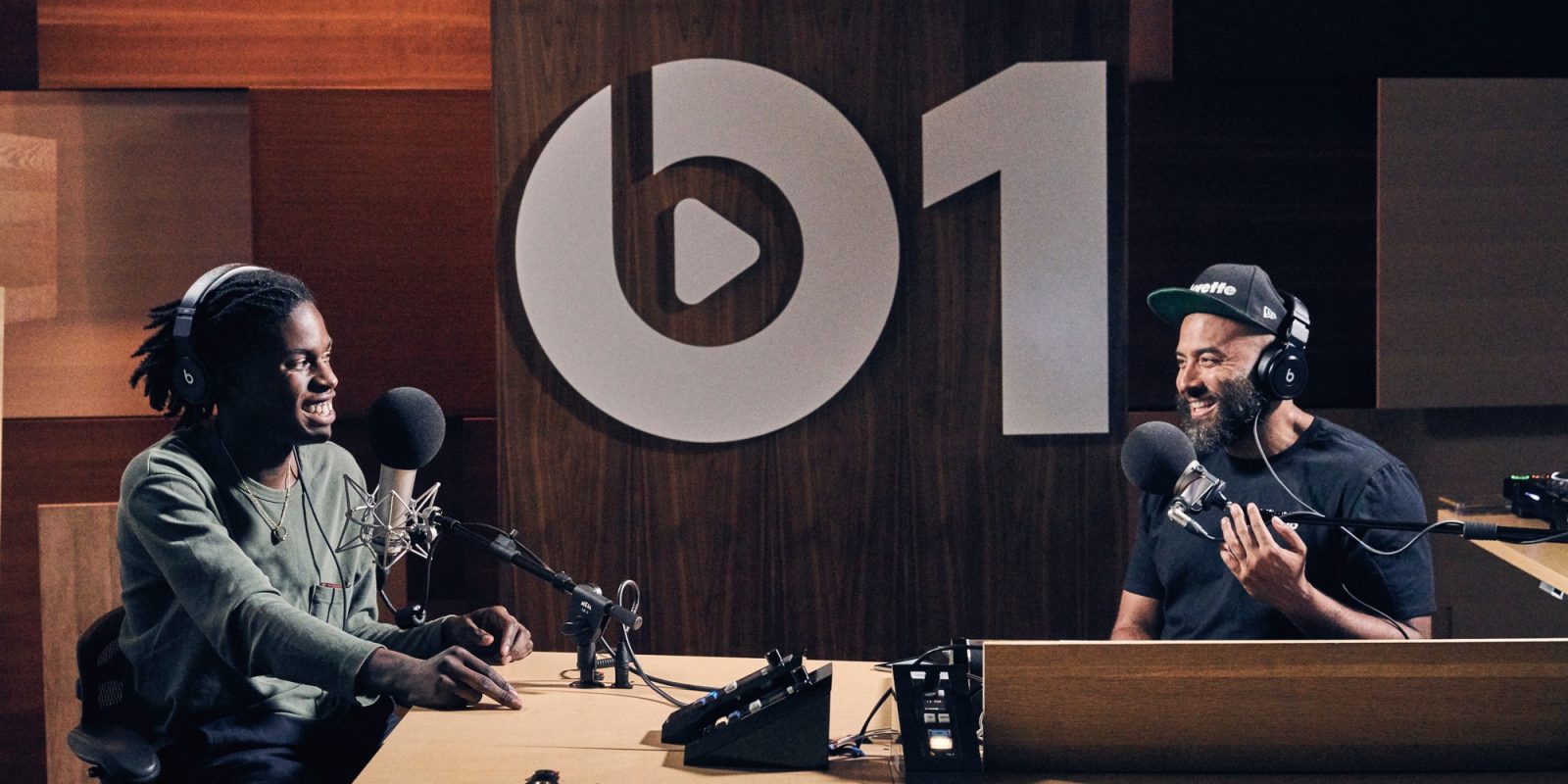
About Daniel Caesar:
With each song, Daniel Caesar reaches out and makes a connection.
It’s a deep connection in the classic sense of R&B/Soul and its transcendent power to affect the very core of our existence. His voice, songwriting, and presence immediately elicit feeling, especially on the pair of 2017 singles “Blessed” and “We Find Love”—which The Fader praised as “Gorgeous.” They further unlock his world and usher in the arrival of his hotly anticipated full-length debut out this year.
That level of connectivity is becoming a tradition for the artist. With jarring gospel undertones, heart-tugging guitar chords, and soothing harmonious vocals, his 2014 debut effort, Praise Break, earned critical acclaim and would be ranked in the 20 Best R&B Albums of 2014 by Rolling Stone. Caesar’s follow-up project, Pilgrim’s Paradise, was met with even greater praise, subsequently capturing the attention of both the Canadian and international music markets.
Conveying moody anecdotes about life’s most pertinent lessons – love, loss, faith, desire and determination, Caesar tells a coming-of-age tale that is not only relatable, but genuine. With raw talent and an unwavering mystic, layer by layer, Daniel Caesar is writing a melodic story rooted in his authentic self — a story that has only just begun.
Get to know Daniel Caesar on Apple Music’s Up Next at apple.co/upnext.
Source: 9to5mac










