
NEWS

Apple Adds Aston Martin and MINI Models to CarPlay vehicles

07/28/2017

2972

Apple today updated its CarPlay webpage to officially add Aston Martin and MINI to the list of partners that already or will soon support the platform.

Apple Adds Aston Martin and MINI Models to CarPlay vehicles


UK brand MINI previously announced intentions to integrate CarPlay with upcoming vehicles in production as of this month, and today Apple confirmed the company’s 2018 Clubman and 2018 Countryman will both include support.


As the first vehicles with CarPlay in the MINI lineup, the company previously confirmed that the vehicles will receive the feature sometime in Q3 production of this year via ‘Media Pack XL’ or ‘Tech Pack’ trim options and an included 8.8-inch display (pictured above). 


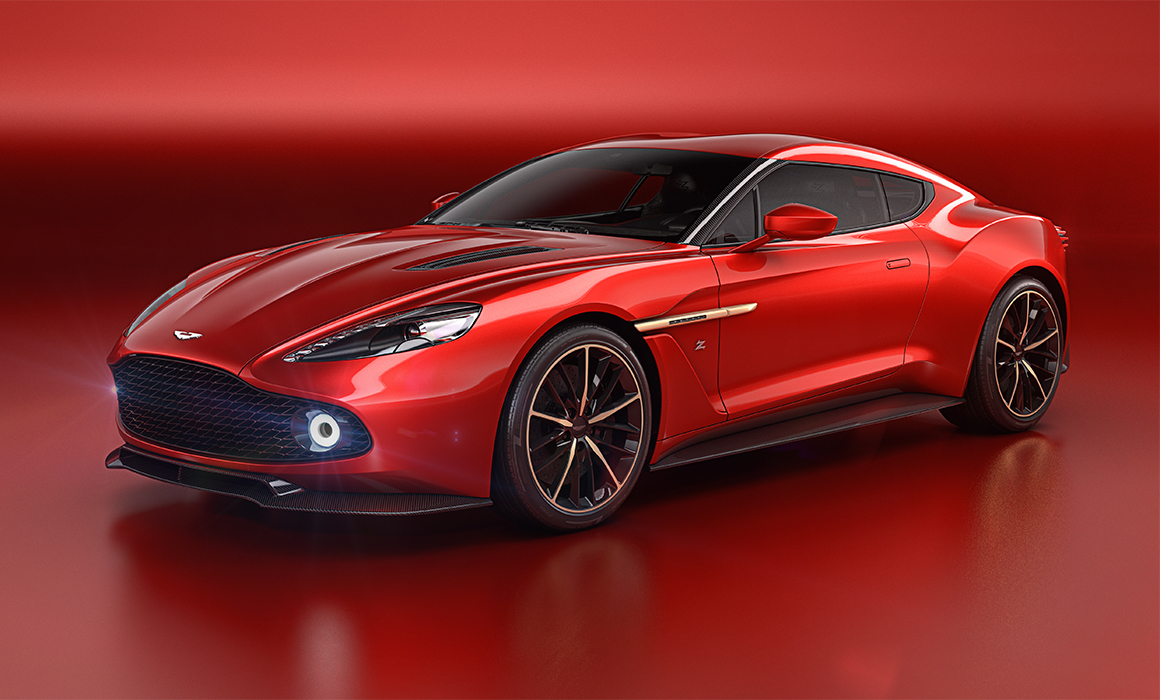
For Aston Martin, the company had previously confirmed CarPlay support for some vehicles was coming soon, and today Apple now officially lists the 2017 Vantage, 2017 Vanquish, 2017 Rapide, and 2017 DB9 Volante. Support in these select Aston Martin models comes via the company’s new AMi III infotainment system (pictured above), although Aston Martin itself still lists CarPlay support as “coming soon” for the system.


As always, Apple maintains a full list of the over 200 models and growing that currently or will soon support CarPlay.


Source: 9to5mac

Windows
Mac OS
iOS
Linux
3uTools
Win 64-bit For this device
V9.0 2025-11-11
Download
Win 32-bit For this device
V9.0 2025-11-11
Download
3uTools
Intel Chip How to Identify Chip Type
V9.0 2025-12-02
Download
Apple Silicon
V9.0 2025-12-02
Download
How to Identify Chip Type
1.  Click the Apple icon in the top-left corner of the screen and select About This Mac.
2.  Check the Processor or Chip field to determine if it is "Intel" or "Apple".
Please use the 3uTools PC client to install the iOS client:
1、 Install either the Windows or Mac version of 3uTools on your computer
2、 Open the PC client and connect your device to the computer via USB cable
3、 After the connection is successful, wait for the computer to automatically install the mobile app for the device, or locate “Install Mobile App” on the computer and manually click to install.
3uTools
deb file
V3.01 2025-11-20
Download
rpm file
V3.01 2025-11-20
Download
Windows
Windows
iOS
iOS
Android
Android
TV
TV
3uAirPlayer
Win 64-bit For this device
V6.0.2 2025-11-19
Download
Win 32-bit For this device
V6.0.2 2025-11-19
Download
iOS Device Mirroring (No App Required)
1、 Install 3uAirPlayer on the Windows PC
2、 Open Control Center and select Screen Mirroring
3、 From the list, choose your PC to start mirroring
4、 Or connect your iOS device to the PC via USB to begin mirroring
Scan to get "3uAirPlayer" App
3uAirPlayer TV V1.0.18
2025-11-28
TV System Requirements: Android 7.0 or later
Download the TV installation package, copy it to a USB drive, insert it into your TV or set-top box, then select the file from the home screen to install.




