
NEWS

Tim Cook Speaks Out Against President Trump's Ban on Transgender Soldiers

07/27/2017

2728

Apple CEO Tim Cook took to Twitter on Wednesday to protest U.S. President Donald Trump's ban on transgender soldiers, joining other tech executives like Facebook's Mark Zuckerberg, Google's Sundar Pichai and Twitter's own Jack Dorsey.
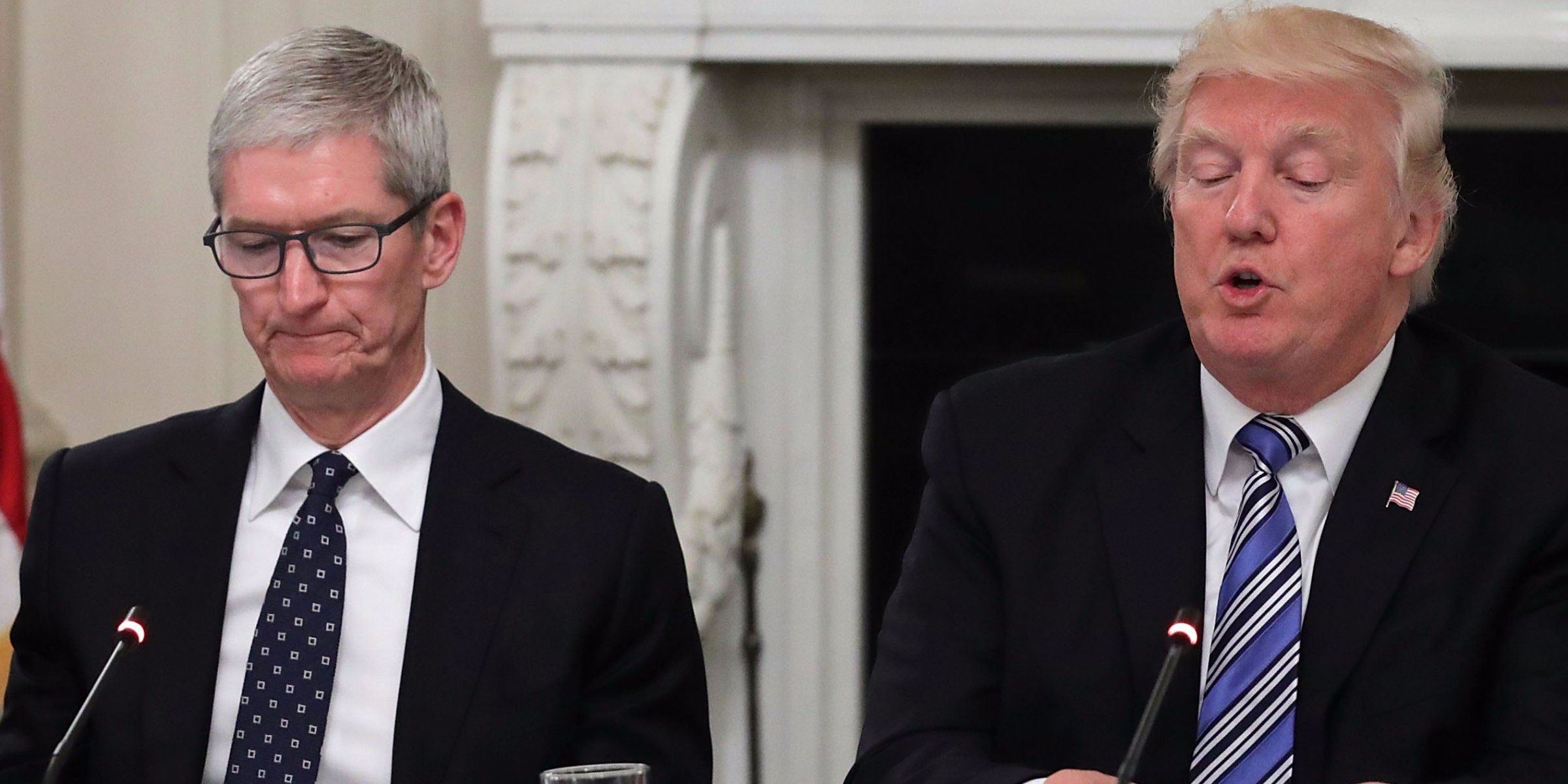

Tim Cook Speaks Out Against President Trump's Ban on Transgender Soldiers


"We are indebted to all who serve. Discrimination against anyone holds everyone back," Cook wrote. He added the hashtag "#LetThemServe", currently being used by many individuals and organizations opposed to Trump's latest stance.


Trump announced the ban in a surprise string of Twitter posts, saying that he reached his decision "after consultation with my Generals [sic] and military experts." The military can't be "burdened with the tremendous medical costs and disruption that transgender in the military would entail," he said.


Under the administration of Trump's predecessor, Barack Obama, new policies let transgender soldiers serve openly without fear of being discharged. Defense Secretary Ashton Carter said in fact that the Pentagon would cover costs for anyone needing to undergo gender transition.


Cook has become a public advocate for LGBT causes, himself being openly gay. With respect to transgender issues, the executive has repeatedly sided against so-called "bathroom bills" forcing people to use bathrooms corresponding with their birth gender. 


Note: Due to the political nature of this article, comments have been disabled. Appropriate discussion should be directed to our "Political Outsider" forum.


Source: appleinsider

Windows
Mac OS
iOS
Linux
3uTools
Win 64-bit For this device
V9.0 2025-11-11
Download
Win 32-bit For this device
V9.0 2025-11-11
Download
3uTools
Intel Chip How to Identify Chip Type
V9.0 2025-12-02
Download
Apple Silicon
V9.0 2025-12-02
Download
How to Identify Chip Type
1.  Click the Apple icon in the top-left corner of the screen and select About This Mac.
2.  Check the Processor or Chip field to determine if it is "Intel" or "Apple".
Please use the 3uTools PC client to install the iOS client:
1、 Install either the Windows or Mac version of 3uTools on your computer
2、 Open the PC client and connect your device to the computer via USB cable
3、 After the connection is successful, wait for the computer to automatically install the mobile app for the device, or locate “Install Mobile App” on the computer and manually click to install.
3uTools
deb file
V3.01 2025-11-20
Download
rpm file
V3.01 2025-11-20
Download
Windows
Windows
iOS
iOS
Android
Android
TV
TV
3uAirPlayer
Win 64-bit For this device
V6.0.2 2025-11-19
Download
Win 32-bit For this device
V6.0.2 2025-11-19
Download
iOS Device Mirroring (No App Required)
1、 Install 3uAirPlayer on the Windows PC
2、 Open Control Center and select Screen Mirroring
3、 From the list, choose your PC to start mirroring
4、 Or connect your iOS device to the PC via USB to begin mirroring
Scan to get "3uAirPlayer" App
3uAirPlayer TV V1.0.18
2025-11-28
TV System Requirements: Android 7.0 or later
Download the TV installation package, copy it to a USB drive, insert it into your TV or set-top box, then select the file from the home screen to install.




