 NEWS
NEWS
Apple Releases Third iOS 11 Public Beta
 07/26/2017
 4741
4741
Apple today released the third public beta of iOS 11 to its public beta testing group, allowing non-developers to download and test the new operating system ahead of its fall launch. The third public beta of iOS 11 comes two weeks after Apple released the second public beta and it likely corresponds to the fourth developer beta.
Beta testers that have signed up for Apple's beta testing program will receive the new iOS 11 beta update over-the-air after installing the proper certificate on an iOS device. 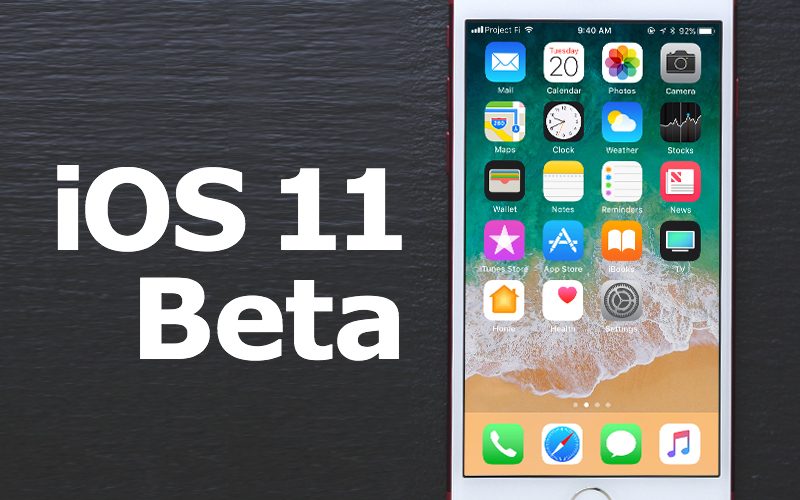
Those who want to join the beta testing program can sign up on Apple's beta testing website, which gives users access to iOS, macOS, and tvOS betas. Step-by-step instructions for downloading installing the public beta can be found in our how to. Betas should only be installed on a secondary device as the software is not stable and often includes many bugs.
The fourth developer beta brought some of the most significant changes we've seen yet in an iOS 11 beta. A much-desired swipe feature for clearing Notifications on the Lock screen has been added, and there are also several visual tweaks to icons throughout the operating system. An overview is below:
The iOS 11 operating system introduces several design changes to the operating system, including a new Lock screen experience and a customizable, redesigned Control Center. Siri is smarter, has a more natural voice, and can do more, Messages features person-to-person Apple Pay, Notes has searchable handwriting and document scanning, and Music lets you share playlists with your friends.
A new Files app improves file management on iOS devices, and on the iPad, there's a new Dock, an App Switcher, and support for Drag and Drop, all of which improves multitasking on the device. A revamped App Store is coming in iOS 11, photos and videos take up less space, iMessages can be stored in iCloud, and developers are getting new tools like ARKit for creating impressive new augmented reality apps and games.
For complete details on all of the features included in iOS 11, make sure to check out our iOS 11 roundup. Apple plans to release iOS 11 to the public in the fall following several months of testing and refinement.
Source: macrumors










