 NEWS
NEWS
Apple Wins 34 Patents Today
 07/26/2017
 3259
3259
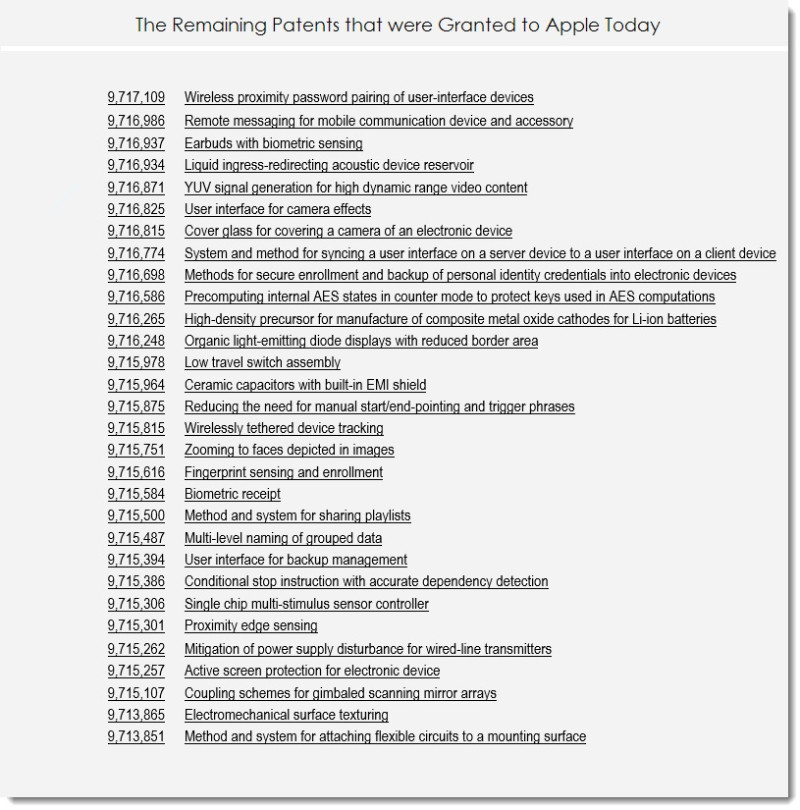
The U.S. Patent and Trademark Office officially published a series of 34 newly granted patents for Apple Inc. today. In this particular report we highlight patents covering a future head tracking user interface, iDevice indoor location services and a reminder system for drivers as the enters and exits their vehicle. Apple was also granted a design patent for Apple Watch retail packaging. We wrap up this week's granted patent report with our traditional listing of the remaining granted patents that were issued to Apple today.
Apple's patent FIG. 1 illustrates an example graphical user interface of a mobile device for enabling location sharing with other mobile devices; FIG. 2 illustrates an example graphical user interface for requesting the current location of a contact; FIG. 13 illustrates an example system for determining a path that a target mobile device has taken through a building. Apple's granted patent was originally filed in Q and published today by the US Patent and Trademark Office; FIG. 16 is flow diagram of an example process for indoor remote triggered location scanning; and FIG. 18 is a block diagram of an iPhone that can implement the features and processes of indoor location services.
Apple's newly granted patent 9,715,816 covers their invention relating to smart reminders that are provided in response to trigger conditions of entering or exiting a vehicle. It can be convenient for a user to have a reminder when the user enters or exits a car. For example, a user may need to remember to get something from the trunk. Or, a user may need to be reminded to go somewhere or take something the next time the user is in the car. Accordingly, embodiments allow a user to specify a reminder for a next time that a user's mobile device establishes or breaks a connection (e.g., a wireless or wired communication connection) with a car.
Apple's patent FIG. 2 illustrates a system including a mobile device and a vehicle; FIGS. 7A, 7B, and 7C illustrate input of a reminder via a user interface.
source: patentlyapple










