 NEWS
NEWS
iRobot Wants to Sell Mapping Data Collected by Roomba Vacuums to a Tech Company Like Apple
 07/25/2017
 2955
2955
iRobot CEO Colin Angle today told Reuters that he hopes indoor mapping data collected by Roomba automatic vacuum cleaning machines can be sold to a company like Amazon, Apple, or Google in the near future.
iRobot's latest line of 900-series Roomba vacuums use simultaneous localization and mapping (SLAM) technology to map rooms while they clean, memorizing room layout and the location of furniture. Angle believes that mapping data collected by the Roomba could be used to make other in-home smart devices like lighting, thermostats, and security cameras smarter. 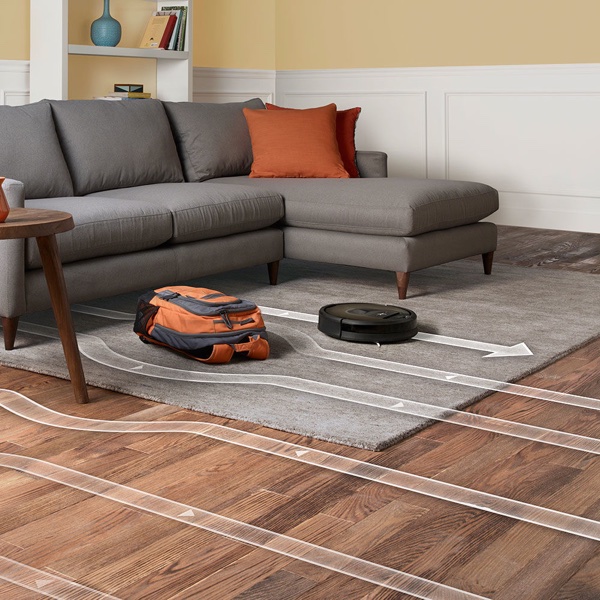
"There's an entire ecosystem of things and services that the smart home can deliver once you have a rich map of the home that the user has allowed to be shared," said Angle.
Guy Hoffman, a robotics professor at Cornell University, told Reuters that the kind of spatial mapping technology iRobot can deliver has the potential to be a "major breakthrough" for smart homes.
Right now, smart home devices operate "like a tourist in New York who never leaves the subway," said Hoffman. "There is some information about the city, but the tourist is missing a lot of context for what's happening outside of the stations."
Angle believes that iRobot could reach a deal to sell its maps data to "one or more" of the "Big Three" (Amazon, Apple, and Google) in the next couple of years, but cheaper technology from competing companies and privacy concerns could potentially halt the company's plans. Angle says iRobot will not sell room data without customer permission, but he believes most people will give consent to access smart home functions.
Indoor home mapping has the potential to be valuable to companies like Apple, especially with Apple poised to release its augmented reality platform with iOS 11, but it's unclear if Apple would be interested in or need such data. Functionality built into Apple's own upcoming devices like the iPhone 8 could potentially allow for in-home maps that could bolster smart home devices if rumors of enhanced augmented reality features are true.
Source: macrumors










