 NEWS
NEWS
State Farm Sues Apple Over House Fire Allegedly Caused By 'Defective' iPhone
 07/21/2017
 2986
2986
Lodged with the U.S. District Court for the Western District of Wisconsin, State Farm's suit names Xai Thao as a co-complainant who suffered more than $75,000 in damages related to the fire.
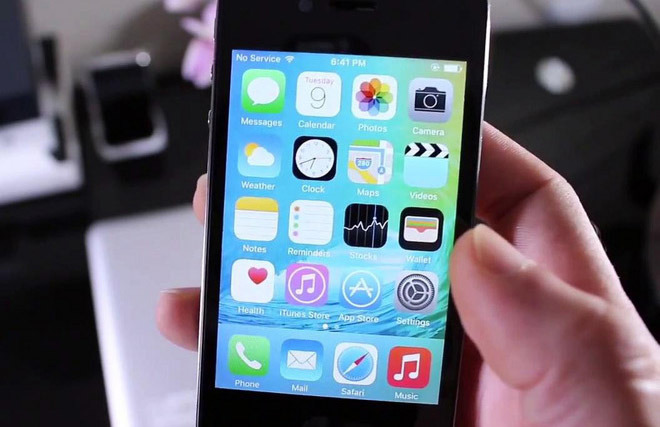
Details of the incident included in the complaint note Thao purchased an iPhone 4S in 2014. Whether that phone was distributed through an Apple store or an Apple authorized retailer is unknown.
On April 1, 2016, Thao's iPhone "failed," according to the filing, causing a fire at her home in New Richmond, a small suburban city sitting on the western outskirts of Wisconsin in St. Croix County. The town is located just a few miles east of Minneapolis, Minn.
According to State Farm, preliminary investigations of the alleged faulty device shows evidence of a "significant and localized heating event" near the battery, as well as remnants of internal shorting. The signs indicate that an internal failure caused the fire, the complaint reads.
Plaintiffs maintain that no other potential fire sources were present at the time, adding that a preliminary examination of the iPhone shows damage to the device's battery was not caused by a fire. The conclusion, therefore, is that the battery itself was the source of the blaze.
The complaint claims Thao received the iPhone in new condition and had not tampered with or changed the battery.
Thao had a State Farm property insurance policy in effect when the fire occurred, obliging State Farm to cover a portion of sustained damages. Thao also sustained out-of-pocket costs associated with the fire that were not covered by her insurance plan.
State Farm and Thao are leveling two counts against Apple, the first alleging that the iPhone 4S in question was defective when it reached Thao's hands. A second cause of action argues negligence on Apple's part for designing, manufacturing, and placing the device in circulation.
Source: appleinsider










