 NEWS
NEWS
Apple May Replace Original Apple Watches with Series 1 Models
 07/21/2017
 3383
3383
If you have a first-generation Apple Watch that needs repairing, Apple Stores and authorized repair outlets may be able to simply replace it with a Series 1 model.
That’s according to an announcement Apple made on Thursday to employees at its retail outlets, as well as authorized third-party Apple service providers. The authorization doesn’t explicitly say that it’s a simple trade-in, but instead authorities employees to substitute original Apple Watch parts with Series 1 components. In some cases, presumably, first-generation Apple Watch owners will be receiving an entirely new device. Of course, it’s purely dependent on what exact repairs are required for a particular device.
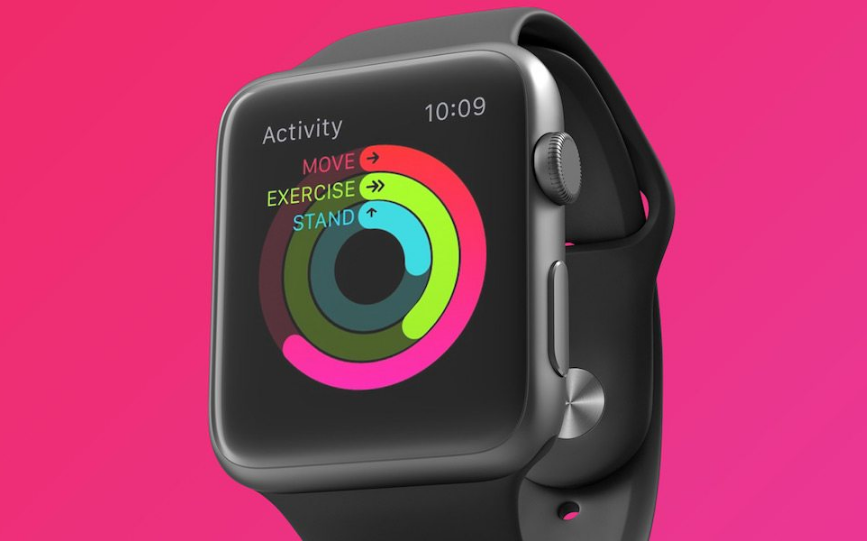
There are a couple caveats with the announcement. For one, it didn’t clarify which countries the policy change would be valid in — so it’s not currently clear which countries you’ll be able to get a replacement Series 1 watch. Additionally, the parts replacement is only valid for aluminum Apple Watch models in Space Gray, Silver, Gold and Rose Gold.
The first-generation Apple Watch was rolled out in 2015, and is no longer covered under Apple’s one-year warranty (though customers who purchased AppleCare can still get their watches repaired for free for up to two years). The Apple Watch Series 1 lineup was first introduced in September 2016 alongside the new Series 2 models. For the most part, the original Apple Watch and the Series 1 lineup are virtually identical. The only difference is the chipset — the Series 1 model comes with a dual-core S2 processor, which is similar to the chipset in the Series 2 but lacks GPS capabilities.
Source: idropnews










