 NEWS
NEWS
Brandis to Meet Apple to Discuss Encryption Laws
 07/17/2017
 4392
4392
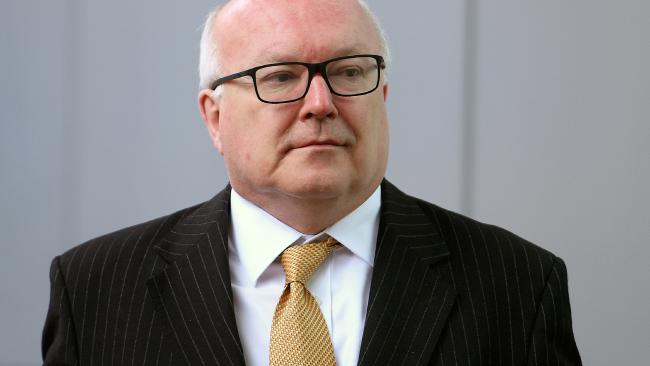
Attorney-General George Brandis says he will hold talks with tech giant Apple this week in bid to get co-operation on the Turnbull government’s proposed laws compelling tech companies to give police and intelligence agencies access to encrypted information messages from suspected terrorists and criminals.
The meeting comes after Prime Minister Malcolm Turnbull on Friday responded to claims from companies including Facebook and Apple that the proposed legislation would be impossible to implement with the bizarre claim that the laws of Australia trump the laws of mathematical encryption.
The tech companies argue that the nature of end-to-end encryption is such that only the sender and receiver of a message are capable of decrypting it.
They say any weakening of the encryption technology would weaken security for all users, and argue that even if they co-operate, governments globally will be powerless to stop criminals and people in other jurisdictions from creating their own encryption technology.
Senator Brandis said he did not want to pre-empt any discussions he may have with tech companies because the government remains hopeful they will co-operate.
Senator Brandis said the new laws would involve coercive powers to compel social media companies to co-operate, and would be based on the UK’s Investigatory Powers Act, introduced last year, which enables law enforcement agencies to issue a warrant-like technical capability notice requiring companies to assist them in accessing communications.
Source: theaustralian










