 NEWS
NEWS
Apple Wows us with Photos of Its First Ever Taiwanese Store
 06/30/2017
 3786
3786
Ahead of its opening this Saturday, Apple has shared some photos of its first Apple retail store in Taiwan.
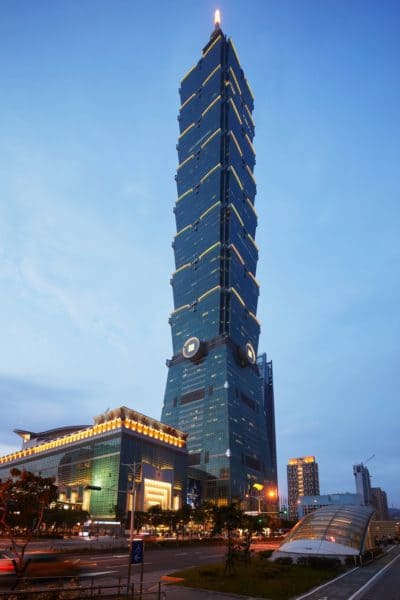
The store is located on the ground floor of Taiwan’s iconic Taipei 101 skyscraper, the supertall skyscraper in Xinyi District, Taipei, which was the world’s tallest building until it was overtaken by the Burj Khalifa in Dubai in 2009.
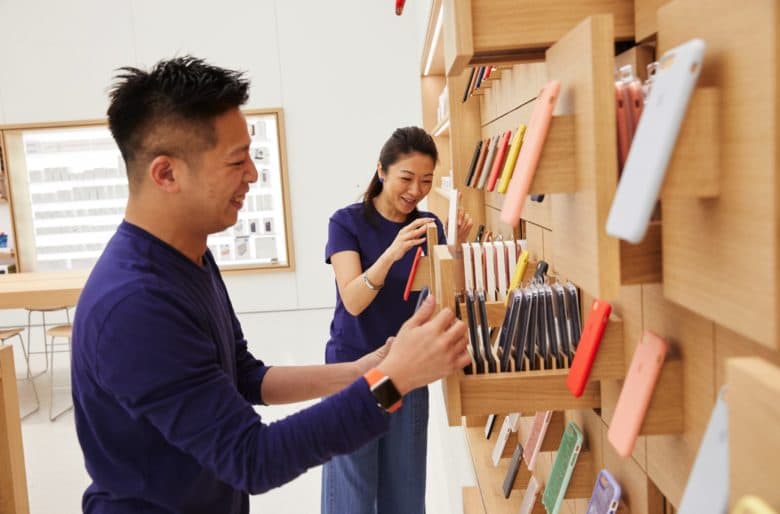
In keeping with Apple’s recent Jony Ive-led store redesign, the store boasts features like “avenues,” inspired by window displays along a shopping street, as well as a video wall boasting a giant display. In a press release, Apple notes that:
“At the heart of every Apple Store is the drive to educate and inspire in a space where the community can come together to learn. Apple Taipei 101 will host new ‘Today at Apple’ programs, including more than 60 free hands-on sessions designed for customers of all ages to take their creative skills to the next level around topics including photography and video, art and design, music, coding and more. … Apple Taipei 101 will also offer hands-on training to entrepreneurs, developers and other business customers in The Boardroom.”
Tim Cook recently confirmed that the store would open when he took to Twitter to announce that, “Here comes Apple Taipei 101, our first store in Taiwan.”
The store will employ 130 employees. News of the store first broke last year when Apple started quietly recruiting staff for the store, including positions for “store leader,” “expert,” “manager” and “Genius.”
To celebrate the opening, Apple recruited a local “paper cutting” artist named Yang Shiyi to create a large mural which covers the protective barriers outside the store. The design depicts the Banyan tree, a traditional meeting place. Stickers of Yang Shih-Yi’s design are now available on the App Store for iMessage.
Until now, customers in Taiwan have only been able to buy Apple products from third-party retailers like Studio A and Data Express.

Source: cult of mac










