NEWS

Boomerang Network Brings Classic Cartoons to Apple TV

06/30/2017

2579

Boomerang Network Brings Classic Cartoons to Apple TV


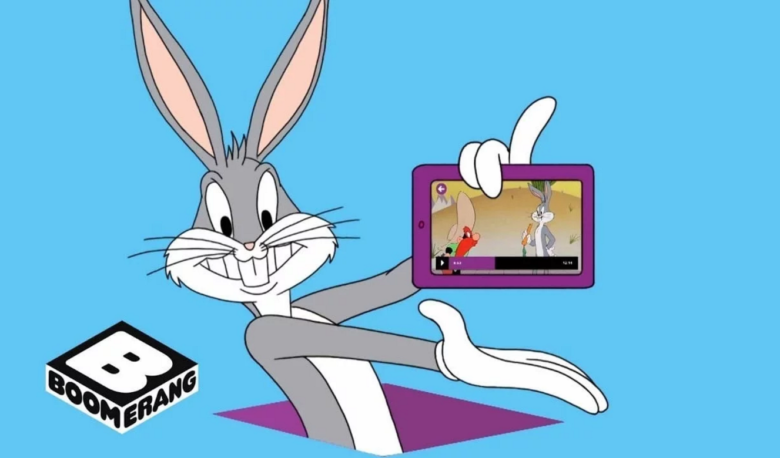
The Boomerang network has updated its streaming app to add support for Apple TV. Users can enjoy classic cartoons like Tom & Jerry, Scooby-Doo, and The Flintstones on the big screen — so long as they cough up for a subscription.


Boomerang is the place to enjoy some of the greatest cartoons ever made by the likes of Hanna-Barbera, Looney Tunes, and MGM. Its catalog boasts more than 5,000 titles, and if you subscribe to its recently-launched streaming service, you can enjoy them all on-demand.


A new update makes that streaming service available on Apple TV, Amazon Fire TV, and Chromecast, with support for Roku devices coming later.


Boomerang is also introducing its first original series, Dorothy and the Wizard of Oz from Warner Bros. Animation.


“The uplifting comedic fantasy series transports audiences to the magical land of Oz and follows the ruby slipper adventures of its brave and feisty princess protagonist. The first thirteen episodes are now live on the service,” Boomerang says.


To celebrate its release, the network is offering all Kansas residents (but no one else?!) a 30-day free trial if they sign up before the end of Tuesday, July 4. Everyone else gets a 7-day free trial before committing to the service, which normally costs $5 a month or $40 a year.


You can download the Boomerang app from the App Store now.


Source: cult of mac

Windows
Mac OS
iOS
Linux
3uTools
Win 64-bit For this device
V9.0 2025-11-11
Download
Win 32-bit For this device
V9.0 2025-11-11
Download
3uTools
Intel Chip How to Identify Chip Type
V9.0 2025-12-02
Download
Apple Silicon
V9.0 2025-12-02
Download
How to Identify Chip Type
1.  Click the Apple icon in the top-left corner of the screen and select About This Mac.
2.  Check the Processor or Chip field to determine if it is "Intel" or "Apple".
Please use the 3uTools PC client to install the iOS client:
1、 Install either the Windows or Mac version of 3uTools on your computer
2、 Open the PC client and connect your device to the computer via USB cable
3、 After the connection is successful, wait for the computer to automatically install the mobile app for the device, or locate “Install Mobile App” on the computer and manually click to install.
3uTools
deb file
V3.01 2025-11-20
Download
rpm file
V3.01 2025-11-20
Download
Windows
Windows
iOS
iOS
Android
Android
TV
TV
3uAirPlayer
Win 64-bit For this device
V6.0.2 2025-11-19
Download
Win 32-bit For this device
V6.0.2 2025-11-19
Download
iOS Device Mirroring (No App Required)
1、 Install 3uAirPlayer on the Windows PC
2、 Open Control Center and select Screen Mirroring
3、 From the list, choose your PC to start mirroring
4、 Or connect your iOS device to the PC via USB to begin mirroring
Scan to get "3uAirPlayer" App
3uAirPlayer TV V1.0.18
2025-11-28
TV System Requirements: Android 7.0 or later
Download the TV installation package, copy it to a USB drive, insert it into your TV or set-top box, then select the file from the home screen to install.