 NEWS
NEWS
Apple Tore Apart 100 Rival Devices to Build its Perfect Phone
 06/28/2017
 3469
3469
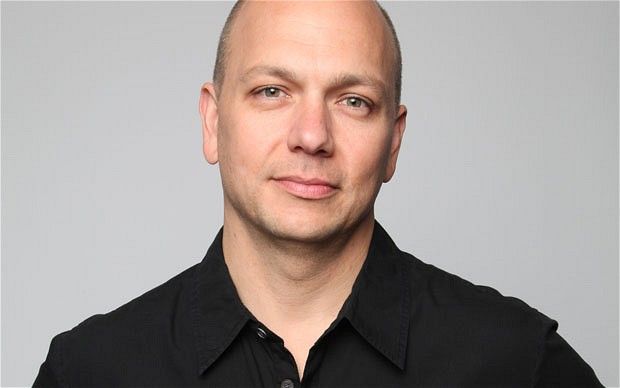
As Apple scrambled to create the first iPhone, the company’s engineers tore apart literally dozens of rival products to work out what made them tick, according to a new interview with former Apple exec Tony Fadell.
He may be best known today as the founder of Nest, but Fadell was one of the fathers of the iPhone — which, if you haven’t heard, celebrates its 10th birthday this week. Fadell reveals more about Apple’s reverse engineering efforts in an interview with Wired U.K..
Cult of Mac is collaborating with Wired U.K. all this week for an in-depth look at the iPhone’s first decade — and the device’s lasting impact.
“Did you know at the time about the LG Prada touchscreen smartphone that came out a year earlier in 2006?” Wired asks Fadell, referring to the LG Electronics handset Apple was accused of stealing the design for. Speaking in 2006, Woo-Young Kwak, head of LG Mobile Handset R&D Center, said that, “Apple stole our idea.”
In the new interview, Fadell says Apple was aware of the phone, but that it was just one of many, many devices it looked at while the iPhone was in production.
“Yes, I knew about it,” he said. “I had probably 100 different cell phones, 100 different competitor music players, consumer electronics of all sorts ripped apart and looked at. We looked at everything. They were all over my office in various pieces, just to look at them, to understand what they were, see how they were built and what their competitive value was.”
In the interview, Fadell also talks about Apple’s ROKR collaboration with Motorola (“No, it was not deliberately made poor”), why Apple felt under a ton of pressure to better the iPod, how the iPhone has personally changed his life, and more.
Source: cult of mac










