 NEWS
NEWS
Apple Releases First iOS 11 Public Beta to Testers
 06/27/2017
 4718
4718
Apple on Monday released the first public beta of iOS 11, offering iPhone and iPad with extra test devices the opportunity to sample the upcoming operating system prior to its debut this fall.
Initially made available to developers earlier this month, iOS 11 includes a bevy of user interface refinements and new features.
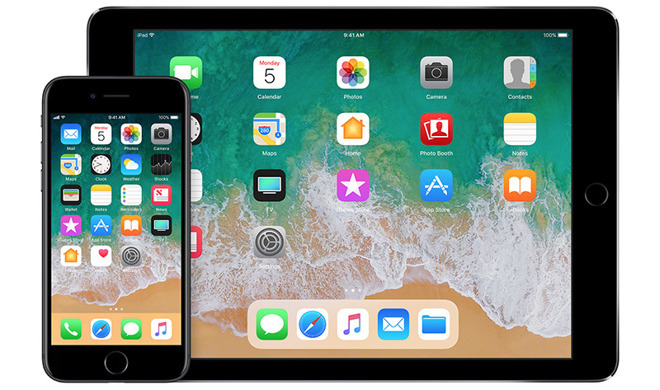
The most notable changes come in the way of backend enhancements to Siri, Apple Pay, Photos and other first-party apps and services. For example, Siri gains new smarts and a revamped voice response system, while Maps incorporates a Do Not Disturb feature for safe driving and assets for indoor mapping.
Apple has revamped the App Store for the first time since its launch in 2008. The refreshed version uses an Apple Music-esque tab-based design to promote popular apps, games, videos and curated content.
On the UI side, Control Center has been completely redesigned with a panel system boasting a wide array of app and system controls.
Apple placed a heavy focus on iPad with the iOS 11, integrating a number of new features and expanded functionality to bring its tablet hardware lineup more in line with offerings from Microsoft. For example, Apple is using multitouch technology to power a new dock with drag-and-drop functionality, addressing a major pain point for iPad users. The company also includes deeper Apple Pencil integration, a specialized Files app for file management, powerful augmented reality features and more.
As with any beta software release, it is recommended that users refrain from installing iOS 11 on daily use devices. Aside from being unstable, Apple's first beta releases often lack optimizations for continuous portable use, meaning they sap battery life at a much more rapid pace than fully vetted versions.
Those interested in registering their iPhone or iPad for testing can do so via the Apple Beta Software Program website.
Source: appleinsider










