 NEWS
NEWS
Apple Cleaning Hundreds of Thousands of Titles From App Store
 06/22/2017
 3669
3669
As part of an extensive housecleaning operation, Apple has over the past year removed hundreds of thousands of clones, 32-bit titles, spamware and other software from the App Store ahead of this fall's iOS 11 launch.
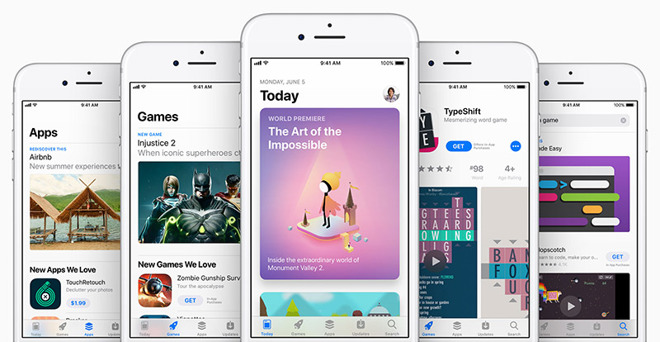
As noted in Apple's App Store Review Guidelines, the company is applying a more stringent ruleset not only to App Store submissions, but also the digital storefront's existing catalog. In particular, updated guidelines specifically target clones and apps created using template or app generation services.
Located in the "Design" section of the Review Guidelines is rule 4.2.6, which reads "Apps created from a commercialized template or app generation service will be rejected." The limitation is an apparent attempt to curb the submission, sale and maintenance of apps created using templates, which in turn helps halt copycat apps from riding the coattails of original content.
While Apple has long restricted developers from cloning apps, that is copying a title's contents and rebaranding it for profit, review guidelines have allowed so-called "templatized" titles to permeate the App Store.
Developers looking to cash in on the latest app craze, usually a game like 2048 or Flappy Bird, can create an analogue similar or nearly identical to the original title using readily available production tools. The practice is frowned upon, but has been in large part allowed until now.
Apple is looking to clamp down on template titles with its latest review guidelines revision, but the App Store cleanup doesn't stop there. According to TechCrunch, Apple is also applying the rule to spam apps, apps that push pirated content (including a glut of music streaming titles), apps that lack 64-bit support and titles that show no recent download activity. The latter initiative to remove abandoned apps kicked off last September.
Apple has removed hundreds of thousands of offending apps over the past year, the report says.
Source: appleinsider










