 NEWS
NEWS
Puff Daddy’s Bad Boy Documentary Will be An Apple Music Exclusive
 04/28/2017
 4531
4531
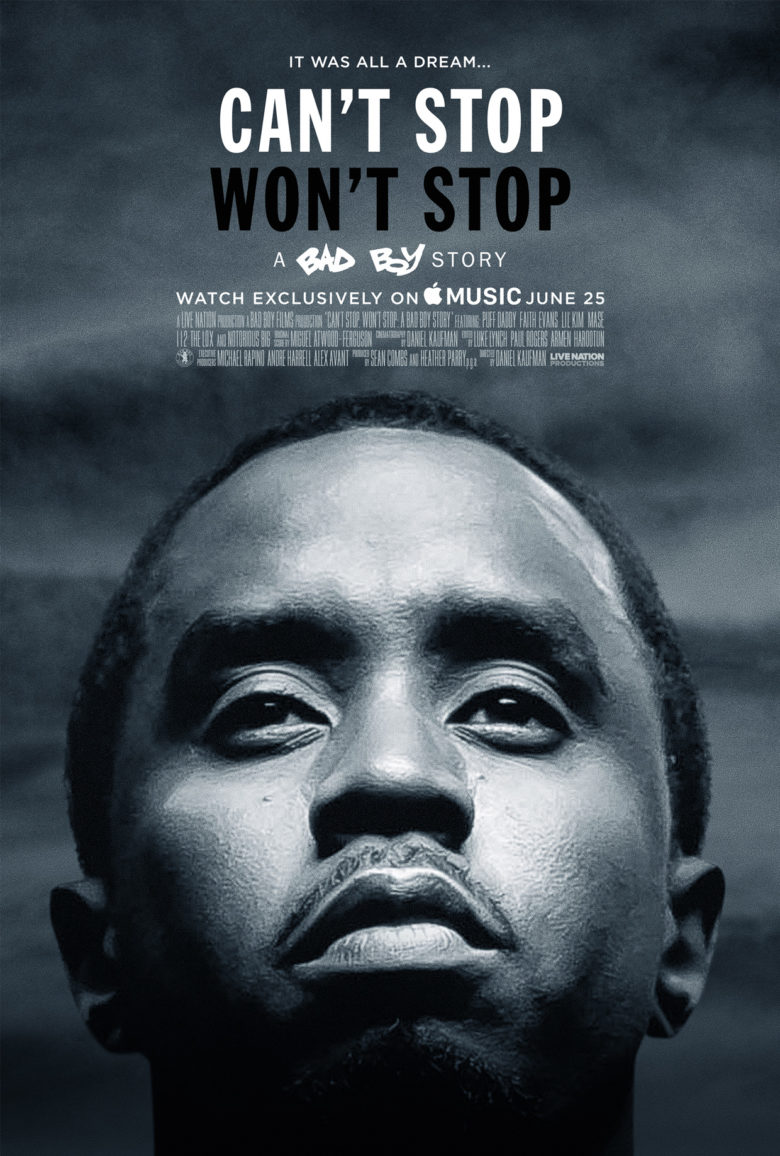
Apple Music is set to premiere an all-new exclusive documentary this summer and this go around it will be all about hip-hop legend and business mogul Sean P. Combs (aka. Puff Daddy, aka P. Diddy).
Can’t Stop, Won’t Stop: A Bad Boy Story will make its official debut exclusively on Apple Music starting June 25. The documentary chronicles Diddy’s rise to become one of the most prolific producers in the mid-90s as well as the trouble he faced putting together last year’s 20th anniversary Bad Boy reunion show.
Jimmy Iovine told Billboard that the Puff Daddy documentary is one of many projects the company has lined. Most of the company’s content will be about things people are involved with in pop culture.
The Bad Boy documentary is set to premiere tonight at the TriBeCa Film Festival and features performances Combs, Mase, Lil Kim, Faith Evans and more.
Another Apple Music Exclusive
“I went to the [Bad Boy Reunion] concert and thought it was incredible,” said Jimmy Iovine. “I think Puff and Bad Boy’s story is incredible and one that a lot of people can relate to in any genre or in any business. His story is powerful. He really overcame a lot to get to where he’s at today and the documentary shows that.”
The terms of Apple’s deal with Combs hasn’t been revealed, but Apple Music will have exclusive rights to the documentary for at least the first year.
This isn’t the first time Apple has partnered with an artist for a documentary. Taylor Swift teamed up with Apple for her concert movie The 1989 World Tour Live. Apple has a number of other exclusive shows in the works like its Planet of the Apps TV show and a series based on the life of Dr. Dre.
Source: cult of mac










