 NEWS
iOS 27.2 Brings Two Useful Upgrades to Apple Photos
 11/24/2026
 177
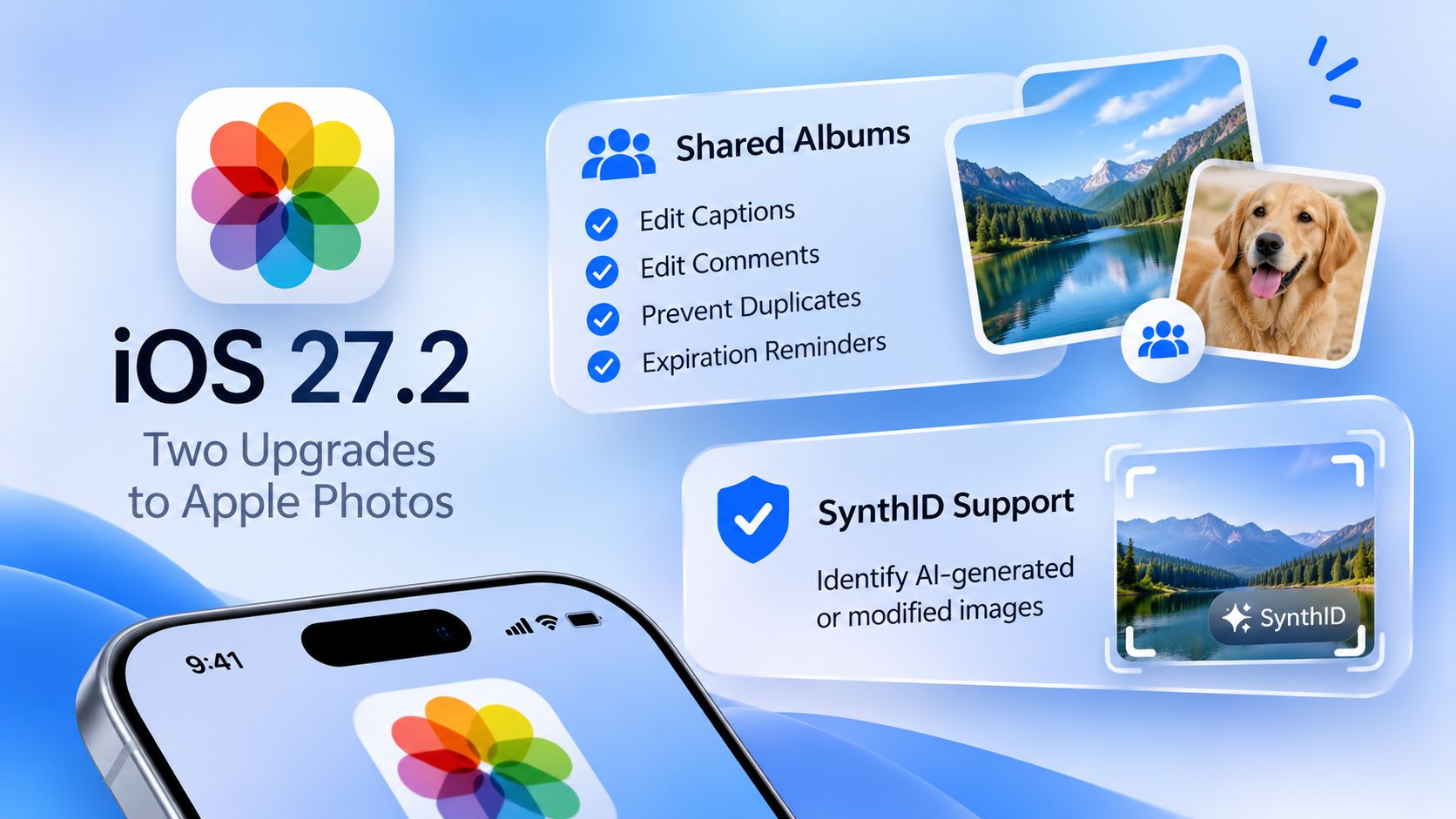
iOS 27.2 Brings Two Useful Upgrades to Apple Photos
Apple's iOS 27.2 update introduces two notable improvements to the Photos app, making shared photo management easier and helping users identify AI-generated or modified images.
Shared Albums Get Four Improvements
iOS 27.2 makes Shared Albums more convenient with four new features:
-
Editable captions: Users can edit captions on shared photos and videos.
-
Editable comments: Comments can now be modified after posting.
-
Duplicate prevention: Photos helps prevent duplicate images from being added to albums.
-
Expiration reminders: Users receive reminders before shared albums expire, giving them time to save important content.
These changes make it easier to manage shared memories and reduce unnecessary duplicates.
Photos Adds SynthID Support
The update also brings support for Google's SynthID watermarking technology to Photos and Image Playground.
SynthID embeds invisible digital watermarks into images generated or modified by supported AI tools. Although these markers cannot be seen during normal viewing, compatible detection tools can identify them.
As AI-generated content becomes more common, this feature gives users another way to understand the origins of digital images.
A More Capable Photos App
These updates may not completely change the Photos experience, but they address two increasingly important needs: easier photo sharing and greater transparency around AI-generated content.
Apple continues to expand Photos beyond basic image management, making it a more capable platform for organizing and understanding digital content.