NEWS
iOS 27.3 Brings Three New Features to iPhone
 11/10/2026
 89
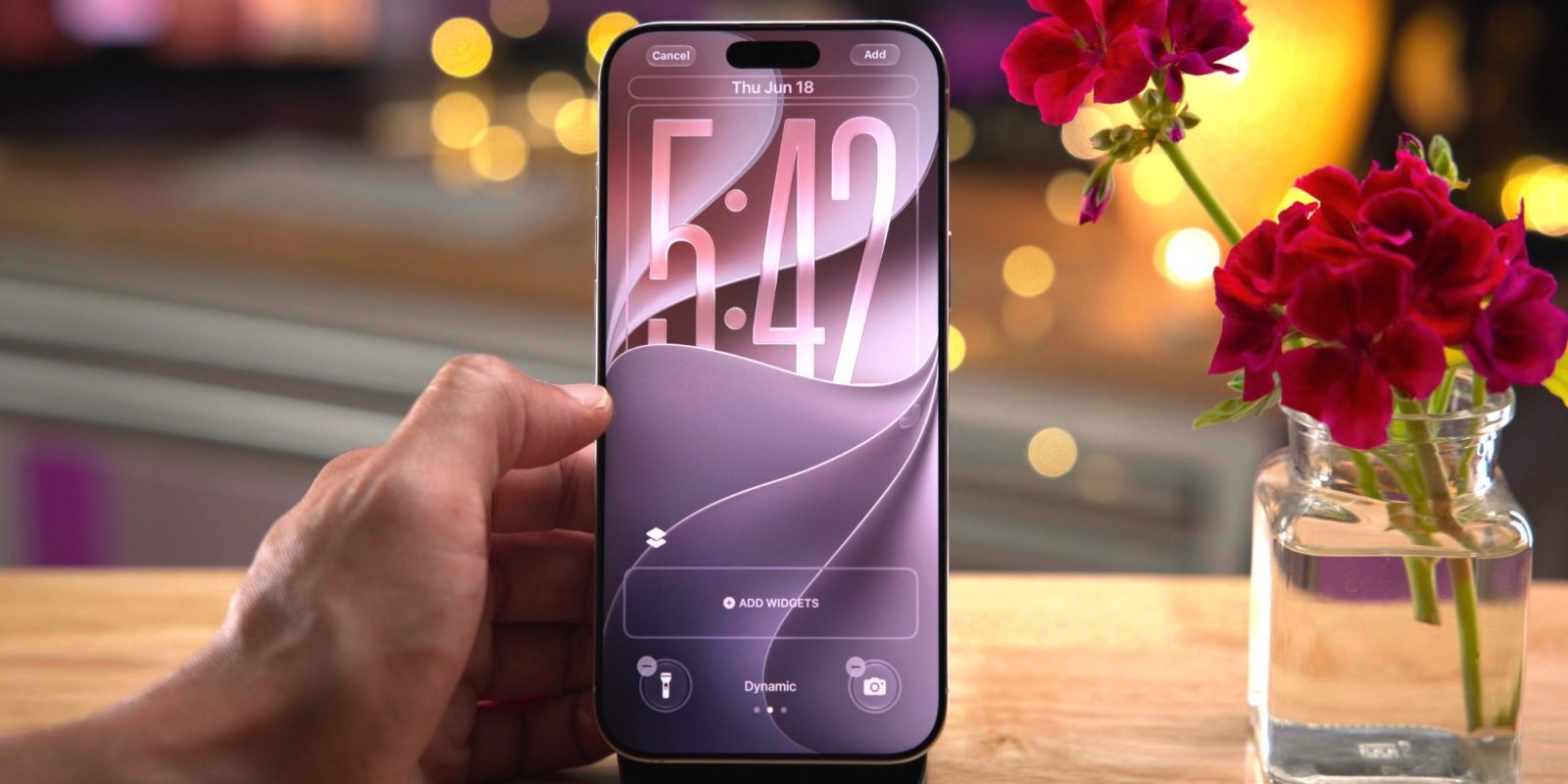
Apple's upcoming iOS 27.3 update is bringing several new features to iPhone users. Currently in beta testing, the update is expected to arrive in December, introducing improvements to Apple's Health app, Apple Music, and StandBy mode.
Here are three notable features worth looking forward to.
1. A Redesigned Apple Health App

Apple is bringing back its redesigned Health app in iOS 27.3, following its earlier appearance in the iOS 27.2 beta.
The updated app introduces two new sections: Insights and Longevity, alongside the existing Browse tab. Insights provides personalized health recommendations, while Longevity focuses on long-term health trends and wellness.
Other additions include educational videos featuring clinical experts, at-home movement assessments using the iPhone camera, and options to order and log lab tests. These improvements aim to make health information easier to understand and manage.
The redesigned experience will be available on iPhones that support Apple Intelligence.
2. Selfie Sing Comes to Apple Music
Apple Music is getting a new feature called Selfie Sing, bringing a more social experience to karaoke.
With Selfie Sing, users can record themselves singing along to their favorite songs using the iPhone's front-facing camera. Lyrics appear on the screen alongside the camera feed, making it easier to follow the song while recording.
Once finished, users can share their karaoke videos on social media platforms. The feature adds a more interactive element to Apple Music and gives users another way to enjoy their favorite tracks.
3. StandBy Mode Gets More Customization Options

Apple is also expanding the enhanced StandBy experience originally introduced with the iPhone Duo to other compatible iPhone models.
The update brings redesigned Analog and Digital Clock faces, along with additional customization options for colors and complications. Users can also choose new Weather and Calendar faces, while the Photos face now supports Shared Albums.
Another useful addition is the ability to create multiple versions of the same StandBy face and swipe between them. This gives users more flexibility to customize the information displayed when their iPhone is charging in landscape orientation.
These improvements will extend to iPhone 11 and newer models compatible with iOS 27.3.
3uTools's View
iOS 27.3 focuses on making everyday iPhone experiences more useful and personalized. From improved health tracking to more interactive music features and flexible StandBy customization, the update brings meaningful changes across several Apple apps.
While these additions may not completely transform the iPhone experience, they show Apple's continued effort to improve how users interact with their devices. The public release is expected in December.