NEWS
iOS 27.3 Brings iPhone Duo’s New StandBy Features to Older iPhones
 11/04/2026
 92
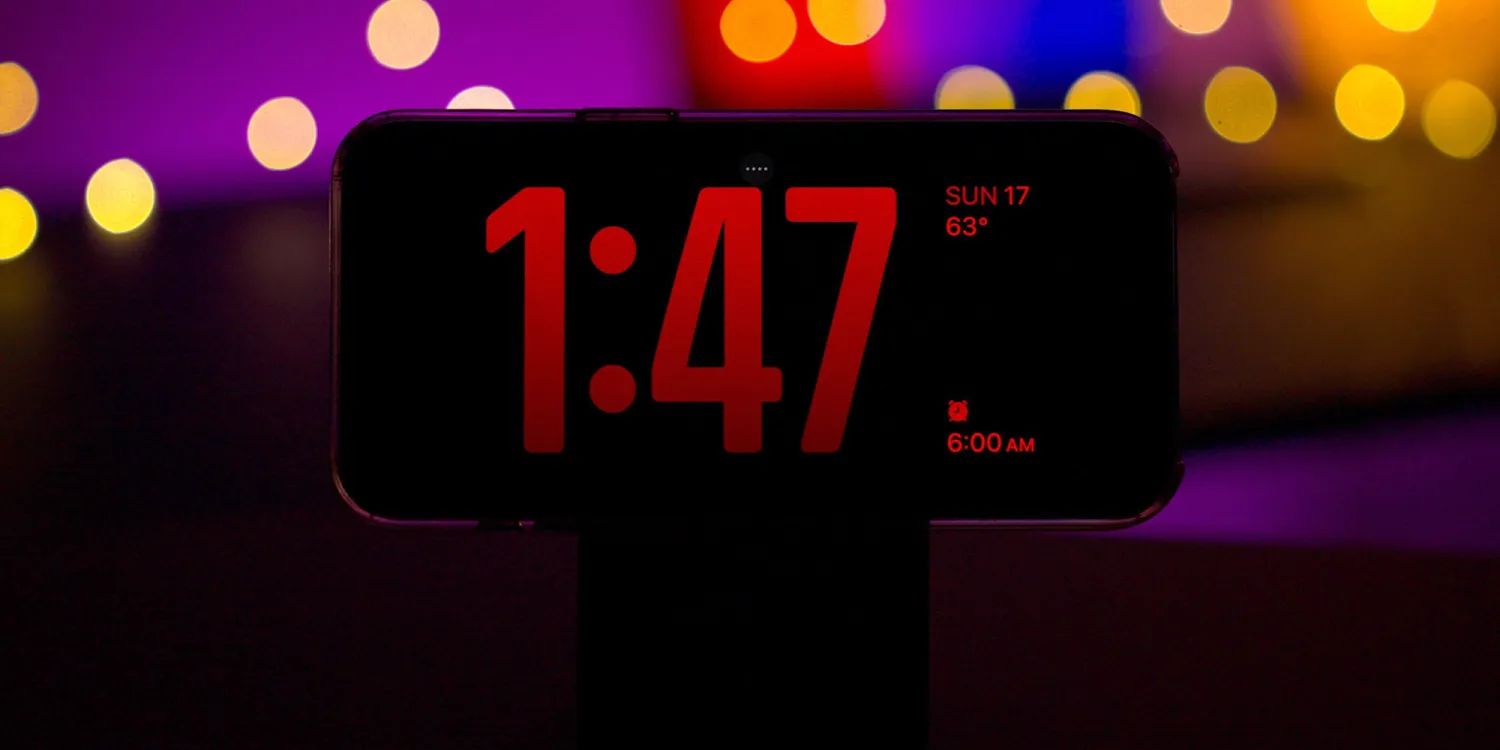
iOS 27.3 Expands New StandBy Features to More iPhones
Apple is bringing some of the redesigned StandBy features introduced with the iPhone Duo to older iPhone models in iOS 27.3. The update extends the enhanced experience to all iPhones compatible with iOS 27, including the iPhone 11 and newer.
StandBy mode, first introduced in iOS 17, turns an iPhone into a smart display when placed horizontally while charging. Until now, the expanded customization options and additional display styles introduced with the iPhone Duo were exclusive to Apple's newest device.
With iOS 27.3, the Analog and Digital Clock faces receive more customization options, allowing users to choose different colors and complications. Apple is also adding two new display styles: Calendar and Weather, making it easier to check schedules and local conditions at a glance.
The Photos face is getting an improvement as well. Users can now select Shared Albums as a photo source, allowing pictures shared with family and friends to appear in StandBy mode.
Another useful addition is the ability to create multiple versions of each StandBy face, each with its own appearance and settings. Users can simply swipe between them depending on their preferences.
The update does not bring every iPhone Duo feature to older models. The Duo can still use StandBy while folded like a book or positioned like a tent, even without being connected to a charger. Other iPhones will continue to require horizontal placement and charging to activate StandBy.
Apple released the first developer beta of iOS 27.3 on November 3, with the public release expected in December.
3uTools's View
Apple is making StandBy more useful by bringing previously exclusive customization features to older iPhones. The addition of Calendar, Weather, and Shared Albums gives users more reasons to keep StandBy enabled, while also making the experience more personal. It's a welcome upgrade that doesn't require buying a new iPhone.