 NEWS
NEWS
Apple Unveils New M6 iMac With Wi-Fi 7 and Faster SSDs
 10/28/2026
 27
27
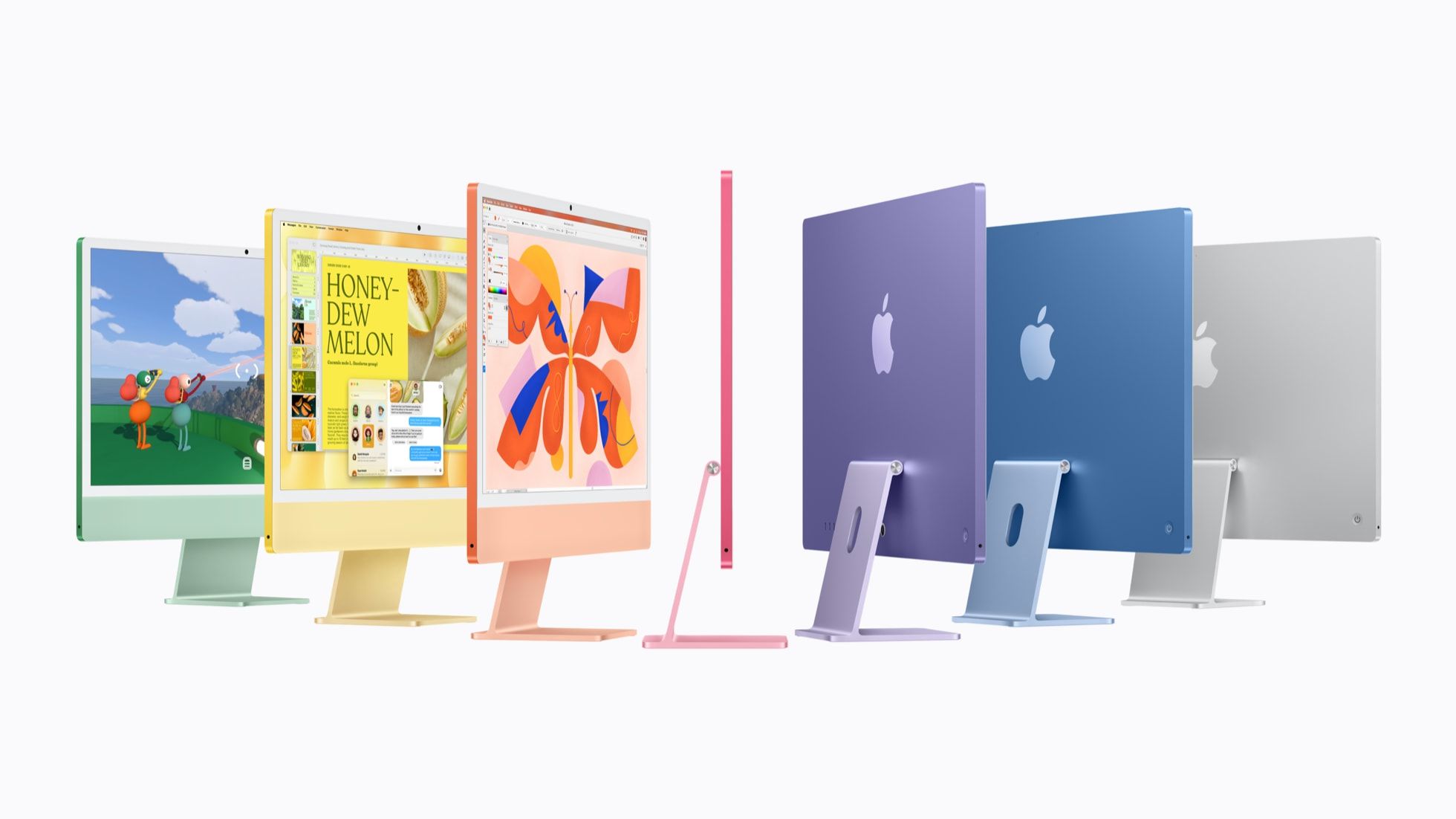
Apple has announced a refreshed 24-inch iMac powered by the new M6 chip, bringing faster performance, improved wireless connectivity, and quicker storage speeds to its all-in-one desktop lineup.
M6 Chip Delivers Faster Performance
The new iMac features Apple's M6 chip, with a dual 16-core Neural Engine and Neural Accelerators integrated into every GPU core. Apple says the computer delivers up to 2x faster graphics performance and up to 5x faster on-device AI performance compared with the previous M4 model.
Memory bandwidth increases from 120GB/s to 170GB/s, while PCIe 5.0 support enables SSD read and write speeds of up to 2x those of the previous generation.
Familiar Design and Display
The new iMac retains the previous model's design and 24-inch 4.5K Retina display, with brightness reaching 500 nits. It also keeps the 12MP Center Stage camera with Desk View support, a six-speaker sound system, and three microphones.
The color lineup remains unchanged, with blue, green, pink, yellow, purple, orange, and silver options. Apple Intelligence and Siri AI support are also included.
Updated Connectivity and Configurations
The M6 iMac adds Apple's N1 wireless chip, bringing Wi-Fi 7 and Bluetooth 6 support. It also offers up to 32GB of unified memory and 2TB of storage.
The base configuration includes a 10-core CPU, 10-core GPU, 16GB of memory, 256GB of storage, and two Thunderbolt 4 ports. A higher-end model upgrades to a 12-core CPU, 12-core GPU, and four Thunderbolt 4 ports.
Pricing and Availability
The new iMac starts at $1,499 in the U.S., with the higher-end configuration priced at $1,699. Pre-orders open October 28 at 10:10 a.m. Pacific Time, and the computer launches November 6.
3uTools' View
The M6 iMac focuses on performance and connectivity improvements while retaining its familiar design. Faster on-device AI processing, Wi-Fi 7, and upgraded SSD speeds make it a more capable desktop for everyday productivity and creative workflows. However, the unchanged design and 256GB base storage may leave some users hoping for a more substantial upgrade.










