 NEWS
NEWS
iPhone Duo Walk-In Sales Restricted in Japan and South Korea
 10/20/2026
 80
80
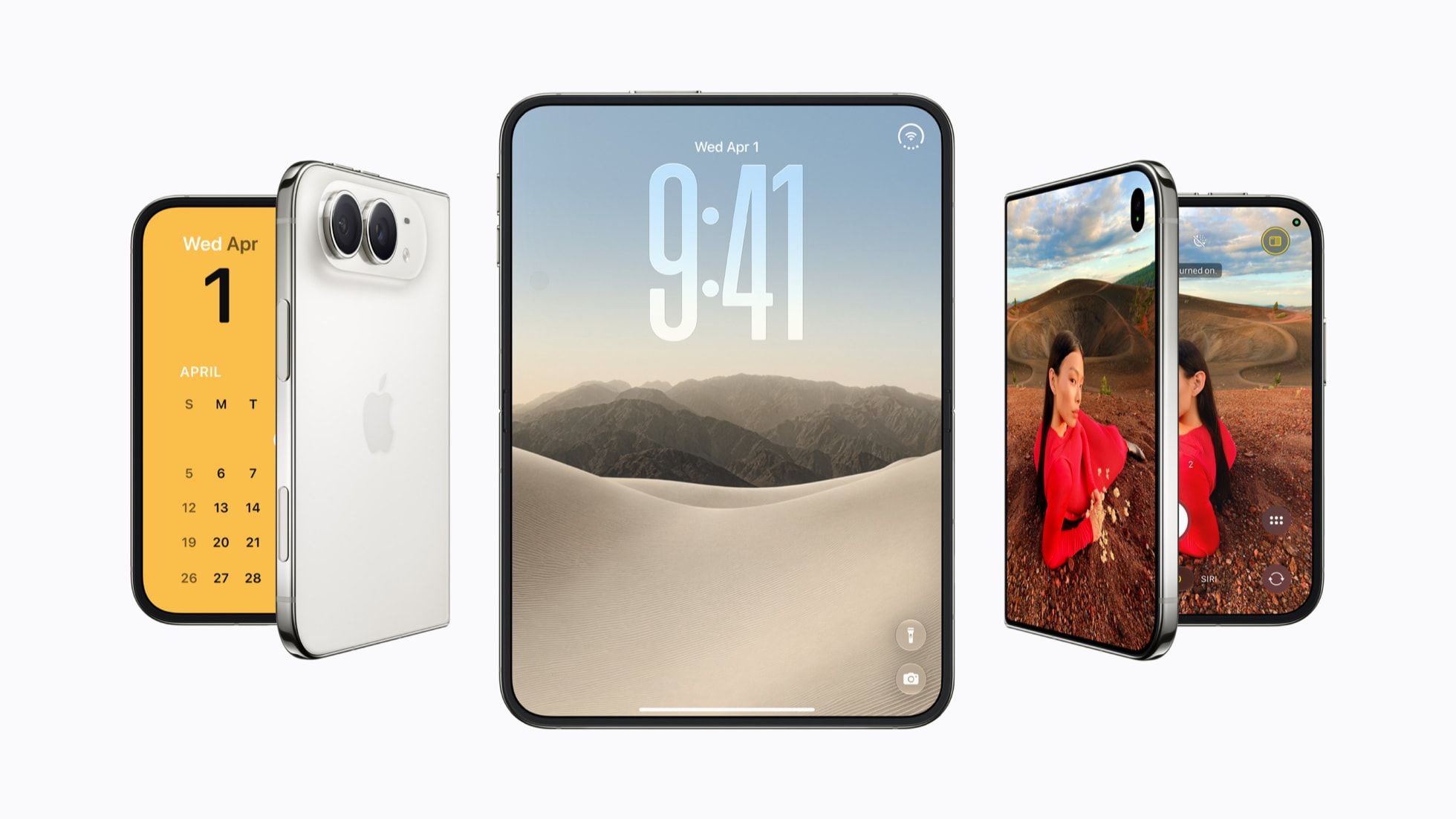
Apple Requires Reservations for iPhone Duo Purchases in Japan and South Korea
Apple has announced that walk-in purchases of the iPhone Duo will be temporarily unavailable at Apple Stores in Japan and South Korea. Customers must have a pickup reservation to purchase the device during the initial launch period, according to notices on Apple's regional websites.
The restriction also applies to the iPhone 18 Pro Max in these markets.
The iPhone Duo is scheduled to launch on October 23, 2026. However, strong preorder demand has already pushed estimated delivery dates for new orders well into 2027. Apple described preorder demand for its first foldable iPhone as “nothing short of extraordinary” and said it is working to fulfill orders as quickly as possible.
The reservation requirement may reflect both limited launch inventory and Apple's efforts to prevent scalping. It remains unclear whether the same restriction will apply to other markets, including the United States.
Apple's online store advises customers interested in in-store pickup to check back on October 24 for further availability information.
3uTools's View
The iPhone Duo's strong preorder demand highlights growing consumer interest in foldable smartphones. However, limited launch inventory and extended delivery times may frustrate buyers eager to experience Apple's first foldable device.
Customers should check Apple's official store for pickup availability before visiting a retail location. As supply improves, availability and delivery times will be key factors in determining how quickly Apple can meet demand.
Source: MacRumors










