 NEWS
NEWS
Apple May Skip M6 Pro and Max Chips as M7 MacBook Pro Targets Late 2027
 Just now
 73
73
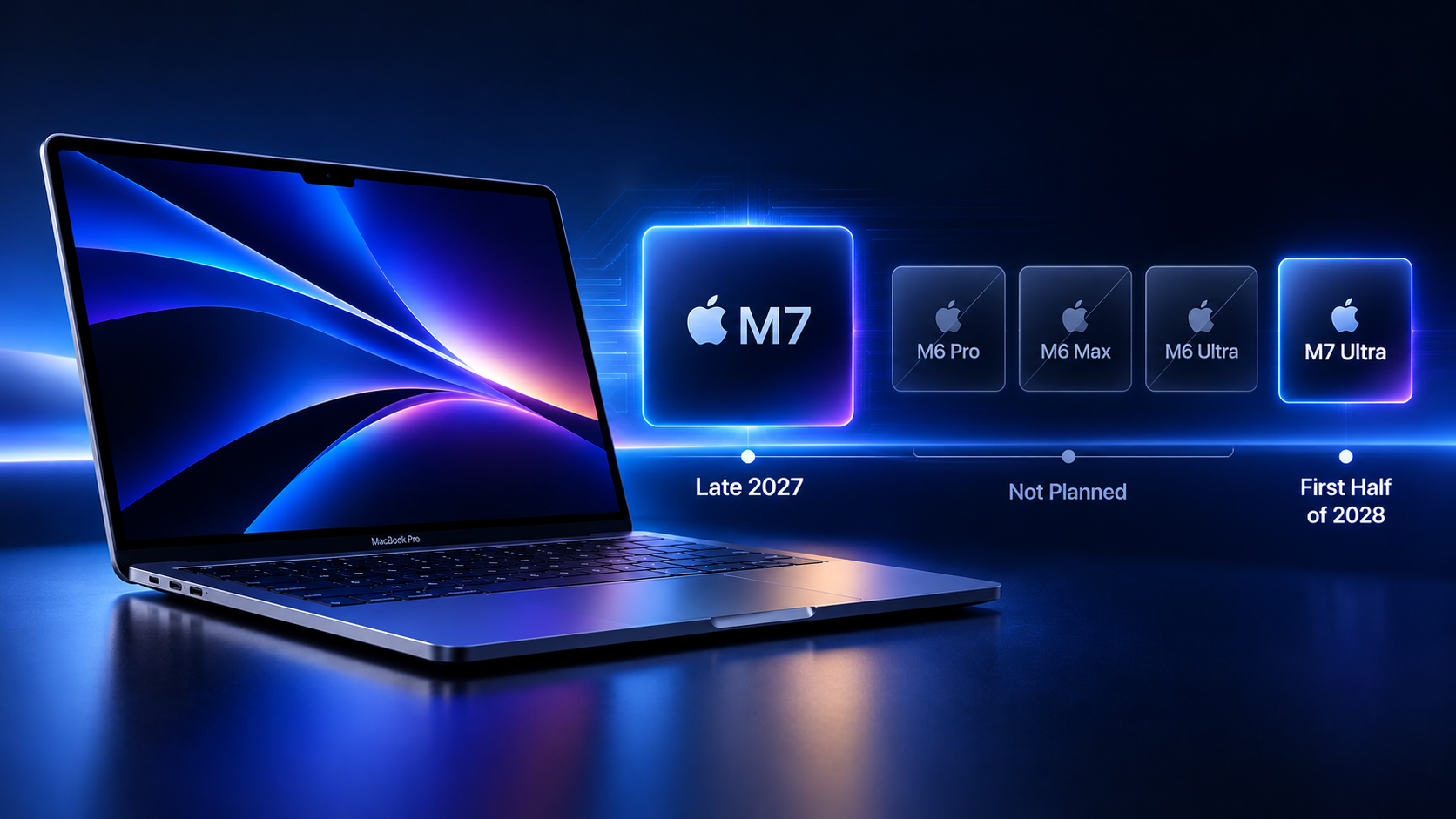
Image generated by AI
Apple may be skipping several planned M6 chip variants as it shifts development toward its next-generation M7 lineup. According to Bloomberg's Mark Gurman, the company is not planning to release M6 Pro, M6 Max, or M6 Ultra processors.
M7 Pro and M7 Max Expected in Late 2027
Apple is reportedly moving directly from the M5 Pro and M5 Max to the M7 Pro and M7 Max for its higher-end Mac computers. The next-generation chips are expected to arrive in late 2027, with a focus on improving performance for artificial intelligence workloads.
In the meantime, Apple is expected to introduce an M6 chip in the entry-level 14-inch MacBook Pro and an updated iMac. The upcoming high-end OLED MacBook Pro models are reportedly set to use the existing M5 Pro and M5 Max chips instead of waiting for the next generation.
Apple is also expected to introduce a standard M7-powered MacBook Pro in 2027, while the M7 Ultra chip is reportedly planned for the first half of 2028.
What This Means for MacBook Pro Buyers
The reported chip roadmap suggests that Apple's Mac lineup could see a shorter transition between chip generations. Skipping the M6 Pro and M6 Max may allow Apple to concentrate development resources on processors better suited to demanding AI tasks.
However, the timeline remains subject to change, and Apple has not officially confirmed these plans.
3uTools's View
Apple's reported shift toward the M7 series highlights the growing importance of AI performance in future Mac hardware. For buyers, the decision may come down to whether they need a redesigned MacBook Pro sooner or prefer to wait for the next-generation chips.
With major design changes and new processors potentially arriving on different schedules, comparing chip performance, device specifications, and upgrade value will be increasingly important before purchasing a new MacBook Pro.










