 NEWS
NEWS
iOS 27 Camera App Could Add 5 Major Features for iPhone Users
 09/08/2026
 1008
1008
Apple is reportedly preparing a major set of Camera app improvements for iOS 27, with new features aimed at giving iPhone users more control over exposure, focus, and photography settings.
According to a deep dive into iOS 27 beta code by MacRumors forum member "pdfu," Apple is testing at least five new camera features. Some could arrive alongside the iPhone 18 lineup, while others may be introduced through a future iOS 27 update.
1. Exposure Scopes Could Come to the iPhone Camera
Apple is reportedly testing exposure scopes, including waveform and histogram displays, directly in the Camera app.
A histogram provides a visual representation of how much of an image is too dark, too bright, or properly exposed. A waveform provides similar exposure information while maintaining its position relative to different areas of the camera frame.
These tools are commonly found in professional cameras and video apps, and could give iPhone users much more precise control when shooting photos and videos.
2. Focus Peaking and Highlight Warnings
The iPhone Camera app could also gain new focus peaking and highlight warning overlays.
Focus peaking highlights the edges of objects that are currently in sharp focus, making it easier to determine whether a subject is properly focused.
The highlight warning feature would identify areas at risk of overexposure directly in the camera preview. Apple is reportedly testing several visual indicators, including solid colors, pulsing colors, diagonal stripes, and checkerboard patterns.
These features could be particularly useful for users shooting in challenging lighting conditions.
3. Repeated Self-Timer Photos
iOS 27 could also make the self-timer more useful by allowing users to capture multiple timed photos in a row.
Instead of taking a single photo and requiring users to manually start another countdown, the timer would restart immediately after each shot. This would allow several photos to be captured back-to-back.
The feature could be useful for group photos, portraits, and situations where users want multiple attempts without repeatedly interacting with the iPhone.
4. Manual Focus Controls
Another potentially significant addition is manual focus.
Apple is reportedly testing a control that would allow users to manually adjust and lock the camera's focus rather than relying entirely on autofocus. A similar feature is already available in Apple's Final Cut Camera app.
Interestingly, iOS 26 previously included a focus slider, but Apple removed the slider in the first iOS 27 beta. The underlying focus-locking code reportedly remains in the system, but Apple has restricted it to devices that ship with iOS 27 or later.
This could mean the feature is specifically being prepared for future iPhone models.
5. Aperture-Based Image Correction
The most interesting discovery could be related to a future variable-aperture camera.
iOS 27 reportedly includes image-processing changes that can adjust lens corrections based on the selected aperture. The system can reportedly blend between up to four reference points to produce smoother corrections at different aperture settings.
A variable aperture allows a camera lens to physically widen or narrow its opening, providing greater control over light and potentially depth of field.
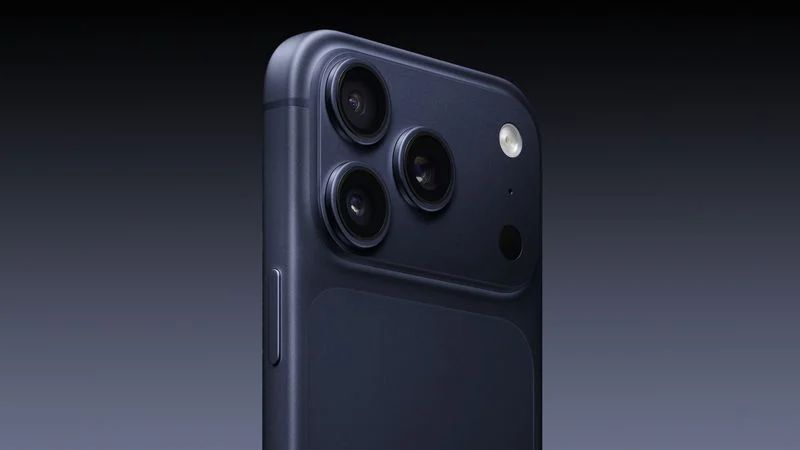
The feature is particularly notable because the iPhone 18 Pro has been rumored to feature a variable-aperture main camera.
Could These Features Be Exclusive to iPhone 18?
Although some of the features discovered in iOS 27 could eventually become available on existing iPhone models, their presence in the beta code may point toward new hardware.
In particular, the aperture-based image correction strongly suggests a connection to future iPhone camera hardware, especially if the iPhone 18 Pro does indeed introduce a variable-aperture main camera.
The manual focus restrictions could also indicate that at least some of these features require hardware found only on upcoming iPhone models.
iOS 27 Camera Features Are Still in Testing
It's important to note that none of the five features are currently accessible to users in the iOS 27 beta.
Apple could still decide to delay, modify, or completely remove some of these features before the public release. Some may launch with the iPhone 18 lineup, while others could arrive in a later iOS 27 update.
If Apple brings these tools to the Camera app, iOS 27 could represent one of the biggest upgrades yet for iPhone photography and camera controls, particularly for users who want more professional-level shooting options.
Source: Macrumors










