 NEWS
NEWS
Report: Apple Launching Updated iMac with M6 Chip and New Colors Later This Year
 08/24/2026
 18
18
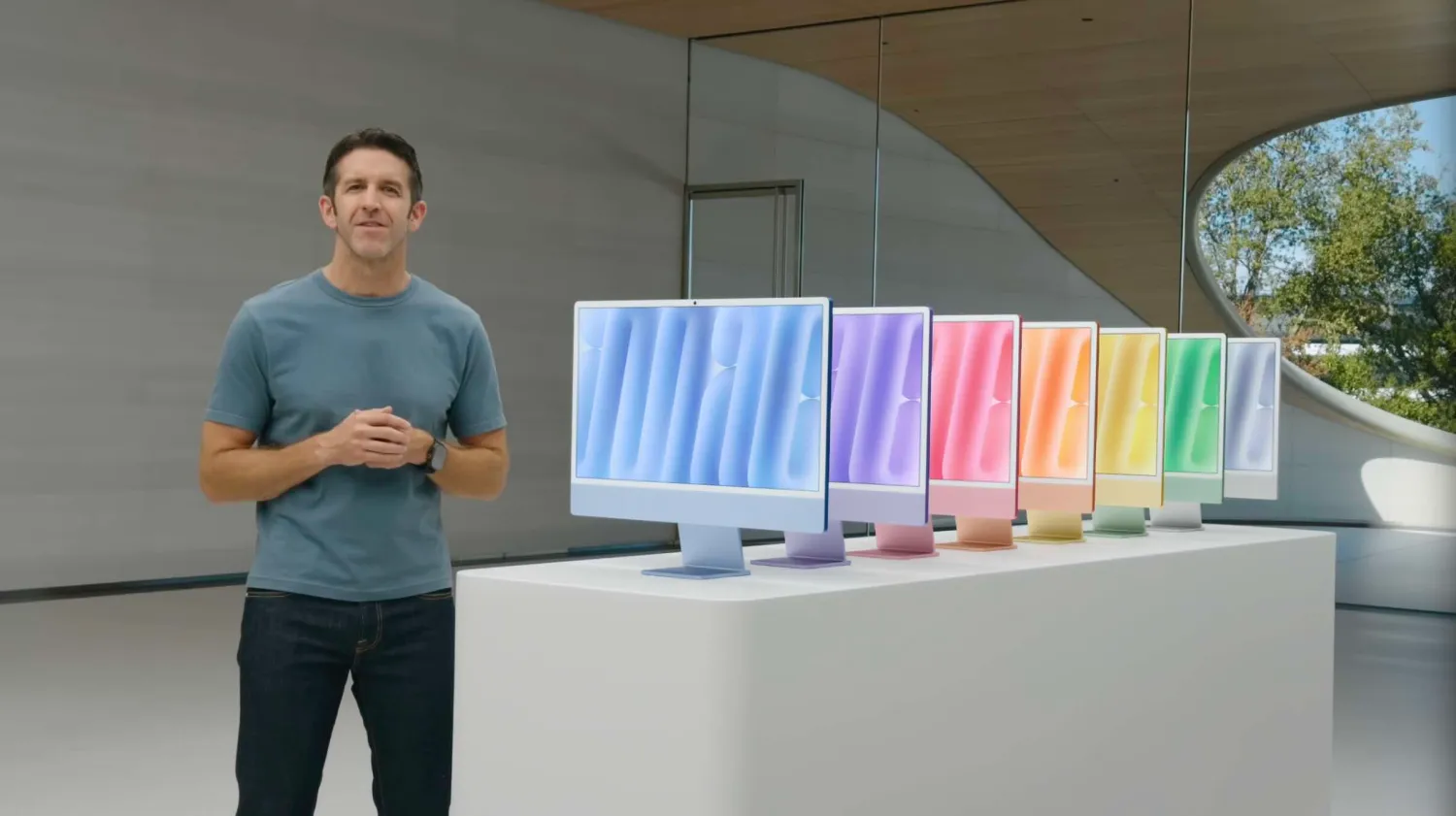
After a two year hiatus, Apple is working on a new iMac with the M6 chipset and updated color options, per Bloomberg’s Mark Gurman. It should release “before the end of the year.”
The iMac isn’t frequently refreshed. It skipped the M2 and M5 families of chips, and it’s still yet to receive a larger display option – with Apple instead directing high-end users to use a Mac Studio or Mac mini alongside a Studio Display. Nonetheless, Apple is preparing a new version with the M6 chip.
Gurman outlines that there’ll be “some new color options” with this refresh, but didn’t mention what would change. Apple slightly adjusted the color palette with the M4 refresh in 2024, though the actual 7 color options remained the same – just with different shades. The iMac should also be out by the end of the year:
●Nevertheless, if you’ve been holding out for a new iMac, your wait shouldn’t be much longer. All signs point to the M6 models being close to launch, and you should be able to buy one before the end of the year.
This means that this fall could be a pretty major one for the Mac. Overhauled MacBook Pro models with touchscreens and Tandem OLED, a new base model 14-inch MacBook Pro with M6, new M5 Max and M5 Ultra Mac Studios (dependent on supply availability), and the new iMac with M6. Another possibility is a refreshed Mac mini with M6 and M5 Pro, though that’ll likely come later.
Apple’s M6 chip will be the first Mac chip based on the new 2nm process, though there reportedly won’t be an M6 Pro, M6 Max, or M6 Ultra chip – with the company instead accelerating the launch of the M7 family.
Source: 9to5mac










