NEWS

Leaker Details A20 Pro Chip’s New Speed Gains

Just now

13

Leaker Details A20 Pro Chip’s New Speed Gains


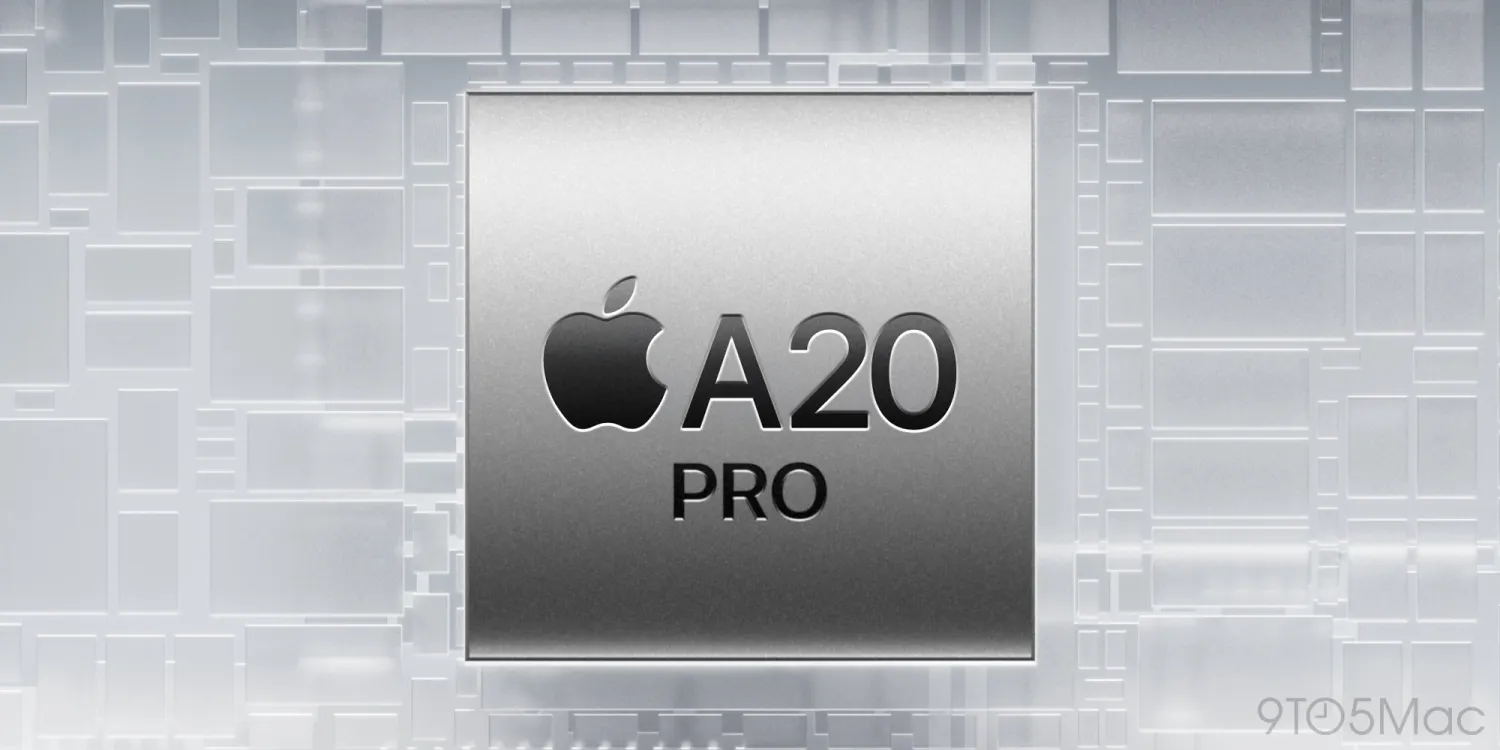
iPhone 18 Pro and iPhone Ultra will be unveiled next month with a new A20 Pro chip, and this weekend a reputable leaker shared performance gains to expect per supply chain sources.


A20 Pro chip could deliver 18% faster performance with 30% better power efficiency


Apple’s big September event will introduce its latest in silicon advancements: the A20 Pro chip.


A20 Pro will be the first Apple chip built on TSMC’s 2nm process. It’s also rumored to adopt a new Wafer-Level Multi-Chip Module (WMCM) packaging method.


Because of these innovations, we’ve been expecting larger than usual improvements with this year’s chip.


Weibo leaker Fixed Focus Digital posted this weekend that, based on supply chain sources, A20 Pro will offer the following upgrades compared to A19 Pro:


  ●18% faster performance

  ●30% better power efficiency


The finer details will no doubt be more nuanced when Apple shares the full story next month. For example, the company typically breaks down gains individually across CPU, GPU, and Neural Engine.


But if these numbers prove accurate, it’s a really solid boost coming. Efficiency gains should lead to better battery life, while still delivering better than ever performance.


Combined with iOS 27’s own speed gains, the iPhone 18 Pro and iPhone Ultra are shaping up to be exciting updates in the performance department.


Source: 9to5mac

Windows
Mac OS
iOS
Linux
3uTools
Win 64-bit For this device
V9.07 2026-07-17
Download
Win 32-bit For this device
V9.07 2026-07-17
Download
3uTools
Intel Chip How to Identify Chip Type
V9.05 2026-07-25
Download
Apple Silicon
V9.05 2026-07-25
Download
How to Identify Chip Type
1.  Click the Apple icon in the top-left corner of the screen and select About This Mac.
2.  Check the Processor or Chip field to determine if it is "Intel" or "Apple".
Please use the 3uTools PC client to install the iOS client:
1、 Install either the Windows or Mac version of 3uTools on your computer
2、 Open the PC client and connect your device to the computer via USB cable
3、 After the connection is successful, wait for the computer to automatically install the mobile app for the device, or locate “Install Mobile App” on the computer and manually click to install.
3uTools
deb file
V9.02 2026-08-12
Download
rpm file
V9.02 2026-08-12
Download
Windows
Windows
iOS
iOS
Android
Android
TV
TV
3uAirPlayer
Win 64-bit For this device
V6.0.6 2026-06-26
Download
Win 32-bit For this device
V6.0.6 2026-06-26
Download
iOS Device Mirroring (No App Required)
1、 Install 3uAirPlayer on the Windows PC
2、 Open Control Center and select Screen Mirroring
3、 From the list, choose your PC to start mirroring
4、 Or connect your iOS device to the PC via USB to begin mirroring
Scan to get "3uAirPlayer" App
3uAirPlayerTV
 
TV System Requirements: Android 7.0 or later
Download the TV installation package, copy it to a USB drive, insert it into your TV or set-top box, then select the file from the home screen to install.