NEWS

iOS 27 Adds New Reason to Upgrade Your iPhone Screen Size

08/03/2026

57

iOS 27 Adds New Reason to Upgrade Your iPhone Screen Size

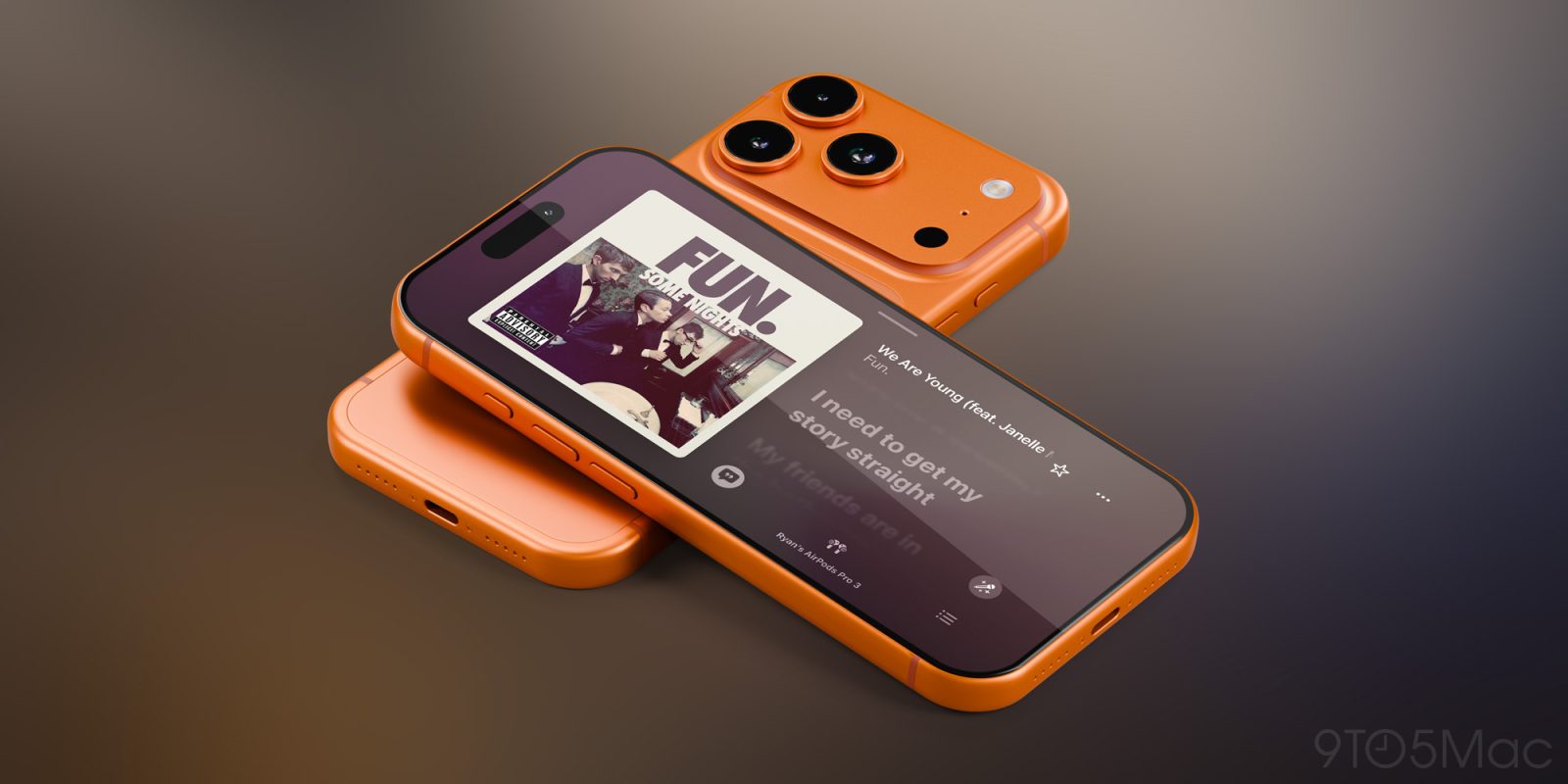
iOS 27 includes lots of hints that the iPhone Ultra is coming, and one such hint—expanded landscape support—offers a new reason to upgrade your iPhone screen size, even if you’re not getting the foldable.

Landscape mode expands to many more apps in iOS 27, and it works best on large iPhones
iOS 27 Adds New Reason to Upgrade Your iPhone Screen Size

iOS has long supported landscape mode for select apps when using iPhone horizontally. But it was the exception rather than the norm among Apple’s system apps.

When iOS 27 arrives this fall though, it will bring the biggest expansion of landscape support ever.

As such, it provides a compelling new reason to opt for a larger iPhone screen size.

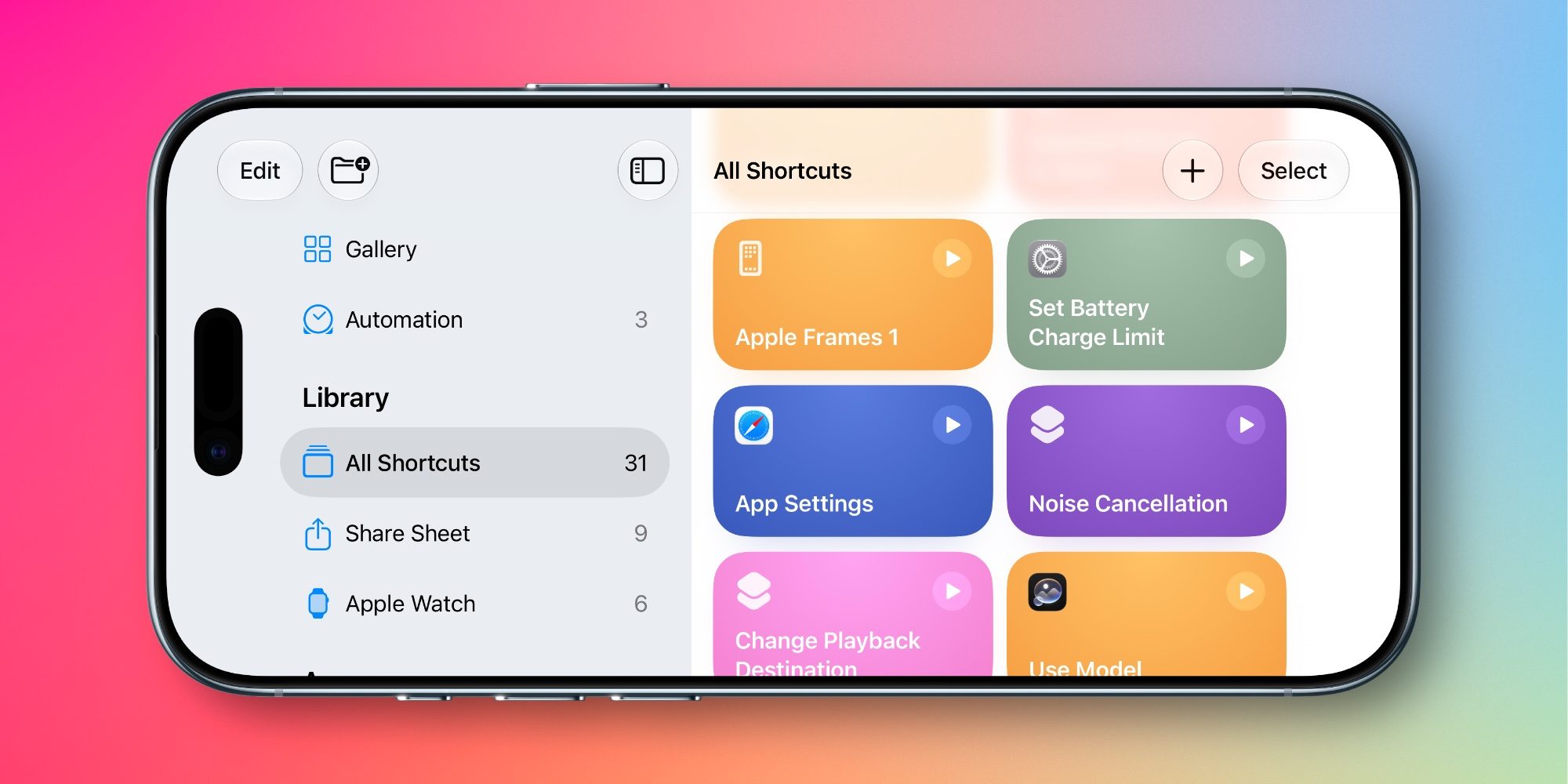
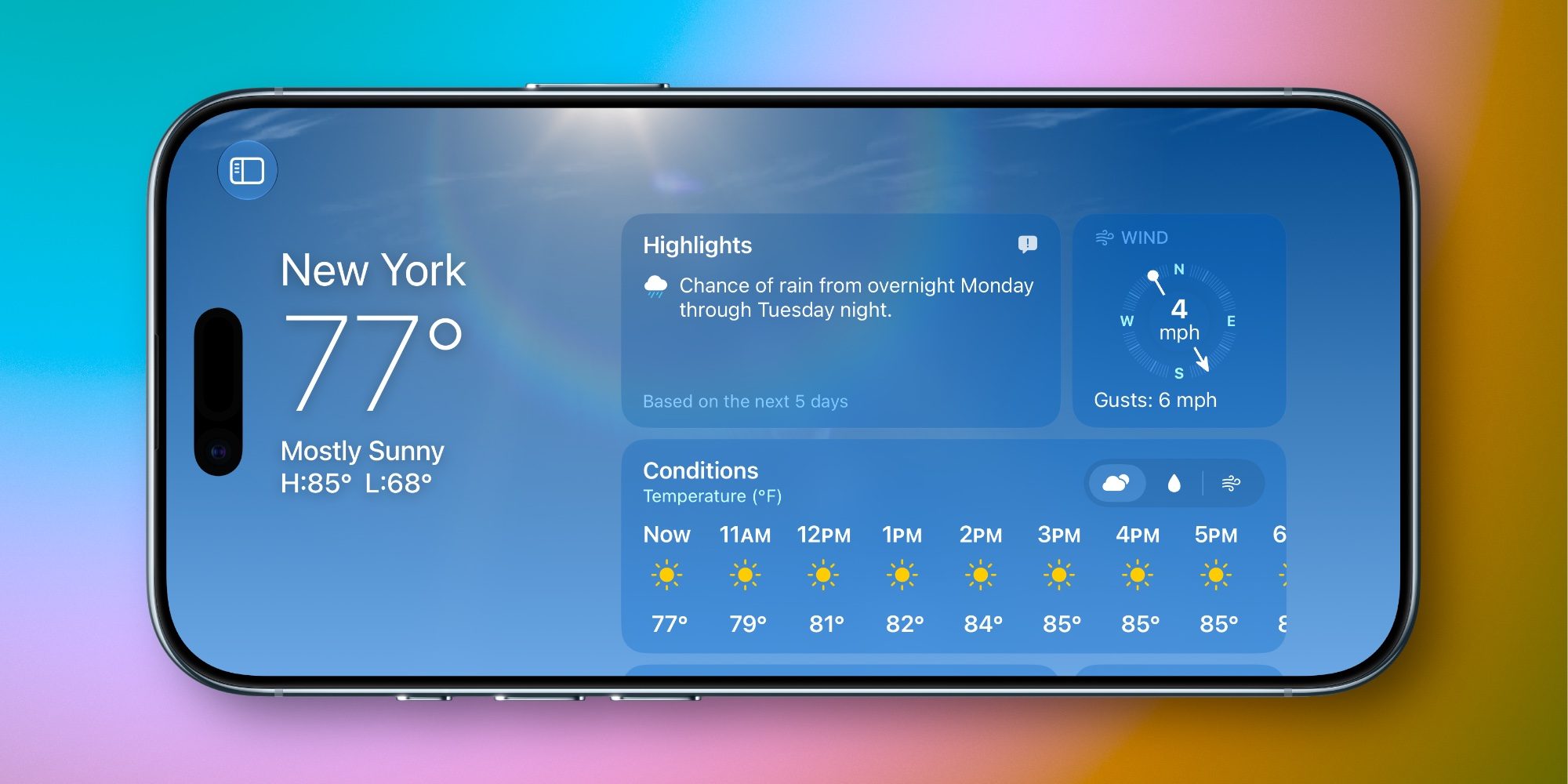
New in iOS 27, landscape mode is now available in the following apps:

  • Find My
  • Fitness
  • Health
  • Home
  • Music (player only)
  • Podcasts (player only)
  • Shortcuts
  • Weather
  • and more
iOS 27 Adds New Reason to Upgrade Your iPhone Screen Size

These join the previously supported apps like Messages, Notes, Mail, Safari, and more.

Landscape mode is technically usable on iPhones with smaller displays. But if you want to get the most out of it, larger iPhone models are the way to go.

I’ve historically favored iPhones with smaller screens. I loved the iPhone mini, for example, and until switching to iPhone Air last year, I always opted for the smaller iPhone Pro, not the Pro Max.

But with iOS 27, larger models like iPhone 18 Pro Max and iPhone Ultra have a new advantage.

By bringing landscape to more apps, Apple is giving iPhones with larger screens a great horizontal experience, with sidebar layouts and other optimizations that don’t feel too cramped to be useful.

Source: 9to5mac

Windows
Mac OS
iOS
Linux
3uTools
Win 64-bit For this device
V9.07 2026-07-17
Download
Win 32-bit For this device
V9.07 2026-07-17
Download
3uTools
Intel Chip How to Identify Chip Type
V9.05 2026-07-25
Download
Apple Silicon
V9.05 2026-07-25
Download
How to Identify Chip Type
1.  Click the Apple icon in the top-left corner of the screen and select About This Mac.
2.  Check the Processor or Chip field to determine if it is "Intel" or "Apple".
Please use the 3uTools PC client to install the iOS client:
1、 Install either the Windows or Mac version of 3uTools on your computer
2、 Open the PC client and connect your device to the computer via USB cable
3、 After the connection is successful, wait for the computer to automatically install the mobile app for the device, or locate “Install Mobile App” on the computer and manually click to install.
3uTools
deb file
V9.01 2026-05-28
Download
rpm file
V9.01 2026-05-28
Download
Windows
Windows
iOS
iOS
Android
Android
TV
TV
3uAirPlayer
Win 64-bit For this device
V6.0.6 2026-06-26
Download
Win 32-bit For this device
V6.0.6 2026-06-26
Download
iOS Device Mirroring (No App Required)
1、 Install 3uAirPlayer on the Windows PC
2、 Open Control Center and select Screen Mirroring
3、 From the list, choose your PC to start mirroring
4、 Or connect your iOS device to the PC via USB to begin mirroring
Scan to get "3uAirPlayer" App
3uAirPlayerTV
 
TV System Requirements: Android 7.0 or later
Download the TV installation package, copy it to a USB drive, insert it into your TV or set-top box, then select the file from the home screen to install.