 NEWS
NEWS
Everything We Know About MacBook Ultra's All-New Design
 07/28/2026
 768
768
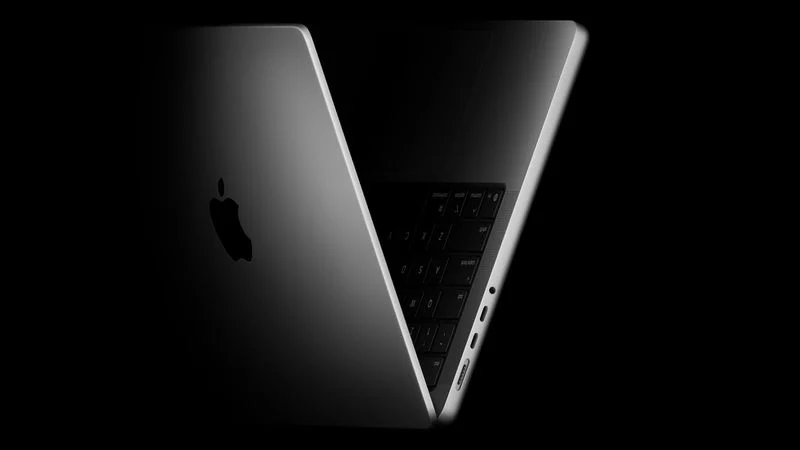
Apple's next high-end laptop is expected to bring the most substantial external changes to the MacBook Pro line since 2021. No renders, case leaks, or dimensions have emerged, but a series of reports have established much of what is set to change.
Bloomberg's Mark Gurman has said there is a good chance the model represents a "true overhaul" for the laptop, thanks to the combination of an OLED display and a thinner design, and Apple is reportedly working toward the thinnest and lightest products in their categories across the tech industry. The design is also expected to extend beyond this machine, with the entry-level 14-inch MacBook Pro due in 2027 said to resemble it.
Every 14-inch and 16-inch MacBook Pro released since 2021 measures 0.61 inches (15.5mm) thick, a figure that has remained unchanged across four chip generations. The next model is expected to be noticeably thinner and lighter, though no credible figure has been reported. Replacing the mini-LED backlight with a hybrid OLED panel removes a physical layer from the lid, so the reduction may be most pronounced in the upper half of the machine.
The notch is expected to be replaced by a hole-punch camera, a change first indicated by a roadmap from research firm Omdia and subsequently corroborated by Bloomberg. The cutout is said to be pill-shaped to accommodate an interactive Dynamic Island.
The notch has been the most distinctive feature of the MacBook Pro's display since 2021, and removing it would leave the menu bar as a continuous strip interrupted by a small island rather than divided in two. Apple appears to be preparing for the change in software, since the "Search or Ask" interface built into Spotlight in macOS 27 adopts a dark, pill-shaped design suited to a cutout of that shape.
The bezels surrounding the display may also shrink. Omdia claims Samsung Display will supply 14.3-inch and 16.3-inch panels, fractionally larger than the 14.2-inch and 16.2-inch displays currently in use, which within a largely unchanged chassis would result in narrower borders.
Apple is also said to be fitting a reinforced hinge so that the display does not wobble when tapped. Whether the lid will also tilt further back than the current model, which stops relatively early for structural reasons, is yet to be seen.
Several elements are expected to carry over. Bloomberg reported in February that the machine would look a lot like the current MacBook Pro, specifying that the keyboard and trackpad would be retained and that the device would remain a conventional clamshell in 14-inch and 16-inch sizes, rather than a detachable or convertible design. HDMI, MagSafe, and the SD card slot were reinstated in the 2021 redesign after an unpopular absence, and no report has suggested they will be removed again.
Source: Macrumors










