NEWS

Here's Why Apple is Reportedly Skipping M6 Pro and M6 Max Chips

07/13/2026

36

 Here's Why Apple is Reportedly Skipping M6 Pro and M6 Max Chips


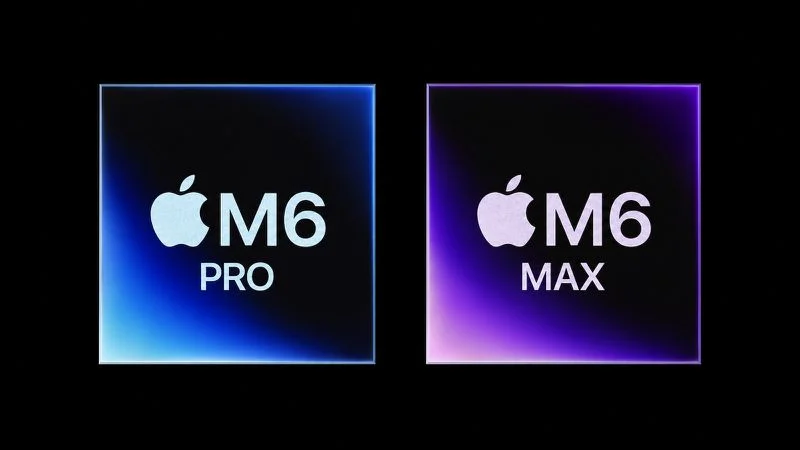
According to Bloomberg's Mark Gurman, Apple will be releasing a regular M6 chip, but it has no plans to offer higher-end M6 Pro and M6 Max chips. In his Power On newsletter today, he said the reason for this break in tradition is AI.


"Apple had been planning major neural-processing upgrades for the M7 family and ultimately decided those improvements were important enough to justify accelerating the next generation rather than completing the M6 lineup," he explained.


There won't be an M6 Ultra chip either, he said.


A new 14-inch MacBook Pro with a base M6 chip will be released later this year, and then Apple plans to move on to releasing the base M7 chip in the first half of 2027, M7 Pro and M7 Max chips in late 2027, and an M7 Ultra chip in 2028.


He said the M7 Ultra chip in particular "dramatically upgrades AI performance," and that it may power Apple Intelligence servers starting in 2029.


"AI is no longer just another feature Apple's chips need to support," said Gurman. "It is now shaping how those products are designed and when they are shipped."


The current M5 Pro and M5 Max chips launched in March, and Gurman still expects an M5 Ultra chip to debut in the Mac Studio as early as this year.


A summary:


  • M5 chip: October 2025
  • M5 Pro and M5 Max chips: March 2026
  • M5 Ultra chip: Late 2026
  • M6 chip: Late 2026
  • M7 chip: First half of 2027
  • M7 Pro and M7 Max chips: Second half of 2027
  • M7 Ultra chip: 2028

Source: Macrumors

Windows
Mac OS
iOS
Linux
3uTools
Win 64-bit For this device
V9.06 2026-04-09
Download
Win 32-bit For this device
V9.06 2026-04-09
Download
3uTools
Intel Chip How to Identify Chip Type
V9.03 2026-03-27
Download
Apple Silicon
V9.03 2026-03-27
Download
How to Identify Chip Type
1.  Click the Apple icon in the top-left corner of the screen and select About This Mac.
2.  Check the Processor or Chip field to determine if it is "Intel" or "Apple".
Please use the 3uTools PC client to install the iOS client:
1、 Install either the Windows or Mac version of 3uTools on your computer
2、 Open the PC client and connect your device to the computer via USB cable
3、 After the connection is successful, wait for the computer to automatically install the mobile app for the device, or locate “Install Mobile App” on the computer and manually click to install.
3uTools
deb file
V9.01 2026-05-28
Download
rpm file
V9.01 2026-05-28
Download
Windows
Windows
iOS
iOS
Android
Android
TV
TV
3uAirPlayer
Win 64-bit For this device
V6.0.6 2026-06-26
Download
Win 32-bit For this device
V6.0.6 2026-06-26
Download
iOS Device Mirroring (No App Required)
1、 Install 3uAirPlayer on the Windows PC
2、 Open Control Center and select Screen Mirroring
3、 From the list, choose your PC to start mirroring
4、 Or connect your iOS device to the PC via USB to begin mirroring
Scan to get "3uAirPlayer" App
3uAirPlayerTV
 
TV System Requirements: Android 7.0 or later
Download the TV installation package, copy it to a USB drive, insert it into your TV or set-top box, then select the file from the home screen to install.