 NEWS
NEWS
Everything Coming in the 2026 Apple TV 4K
 07/09/2026
 1029
1029
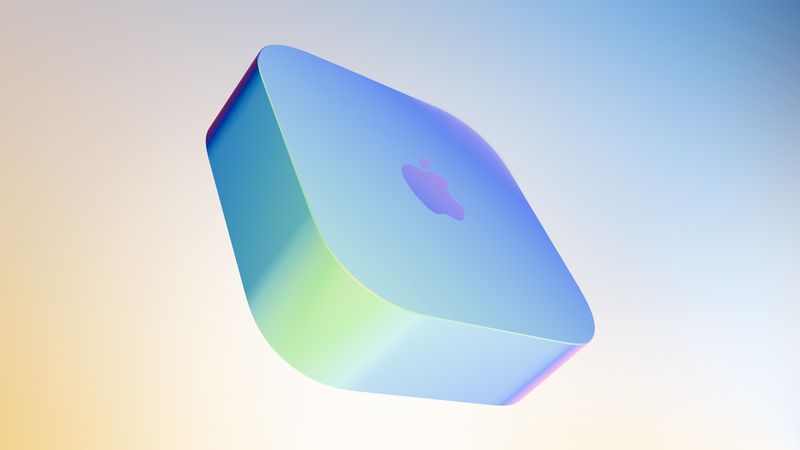
The Apple TV 4K hasn't been updated since 2022, and it's due for a refresh. An update is planned for 2026, but Apple is likely going to wait to launch it after Siri AI launches in iOS 27.
Design
Apple TV design updates don't happen often, and that's not changing. The next Apple TV is going to have the same squircle shape as the current model, and it'll continue to be made from a black plastic material.
We're expecting the 2026 Apple TV to be indistinguishable from the existing Apple TV on the exterior, with no changes to size or design.
New Chip
The Apple TV 4K is going to get a new A-series chip, and that'll be the biggest upgrade. Rumors suggest Apple is planning to use the A17 Pro that was first introduced in the iPhone 15 Pro models.
Compared to the A15 Bionic in the current Apple TV, the A17 Pro is a solid update, and it's a good reason to hold off on buying the current model. The A17 Pro is built on a 3-nanometer process for faster speeds and better efficiency. It has hardware-accelerated ray tracing for higher-quality graphics in games and it supports hardware-accelerated AV1 decoding, which is useful for streaming content.
The A17 Pro is the oldest chip Apple makes that supports Apple Intelligence, and it's also used in the iPad mini 7.
Since Apple has held the Apple TV update for so long, it's possible it'll get an even newer chip like the A18 or A19. A RAM update is possible too, especially if the Apple TV has any kind of Apple Intelligence support.
Apple Intelligence and Siri
The next Apple TV is ready to launch, but new Siri features are the holdup. Apple wants to release the Apple TV with the smarter version of Siri that Apple is testing in iOS 27, iPadOS 27, and macOS 27.
Bloomberg's Mark Gurman says the Apple TV is linked to "new artificial intelligence features" that Apple has postponed until iOS 27, which is launching in September 2026. Apple intended to debut the Apple Intelligence Siri features in spring 2026, but the company was still experiencing issues with Siri. At this point, we're not going to see new Siri capabilities until iOS 27, which also means a delay for all the devices that Apple is holding.
Along with the Apple TV, the rumored home hub and a new version of the HomePod are waiting on Siri AI's launch.
Updated Siri features may require more RAM and a faster chip, so if you want the smarter Siri on the Apple TV, that's another reason to wait before making a purchase.
Wi-Fi
The Apple TV could get Apple's N1 networking chip with Wi-Fi 7 support. Wi-Fi 7 works with the 6GHz band offered by newer routers.
6GHz connectivity is faster and less congested, which you want for a streaming device.
Bluetooth and Thread
The Apple TV 4K could get Bluetooth 6 for connecting devices like controllers and earbuds.
Apple's N1 chip also supports Thread, so the Apple TV will be able to continue to serve as a Thread border router and a Matter hub for smart home devices.
Siri Remote
It's possible Apple will introduce a new Siri Remote alongside the Apple TV, though it's unclear what Apple might change.
Pricing
There were rumors of a price drop, but with the June 2026 price increase for the 2022 Apple TV and all Macs and iPads, a lower price is unlikely.
Launch Date
With Siri AI set to launch in September in iOS 27, we could see the Apple TV refreshed right around when new iPhone models come out.
Source: Macrumors










