 NEWS
NEWS
Touchscreen MacBook '100% Confirmed,' Says Reputable Leaker
 06/12/2026
 857
857
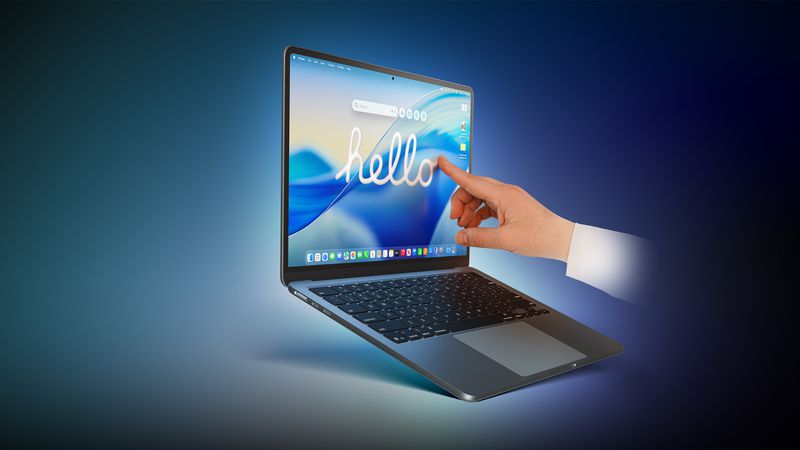
Apple's first touchscreen MacBook is now "100% confirmed," according to the prolific Chinese leaker known as Instant Digital, who appears to have insider information from sources in the supply chain. The leaker made their definitive statement this morning in a Weibo post.
Instant Digital has a good track record for Apple rumors and has provided some strikingly accurate information in the past, so it's always worth noting what they have to say about Apple's plans. The claim is also backed by several recent reports.
Recurring rumors about Apple's touchscreen MacBook development actually go back a few years. In January 2023, Bloomberg's Mark Gurman said that a MacBook Pro with an OLED display would be the first touchscreen Mac. The machine was initially slated for 2025, but that timeline never played out.
Since then, reports have become more frequent and assertive. In September 2025, analyst Ming-Chi Kuo said the first touchscreen OLED MacBook Pro would enter mass production in 2026. Gurman has also repeatedly stated that the next 14-inch and 16-inch MacBook Pro models will have touchscreen and are slated to launch in late 2026 to early 2027 – with the global memory chip shortage potentially making 2027 more likely.
Touchscreen support is expected to be one of several major upgrades coming to Apple's next-generation high-end MacBook Pro models. Other rumored features include M6 Pro and M6 Max chips, an OLED display, a Dynamic Island (i.e., no notch), and a thinner design. The new laptops could also adopt MacBook Ultra branding.
Notably, macOS 27 Golden Gate also introduces a more touch-friendly interface, since Apple's Sidecar feature now allows users to tap and interact with macOS interface elements using a finger on their iPad.
Apple apparently is not going to advertise the new MacBook Pro/Ultra as a touch-first device like the iPad – it will be "touch-friendly, not touch-first," according to Gurman. In that sense, Apple will let customers use touch and mouse gestures interchangeably for all functions.
Apple has long rejected the idea of a touchscreen Mac, so moving ahead with one would be a major shift in the company's thinking. In 2010, Steve Jobs argued that "touch surfaces don't want to be vertical," citing the arm fatigue that comes from repeatedly reaching up to a screen.
More than a decade later, in 2021, Apple's hardware engineering chief John Ternus – soon to be Apple CEO – said the Mac was "totally optimized for indirect input" and that Apple saw no compelling reason to change that approach.
Source: Macrumors










