 NEWS
NEWS
Apple Intelligence Image Models to Boast ‘Major’ Visual Upgrades in iOS 27: Report
 05/25/2026
 1541
1541
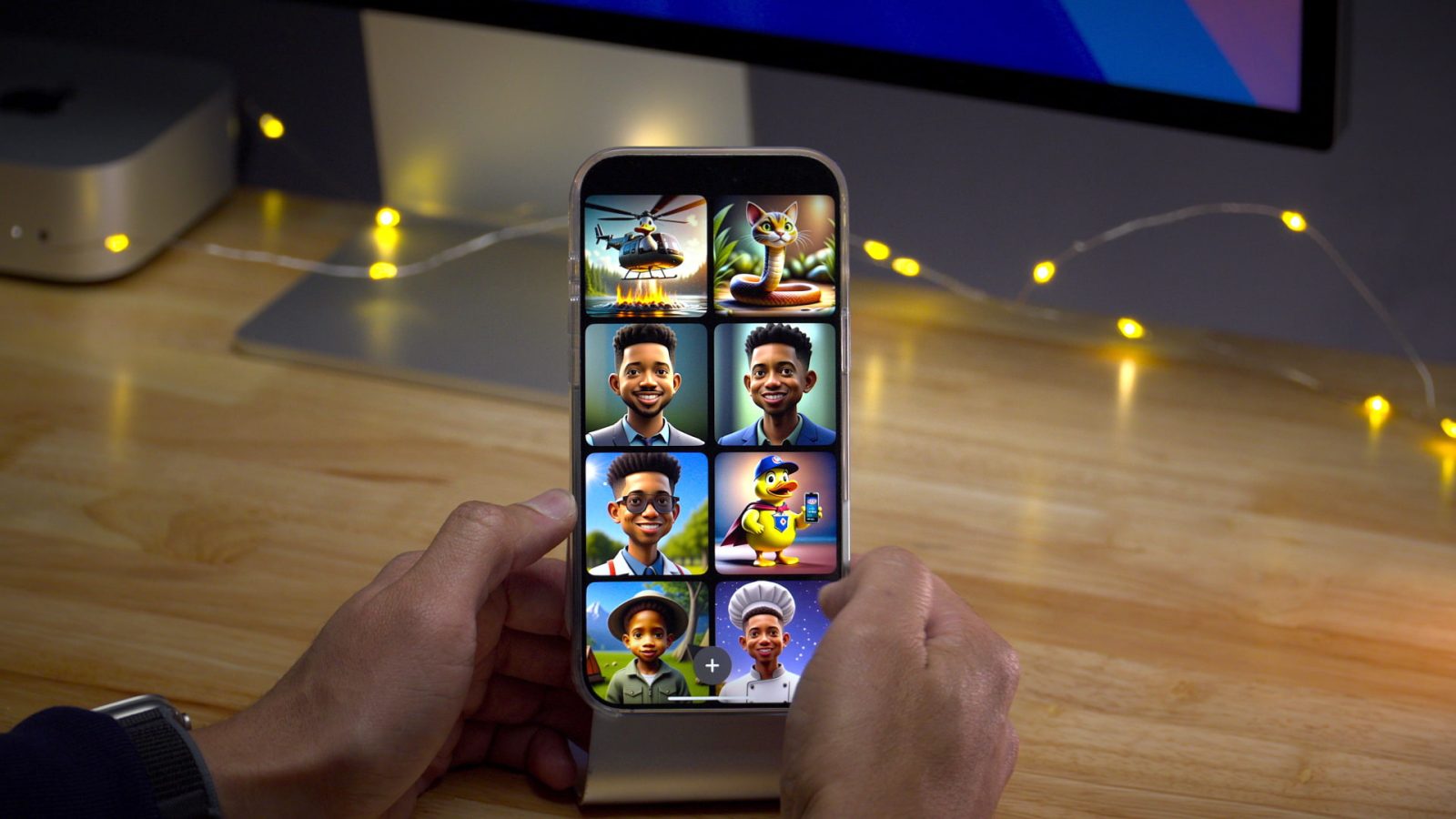
According to this weekend’s Power On newsletter, Apple’s image generation models – used in Genmoji and Image Playground – will be receiving a ‘big boost’ in visual quality. Currently, they’re far from anything to write home about.
We’ve recently heard that Apple will be implementing new suggested Genmoji based on your photo library and other key details – but that won’t be the only upgrade coming to Genmoji this year. According to Mark Gurman, Apple’s models will be receiving a ‘big boost’ in visual quality:
I’ve also reported that Apple is preparing to support third-party AI models — beyond OpenAI’s ChatGPT — for image creation in the redesigned Image Playground app in iOS 27. It turns out, I’m now told, there’s a little more to the story: Apple’s own models for Genmoji and Image Playground have been improved, so quality is getting a big boost this year.
When Image Playground and Genmoji debuted in iOS 18.2, the image fidelity was certainly far from impressive. Genmoji was generally okay, but Image Playground was incredibly poor – especially in comparison to other image generation tools. This didn’t realistically matter, since the world probably needs less AI slop apps, but at the end of the day, Apple decided to ship Image Playground, and it shouldn’t have been bad as it was.
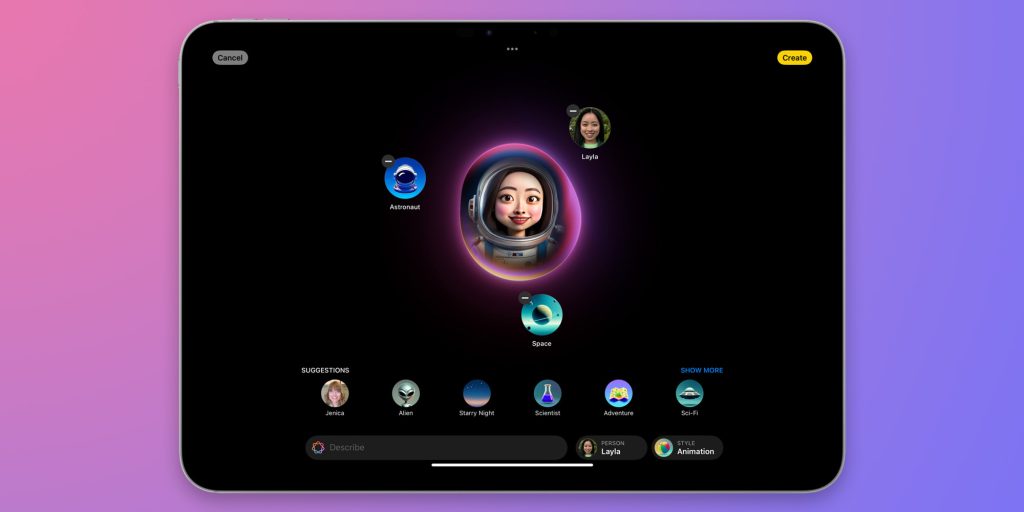
Granted, there is the fact that Image Playground and Genmoji are powered by on-device models. That doesn’t necessarily excuse the fact that it’s poor, but it’s part of the explanation. Either way, quality should get much better this year, though it’s unclear whether or not the models will still run on-device.
Lastly, Apple will be adding support for other AI image generation models in Image Playground. Currently, it supports ChatGPT image generation. It’ll likely expand to support Google’s Nano Banana models, among other competitors.
Source: 9to5mac










