NEWS

New iOS 27 Rumors Include Revamped AirPods Settings Menu and More

05/25/2026

57

 New iOS 27 Rumors Include Revamped AirPods Settings Menu and More


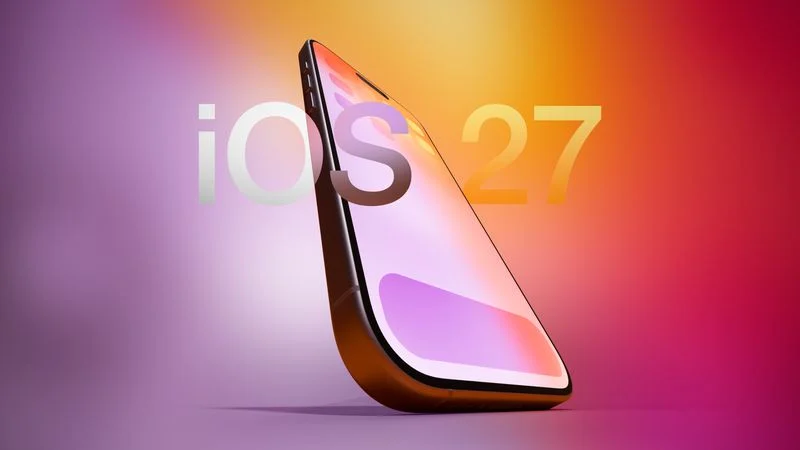
Apple is set to unveil iOS 27 next month ahead of a September release. The update is expected to include a dedicated Siri app, expanded Apple Intelligence capabilities in apps like Wallet, Safari, and Shortcuts, an upgraded keyboard with improved autocorrect, the ability to use Apple Maps via satellite connection, and more.


In his Power On newsletter today, Bloomberg's Mark Gurman revealed four additional iOS 27 changes related to AirPods, Genmoji, AirPlay, and Siri.


Here are his latest iOS 27 expectations:


  • A revamped AirPods setting menu that is better organized
  • Improved quality for Genmoji and Image Playground creations
  • The ability to set AirPlay alternatives such as Google Cast as default — possibly EU only
  • A new Siri interface with a dark color scheme, similar to Apple's WWDC 2026 graphics


Apple's WWDC 2026 keynote begins on Monday, June 8 at 10 a.m. Pacific Time, so we should learn more about these features in a few weeks.


Source: Macrumors

Windows
Mac OS
iOS
Linux
3uTools
Win 64-bit For this device
V9.06 2026-04-09
Download
Win 32-bit For this device
V9.06 2026-04-09
Download
3uTools
Intel Chip How to Identify Chip Type
V9.03 2026-03-27
Download
Apple Silicon
V9.03 2026-03-27
Download
How to Identify Chip Type
1.  Click the Apple icon in the top-left corner of the screen and select About This Mac.
2.  Check the Processor or Chip field to determine if it is "Intel" or "Apple".
Please use the 3uTools PC client to install the iOS client:
1、 Install either the Windows or Mac version of 3uTools on your computer
2、 Open the PC client and connect your device to the computer via USB cable
3、 After the connection is successful, wait for the computer to automatically install the mobile app for the device, or locate “Install Mobile App” on the computer and manually click to install.
3uTools
deb file
V9.0 2026-04-16
Download
rpm file
V9.0 2026-04-16
Download
Windows
Windows
iOS
iOS
Android
Android
TV
TV
3uAirPlayer
Win 64-bit For this device
V6.0.5 2026-04-23
Download
Win 32-bit For this device
V6.0.5 2026-04-23
Download
iOS Device Mirroring (No App Required)
1、 Install 3uAirPlayer on the Windows PC
2、 Open Control Center and select Screen Mirroring
3、 From the list, choose your PC to start mirroring
4、 Or connect your iOS device to the PC via USB to begin mirroring
Scan to get "3uAirPlayer" App
3uAirPlayer TV V1.0.18
2025-11-28
TV System Requirements: Android 7.0 or later
Download the TV installation package, copy it to a USB drive, insert it into your TV or set-top box, then select the file from the home screen to install.