 NEWS
NEWS
Standalone Siri App to Offer Auto-Deleting Chat History, Launch with Beta Label: Report
 05/18/2026
 1190
1190
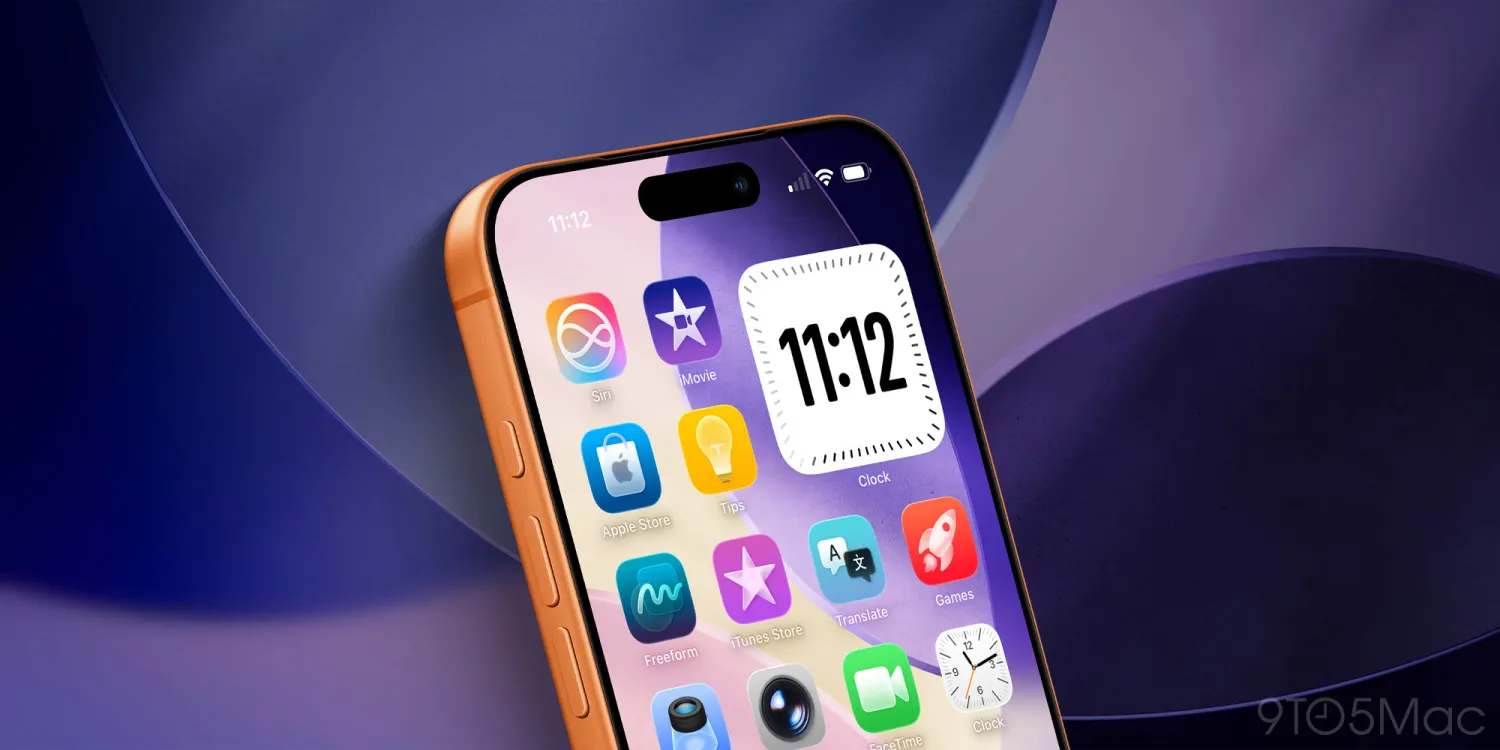
Next month at WWDC 2026, Apple is expected to finally live up to its AI Siri promises, and more. The company has long been working on a new standalone Siri app to boost how users interact with Siri and Apple Intelligence – and it should be debuting in beta next month.
According to a new report from Bloomberg’s Mark Gurman, the new Siri app will come with a privacy feature similar to one on iMessage: auto-deleting chats. He also expects Siri to launch with a beta label even when it’s available publicly in the fall, similar to some previous Apple rollouts.
New Siri app with auto-deleting chats
Despite initially having hesitancy to launching a Siri chatbot, it sounds like Apple will be doing exactly that with iOS 27. There’ll be a new standalone Siri app with conversation history, the ability to start new chats or voice conversations, and upload files to Siri. You’ll also have a new universal gesture for entering a new Siri chat.
Of course, this all hinges on Siri being good – which should hopefully be the case with the Apple and Google deal to use Gemini models to power Siri.
One of the key points with Apple’s new Siri revamp is privacy. The company will be running Gemini-based Siri on its own private cloud compute servers, rather than just handing all of your data directly to Google. Some of the details are still unclear, but nonetheless, Google shouldn’t use your Siri conversations for model training.
Another privacy win with the new Siri app will be auto-deleting conversation history. On the Messages app, you can set your conversation history to automatically delete after 30 days or a year, or leave them indefinitely. The same options will exist in the new Siri app, per Bloomberg.
Lastly, the new Siri app will have two interface options: you can either open up to the new conversation view (like ChatGPT), or open to a Messages-style conversation list.
Siri will come with a beta label
New features launching with a beta label is by no means a new thing for Apple. Even when Apple Intelligence begun to debut in iOS 18, it shipped with a beta label – and that’s expected to carry through with the new Siri in iOS 27. From the report:
●Test versions of iOS 27 within Apple use this label for the new Siri and include a toggle to leave the Siri beta. Given that we’re only a month out from WWDC, there is a strong chance that this approach will be used in developer beta versions and even when iOS 27 ships this fall. This all means that, even after a two-year delay (the revamped Siri was supposed to arrive in 2024), the company could still brand the new features as unfinished.
It also sounds like the company will allow users to opt out of the new Siri beta. It’s unclear if this opt-out will be separate from the already-existing Apple Intelligence opt-out, or if it’ll be a level above that. As a sidebar, I do wish Apple had more granular feature opt-outs for Apple Intelligence instead of an all-encompassing toggle.
Source: 9to5mac










