 NEWS
NEWS
Safari 27 Will Use AI to Automatically Group Your Browser Tabs
 05/11/2026
 1017
1017
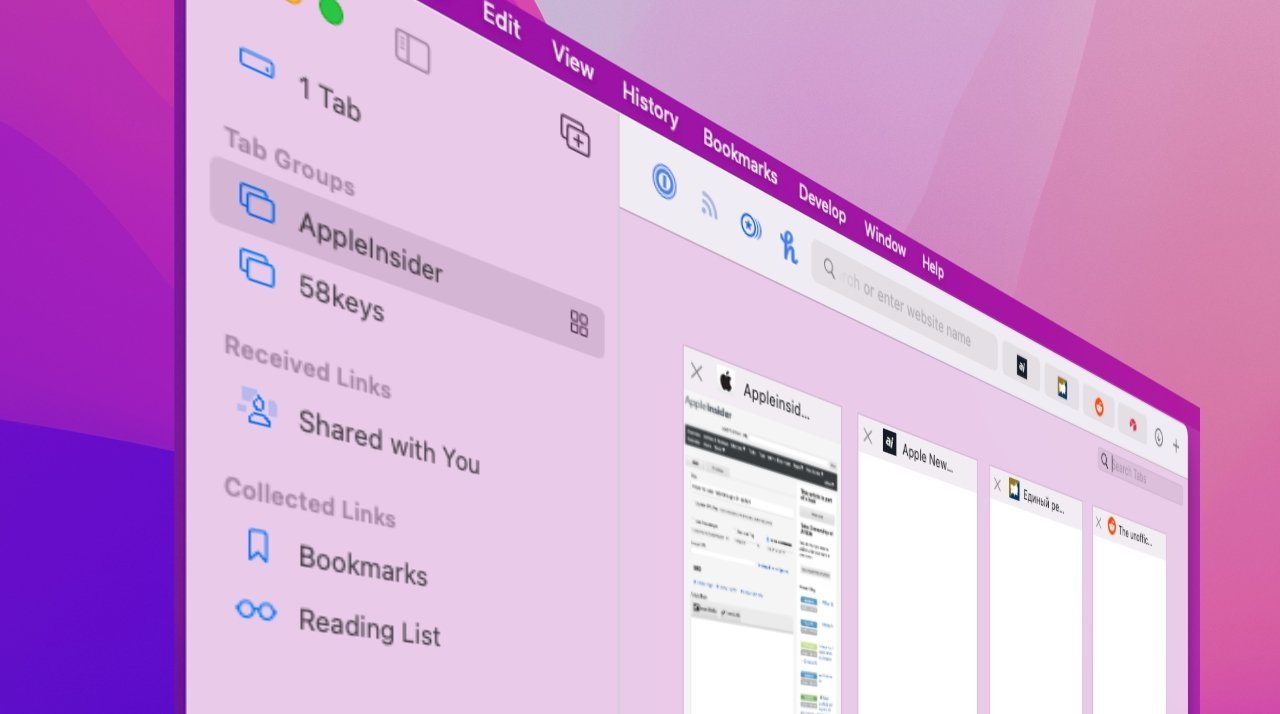
Likely debuting at WWDC, Safari users will soon find it will be easier to create groups of tabs, with a test version of the browser for the 27 operating systems using AI to group them for you.
Apple introduced Tab Groups in Safari 15 back in 2021, to help users organize and save groups of frequently-used browser tabs. Five years later, it is planning another change to the feature.
A test version of Safari for iOS 27, iPadOS 27, and macOS 27 has updated the Tab Groups to include an automated organization feature, says Mark Gurman in his "Power On" newsletter for Bloomberg. The center-top button for moving between tab groups has a new test option, appropriately titled "Organize Tabs."
This feature is used to tell Safari to automatically group tabs together, or to leave them be manually collated by the user. When selected, Safari says that "tabs will group into topics you browse."
Apple apparently hasn't labeled it as a feature that uses Apple Intelligence, but it is using some form of AI. This sounds similar in concept to the Reminders feature, which can group items from a list into categories, such as product types in a shopping list.
Part of a wider OS update
The Safari update is going to be one of a number of software changes introduced as part of the new 27-generation of operating systems, due to be shown off at WWDC 2026 in June. It's also not the only AI-related feature that has cropped up in pre-WWDC reports.
So far, there have been rumors of users being able to select their preferred AI model in iOS 27, expanding on the existing ChatGPT-based capabilities. Visual Intelligence will also be updated for iOS 27, shifted to the Camera app to make it easier to access.
The Photos app is also anticipated to get AI changes, on top of the existing Clean Up feature. This includes extending, reframing, enhancing, and contextual editing of an image.
Source: Macrumors










