 NEWS
NEWS
iOS 27 Has New Features Coming for Two of iPhone’s Most Popular Apps
 05/09/2026
 1666
1666
iOS 27’s unveiling is only weeks away, and rumors for new features keep coming. Here are the rumored iOS 27 upgrades coming for two of iPhone’s most popular apps: Camera and Photos.
Camera app adding new Siri mode with visual intelligence
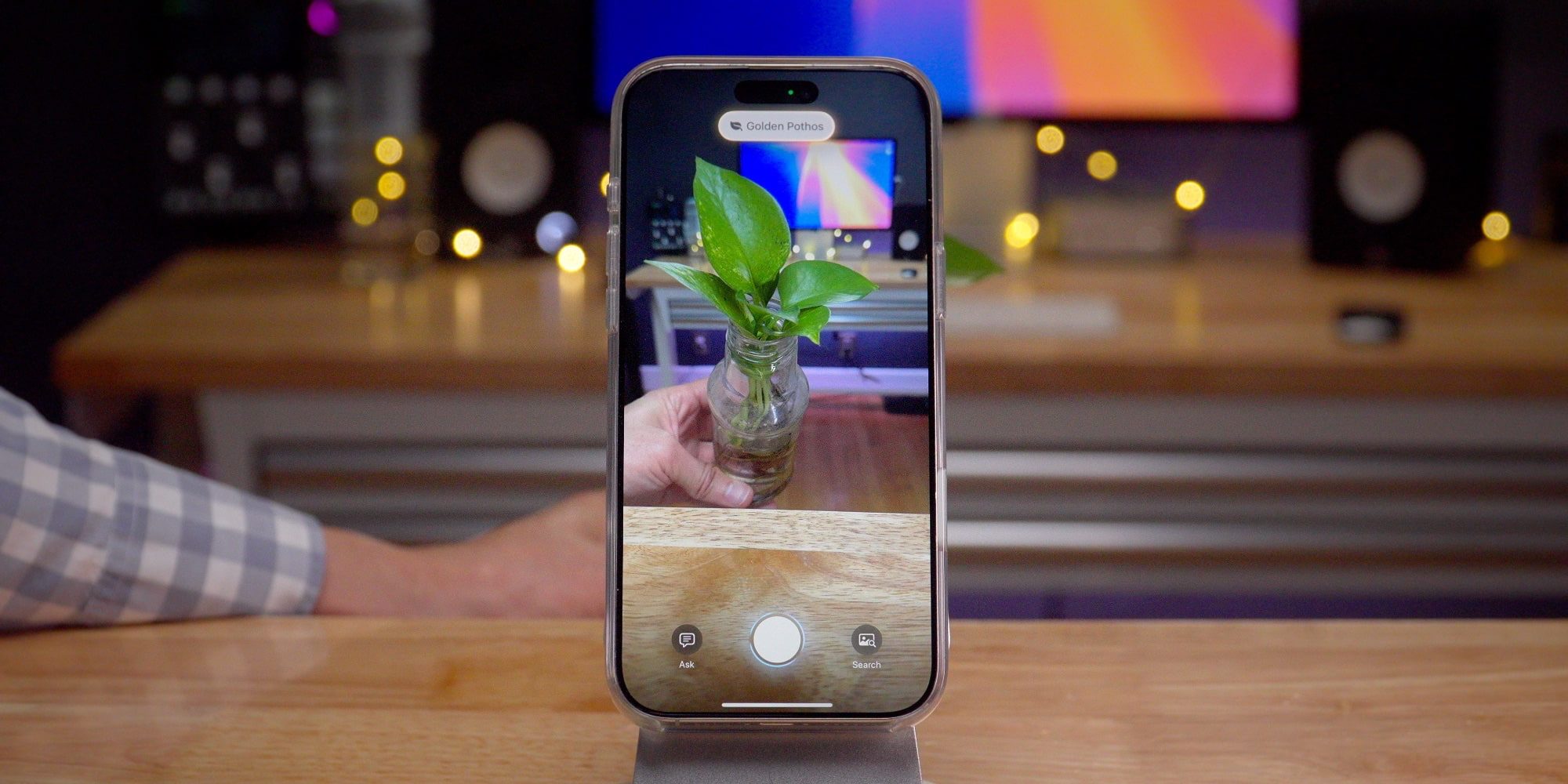
The Camera app on iPhone is rumored to add a brand new ‘Siri’ mode in iOS 27.
Joining existing modes like Photo, Video, Portrait, and Pano, the Siri mode will pull Apple’s visual intelligence features into the native Camera app.
Currently, visual intelligence is an entirely separate feature in iOS. You get to it by long-pressing the iPhone’s Camera Control, or by adding a launcher to Control Center or your Lock Screen.
Visual intelligence lets you use AI to get information about whatever you’re looking at. And in addition to the Camera app integration, there are at least two new features coming for the feature.
Per Bloomberg, the Siri mode in the Camera will let you scan nutritional labels to quickly, easily log dietary information in Apple’s Health app. And there’s also support coming for scanning a business card to add its details to the Contacts app.
Apple Photos gaining new AI editing tools and more
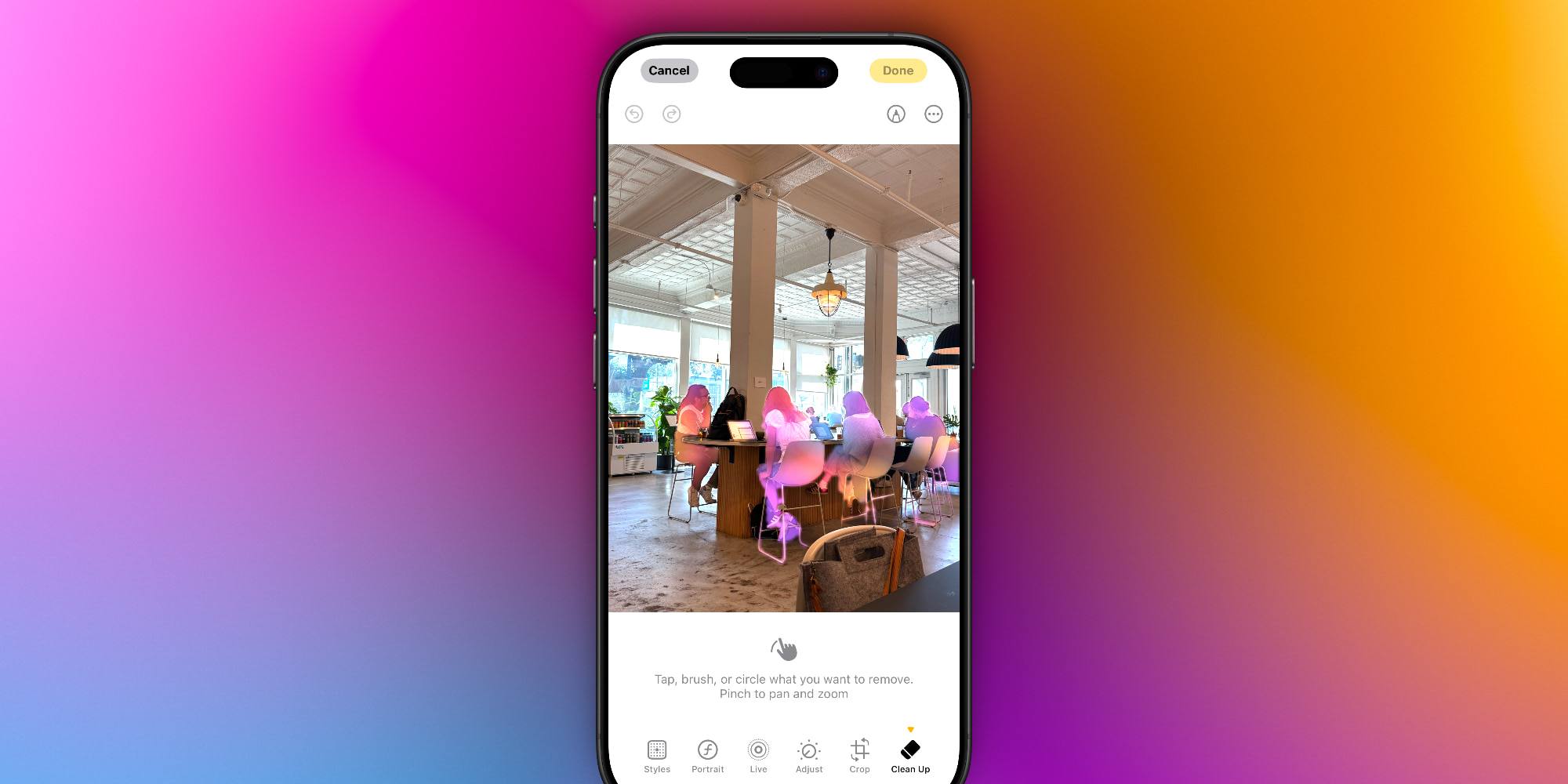
Apple’s Photos app is rumored to add three new image editing features powered by AI. Per Mark Gurman:
- Extend: “lets users generate additional image content beyond the original frame. For example, someone could take a close-up photo of a landmark and use the tool to fill in surrounding scenery.”
- Enhance: “uses AI to automatically improve color, lighting and overall image quality.”
- Reframe: “designed primarily for spatial photos…allows users to shift perspective after the shot is taken. A photo of a car, for instance, could be adjusted from a front-facing view to emphasize the side.”
These capabilities join the existing Cleanup feature added in iOS 18. They’re all expected to be powered by the new Google Gemini offshoot of Apple Foundation Models.
Additionally, a leak last year said the Photos app would get features to improve Collections in iOS 27. No further details were shared, but perhaps there are bigger Photos changes coming.
Source: 9to5mac










