 NEWS
NEWS
Apple Cuts More Mac Studio and Mac Mini RAM Options as Memory Shortage Worsens
 05/06/2026
 1359
1359
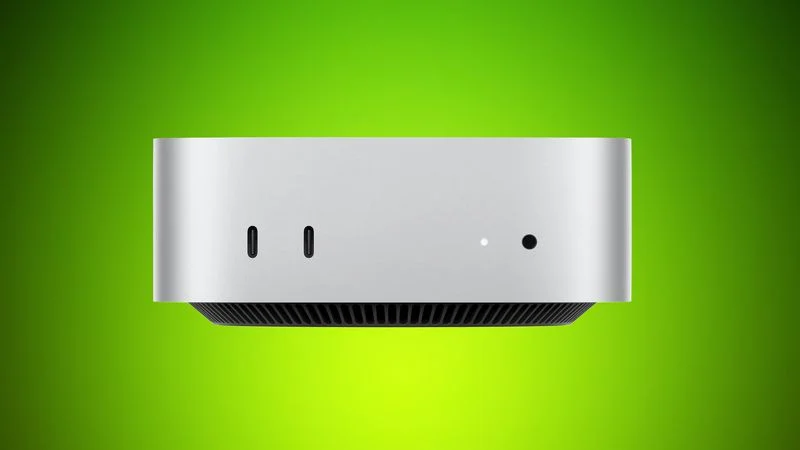
Apple has removed more desktop Macs from its online store as the global memory shortage continues. Mac mini models with 32GB and 64GB of RAM are no longer available for purchase, nor is the M3 Ultra Mac Studio with 256GB RAM.
The M3 Ultra Mac Studio is now available only in a 96GB RAM configuration, with higher-tier options eliminated. Both M3 Mac Studio and M4 Max Mac Studio models have delivery estimates of 9 to 10 weeks.
As for the Mac mini, the M4 Pro model now maxes out at 48GB of RAM, with customers no longer able to choose the 64GB option. The standard M4 Mac mini can only be purchased with 16GB or 24GB of RAM, because the 32GB option has been removed.
Last week, Apple removed the Mac mini with 256GB of SSD storage, leaving the 512GB model as the minimum option. That effectively raised the price of the Mac mini from $599 to $799. Apple also stopped accepting orders for some Mac Studio and Mac mini machines with higher amounts of RAM in March and April.
Apple CEO Tim Cook recently said that the Mac mini and the Mac Studio are going to be hard to get for months to come. "We think, looking forward, that the Mac mini and Mac Studio may take several months to reach supply demand balance," Cook said.
According to Cook, Apple underestimated the demand for the Mac mini and the Mac Studio from customers looking for a machine to run AI and agentic tools locally. He said Apple also expects significantly higher memory costs in the months to come, so Apple is likely conserving supply by eliminating some configuration options. Global supply constraints caused by AI server demand have impacted the pricing of memory chips, leading to high prices and memory shortages.
Update: Article updated to note that the 32GB M4 Mac mini is also no longer available.
Source: Macrumors










