 NEWS
NEWS
The next iPad Could Sport a New Naming Scheme, Thanks to New Interview Insight
 04/27/2026
 59
59
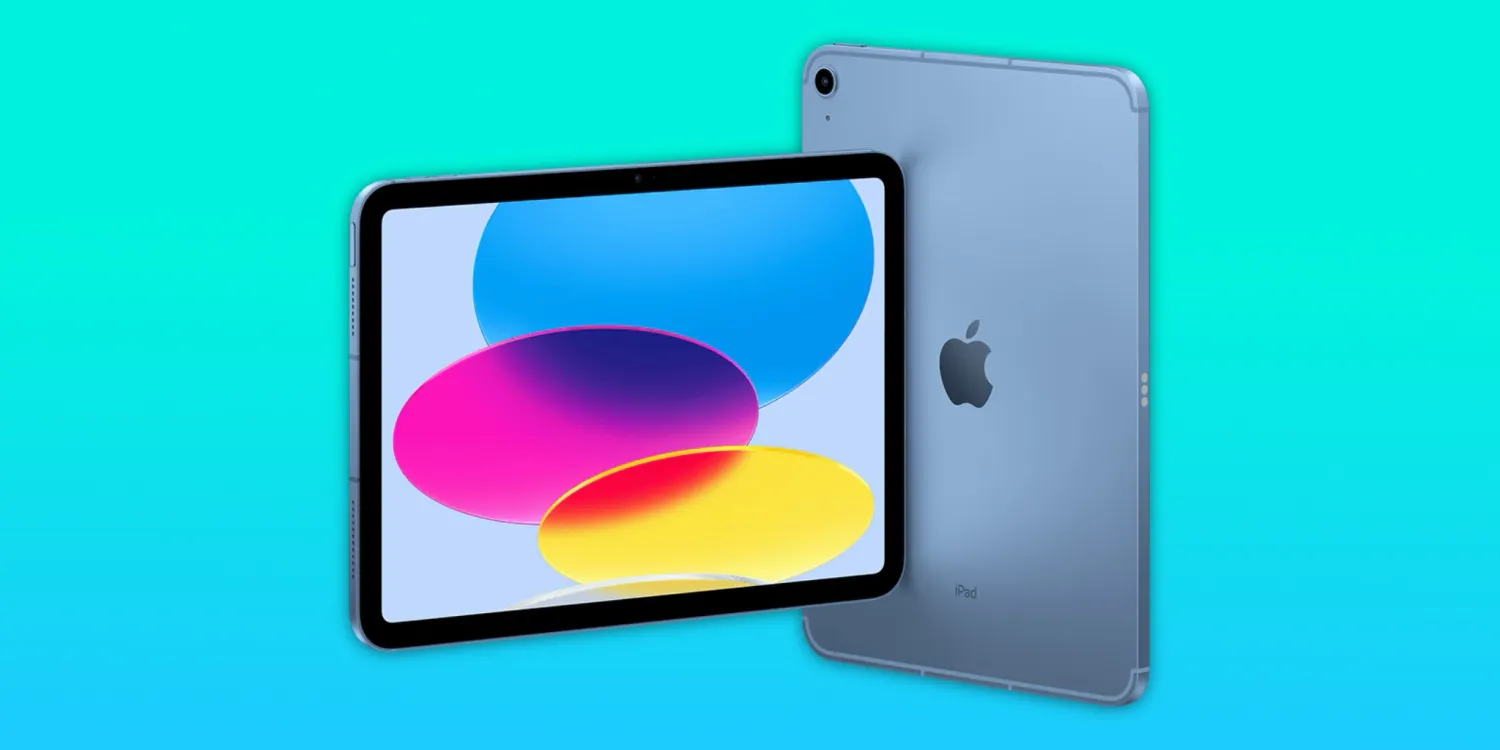
It’s been well over a year since Apple debuted its last entry-level iPad, powered by the A16 chipset. The company will likely release a new version with an A18 chip in the coming months, but there’s a bigger question to be answered – what will they call it?
For the longest time, Apple had been numbering the base model iPad with a generation number – up until the 10th generation iPad with an A14 chip. The next version dropped the numbers entirely, with it being branded simply as the iPad (A16). That makes the performance clear to consumers, but nonetheless – the base iPad has always had a naming crisis.
With the MacBook Neo, Apple took a clear stance – and avoided leaving it without a name. Many had speculated it would just be called ‘MacBook’ with no suffix, since the company had done that for many years prior.
In a recent Tom’s Guide interview with John Ternus and Greg Joswiak while talking about the naming of the MacBook Neo and why it wasn’t called just ‘MacBook,’ Joz made the following remark:
Yeah. I mean, look, you could even make an argument. Did you just call it MacBook? You know, that’s what some people were expecting when we were working on this. And first of all, to do that would have left it without an identity. So, we did want to give it an identity. Um, and we wanted something short and snappy, something that fit in with Air and Pro, but we also wanted something to convey its newness. And Neo literally means new, right? Or reinvention. And as we talked about, this is the reinvention, you know, of a laptop, a low price, high value laptop. So to us, Neo was the perfect name for it.
The next iPad
With these remarks, it seems all but certain that Apple is done with vague, unclear naming schemes for its entry-level products. MacBook Neo is a clear signal, and if you want to go back further, there’s iPhone 16e (and 17e) – ditching the traditional SE moniker.
Many had beloved that naming scheme, but ultimately, it gave no clear indication of where the product fits in the lineup. For that reason, the next iPad could very well be called the iPad Neo.
Now, there is one key element that puts a whole in this theory: the next iPad won’t really be new at all. The design language was initially introduced in 2022, and it won’t be changing much, if at all, for the A18 model. That could mean we see a name other than iPad Neo, or the existing naming could stick around for a short while until the base model iPad sees a major update.
Source: 9to5mac









