 NEWS
NEWS
Apple Has already Teased Siri’s New Design Coming in iOS 27
 04/20/2026
 1022
1022
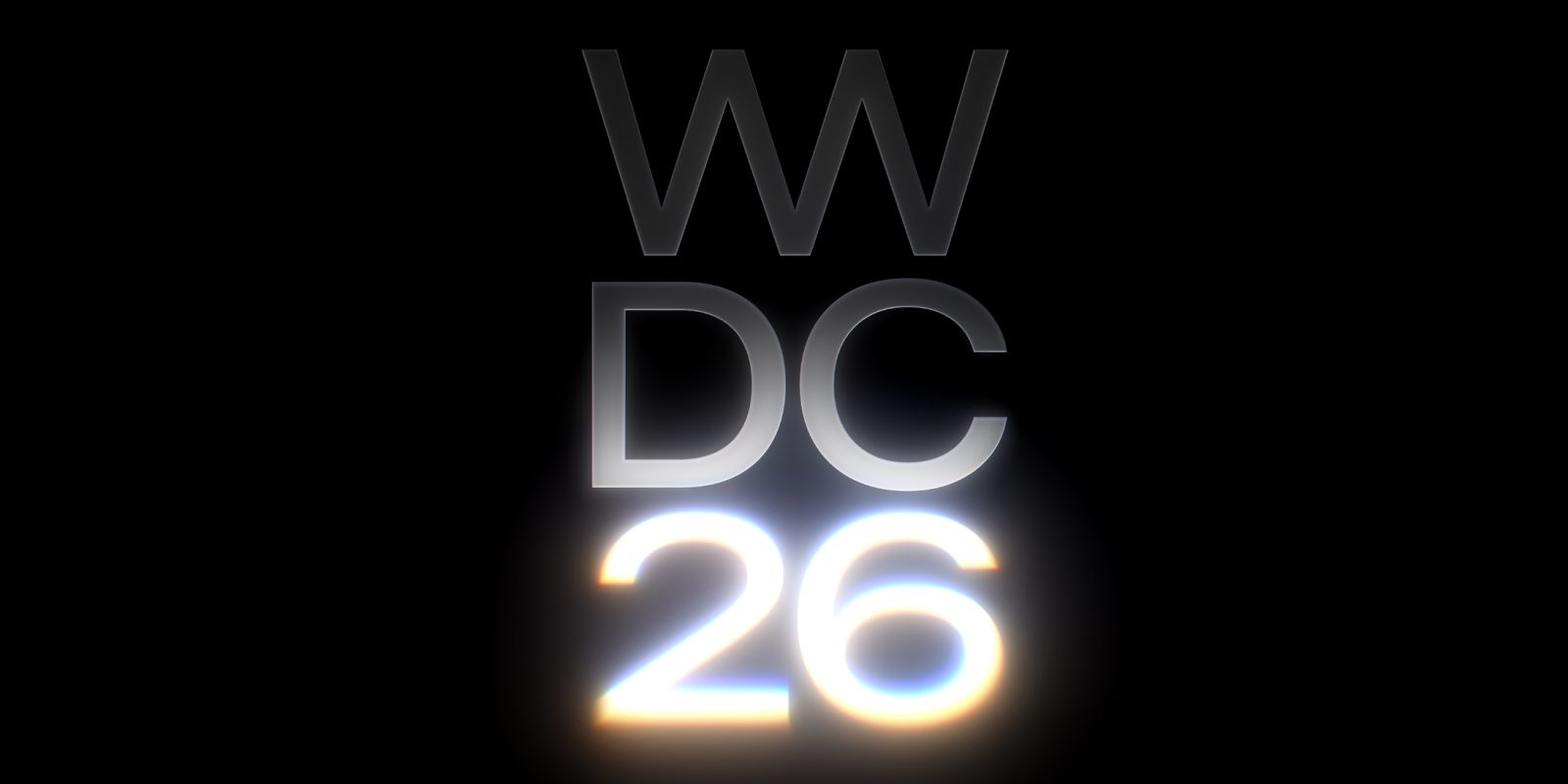
Bloomberg’s Mark Gurman says that Apple’s WWDC26 artwork has already given us our first look at the new design for Siri coming as part of iOS 27. Apple’s voice assistant will finally be getting the revamp it deserves in iOS 27, with a bunch of new functionality and a new look.
Gurman says the new Siri design includes visual elements that resemble the glow effect seen in the WWDC26 poster art. It is reportedly most striking when the iPhone is used in dark mode, which is why the WWDC art used a black background.
Although the designs could change by June, this seems to be the approach Apple is going with. Gurman says that the new Siri emerges from the Dynamic Island of the iPhone display when invoked.
The expanded pill glows in a way that resembles the WWDC artwork. The text field search bar in the new standalone Siri app also apparently gets this visual treatment.
Here’s how Gurman describes it:
Siri’s new look is what Apple is highlighting in its teaser. The design currently being tested within the company includes a Siri interface that sits within the Dynamic Island, the pill-shaped element near the top of the screen. When Siri is triggered, the Island expands with a prompt that reads “Search or Ask,” accompanied by a glowing cursor. It looks similar to how the “26″ is highlighted in the conference’s logo.
This would be the second time Apple has redesigned Siri in the LLM era, with the first Apple Intelligence incarnation centering on a rainbow lighting effect around the edge of the display. This design first shipped in iOS 18. However, as the intended features for that version of Siri failed to ship on time, Apple appears to have gone back to the drawing board.
The new Siri in iOS 27 will make the experience more aligned with other modern AI chatbots. Users will be have to an ongoing back-and-forth conversation, make multiple requests in a single utterance, as well as deliver the previously-promised integration of personal context and onscreen awareness. The brain of Siri will be based on new foundation models using Google Gemini technology.
Source: 9to5mac










