 NEWS
NEWS
iPhone Loyalty Hits 96.4% as Android Users Four Times More Likely to Switch
 04/17/2026
 1581
1581
Customers are more loyal to Apple than ever, according to a smartphone loyalty survey conducted by phone trade-in site SellCell. 96.4% of customers surveyed said they planned to stick with an iPhone for their next upgrade, and 3.6% said they would choose a different brand. That's up from 91.9% in SellCell's 2021 survey and 90.5% in 2019.
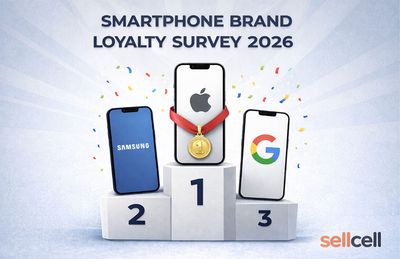
Android users were less loyal to their brand, and are almost 4x more likely to switch than iPhone users. 86.4% of people surveyed said they would stick with an Android device, while 13.6% said they planned to switch.
Of the 3.6% of iPhone users who said they would move to another platform, 69.7% said they would choose a Samsung smartphone, and 20.2% said they would choose a Google smartphone. While most Android users said they would switch to a Samsung or Google device, 26.8% said they would choose an iPhone over an Android smartphone.
Most iPhone users said they would stick with an iPhone because they prefer Apple (60.8%), while 17.4% said they were invested in the Apple ecosystem. About half of iPhone users contemplating switching said they would do so because the iPhone is too expensive or other brands offer better value, but 22.5% said other brands have better technology.
iPhone users were more likely to be loyal over time, and 83.8% said they had used an iPhone for more than five years. By comparison, just 33.8% of Android users said they had stuck with a brand for over five years.
SellCell's survey was limited to 5,000 U.S. respondents. The site says there was a roughly equal representation between iPhone and Android users, with two separate surveys that included the same question structure. More information from the survey is available from SellCell's website.
Source: Macrumors










